
Turn 3 Photos into a Gangnam Style AI Trio Video
Turn three photos into a 10-second Gangnam Style AI trio dance video.
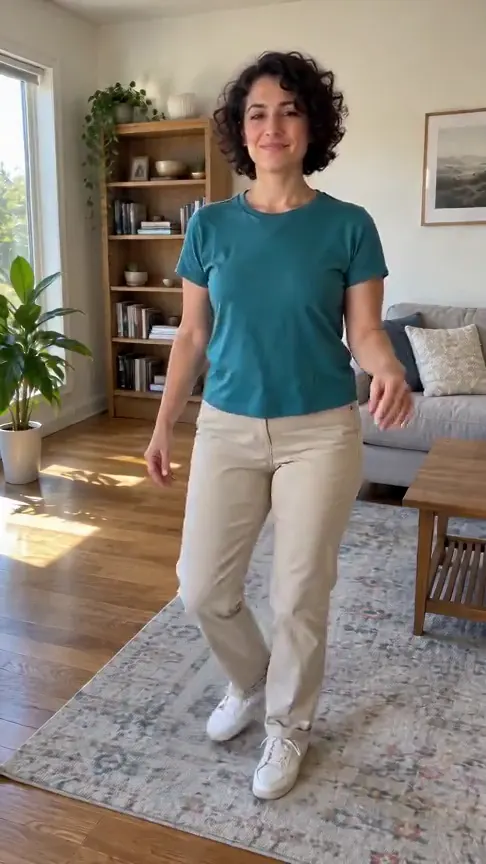
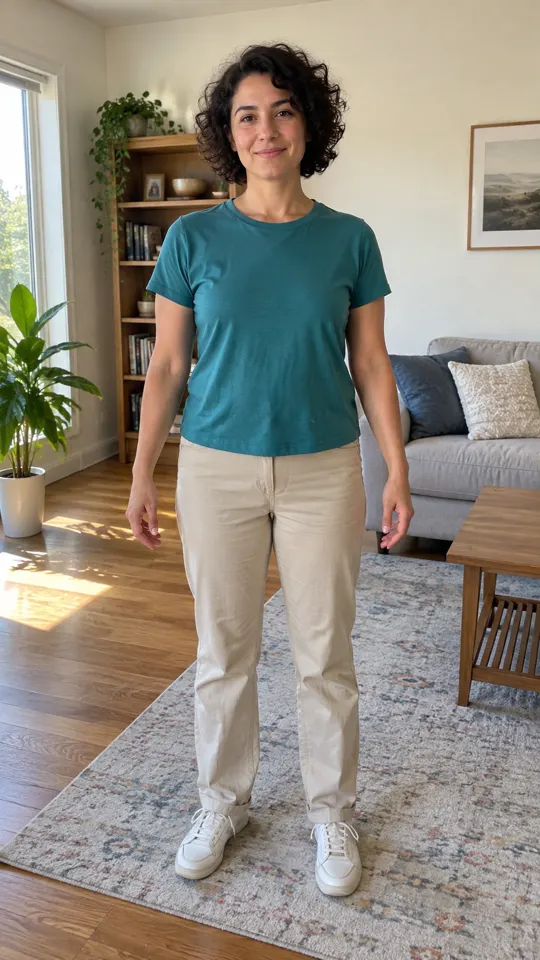
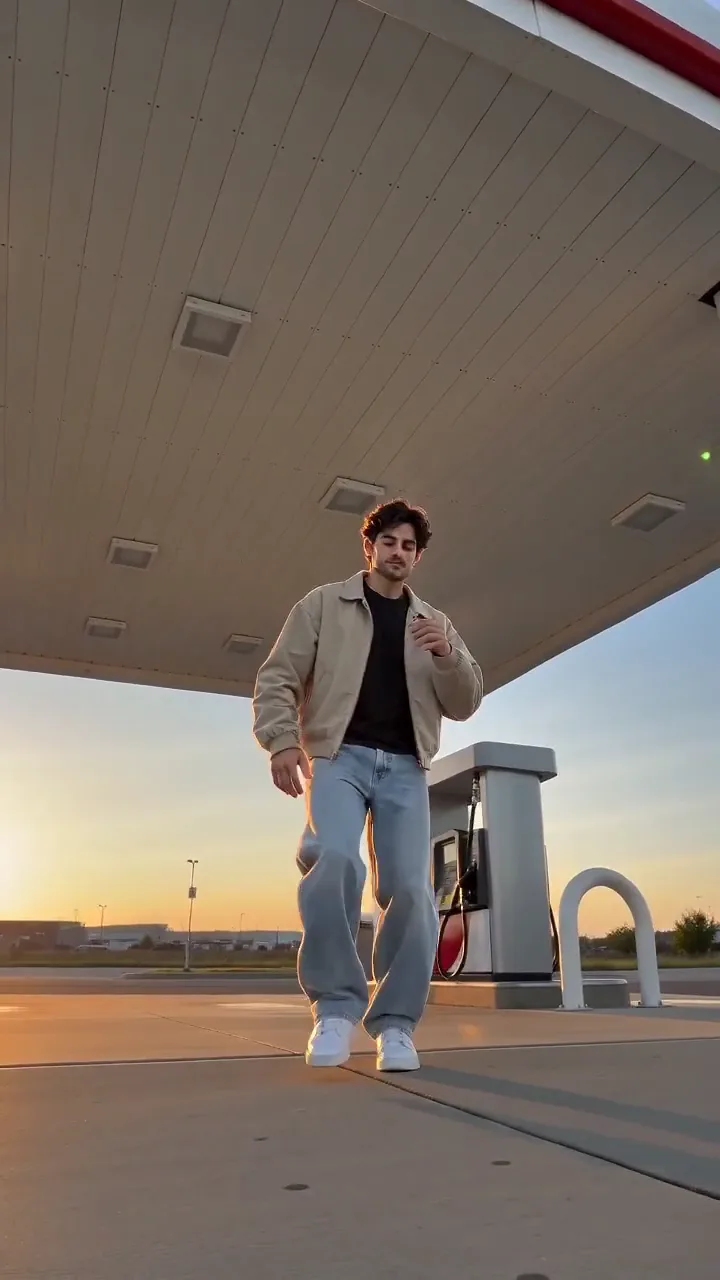
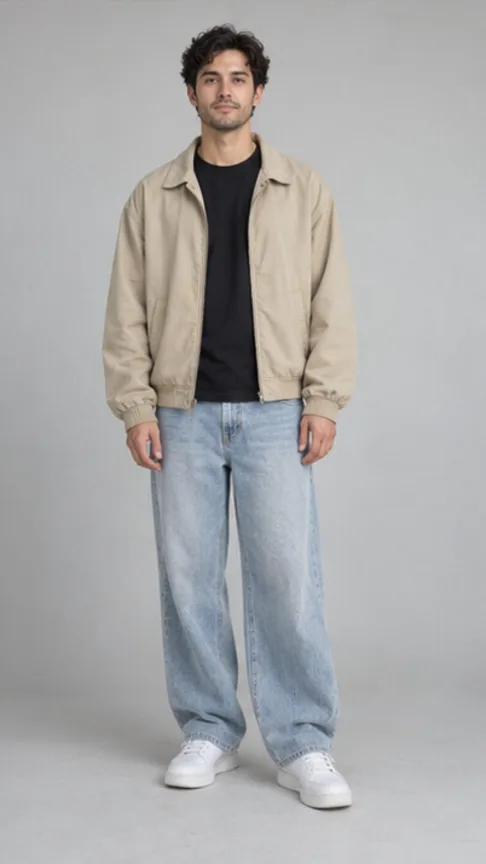
AI-generated sample · 3 photos · 10 s · 9:16 · MP4
How it works
- 1
Add three photos
- 2
Create the video
- 3
Download your MP4
Save the finished MP4 with generated audio within 7 days.
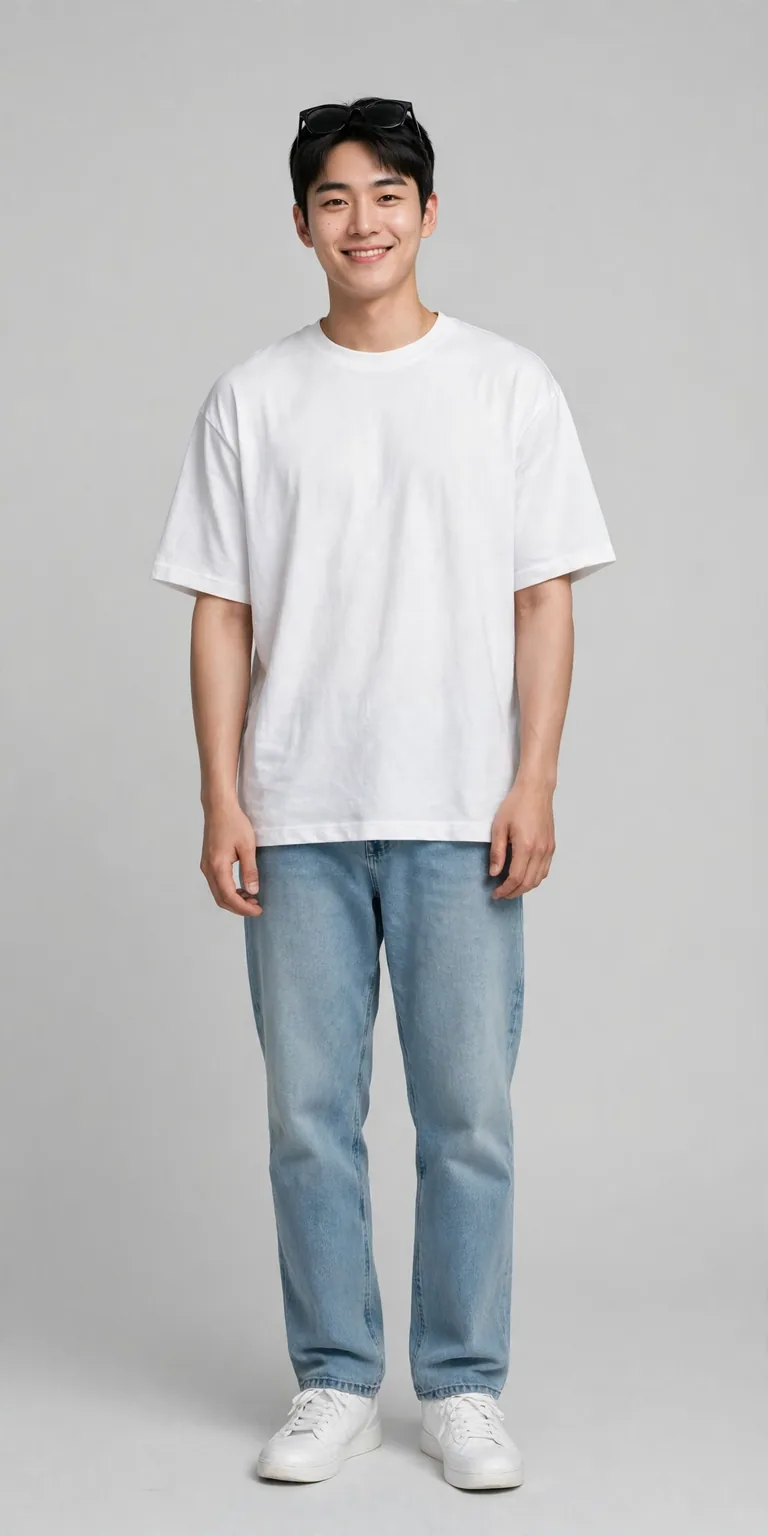
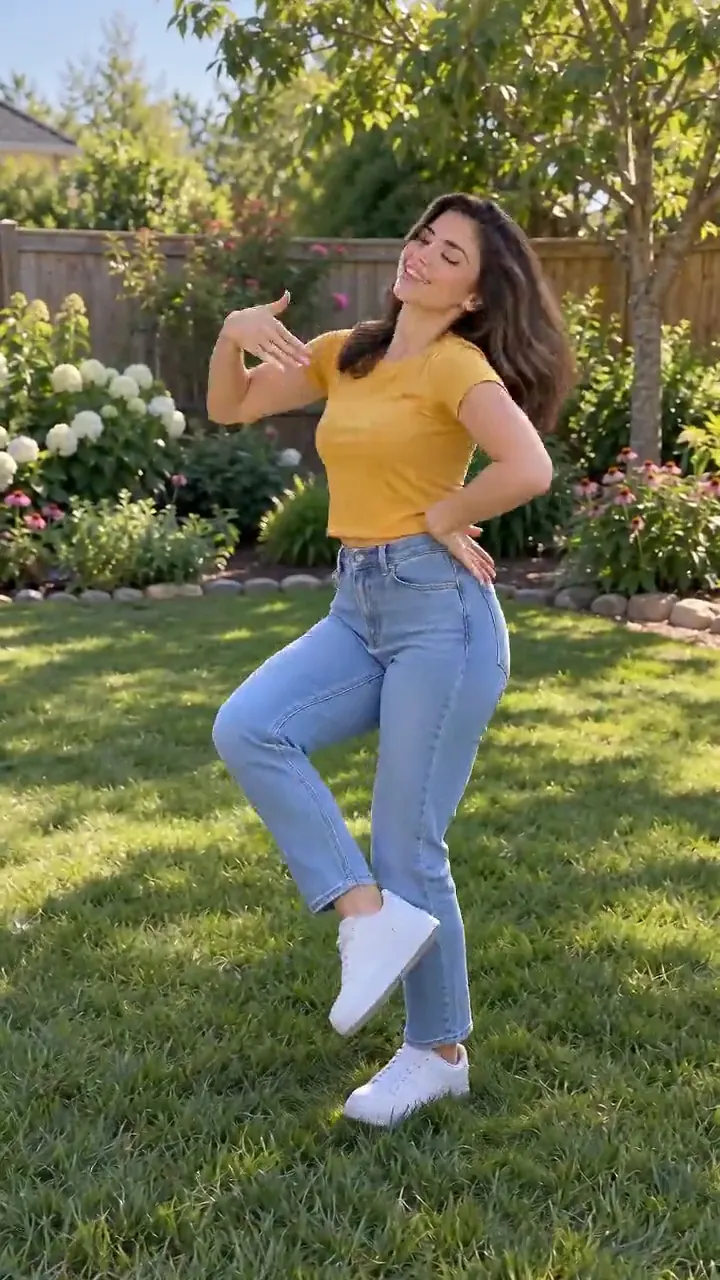
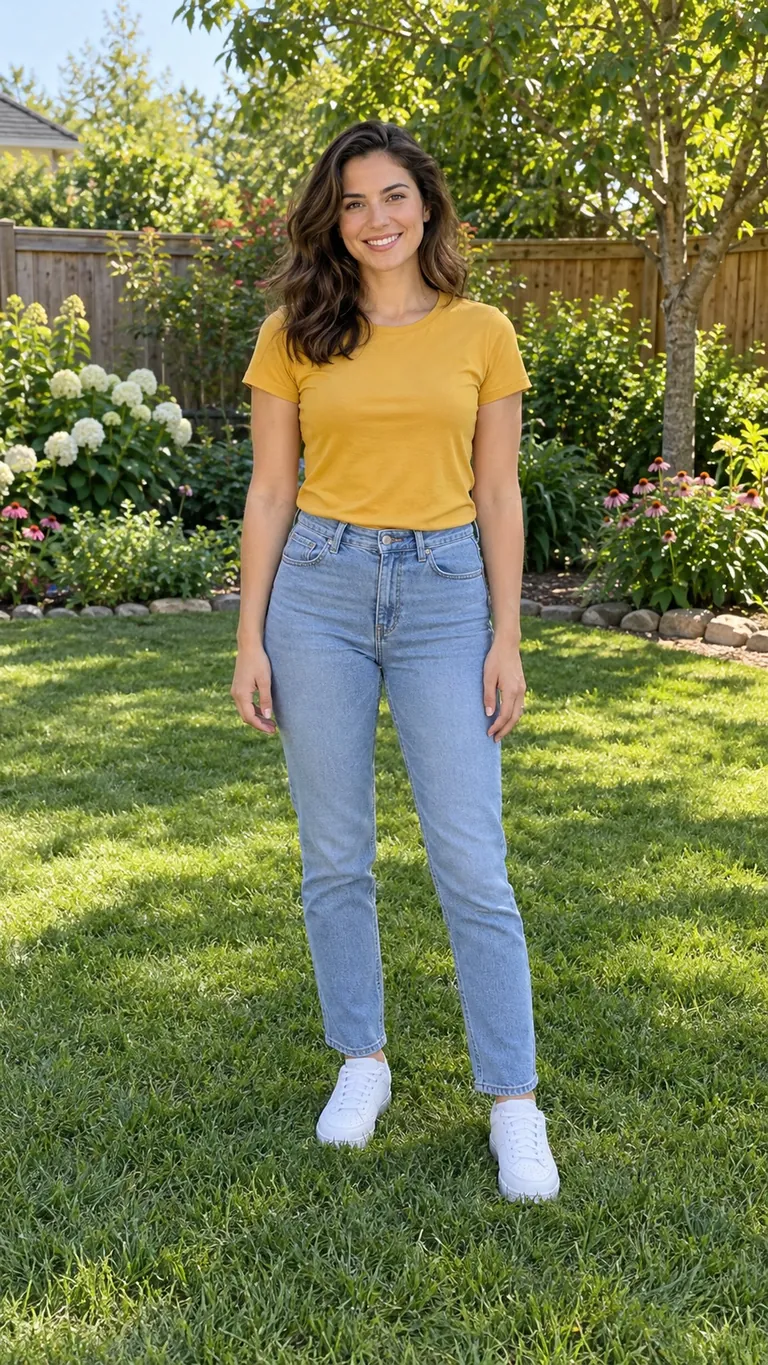
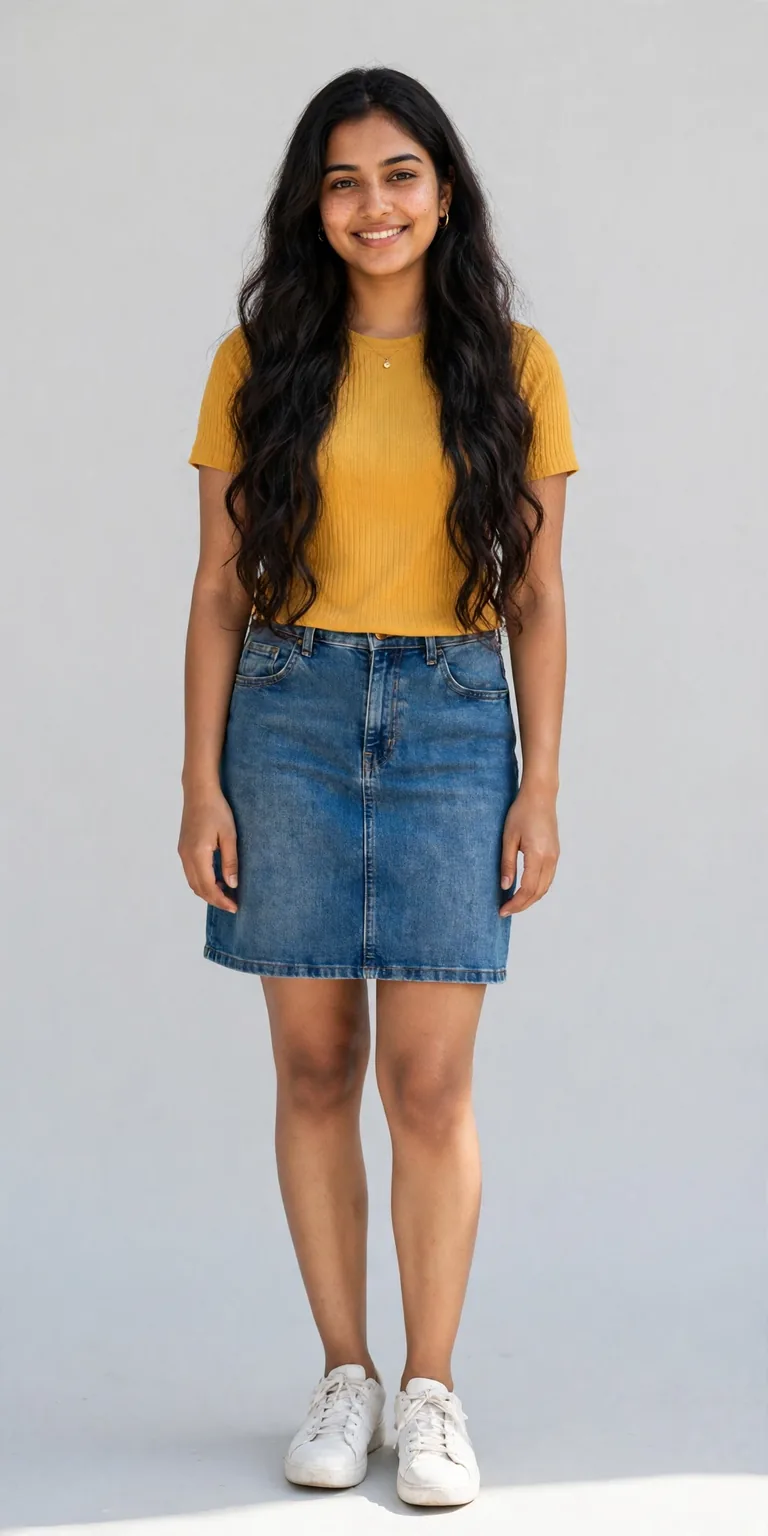 becomes
 Your questions, answered
Create your video with your own photos- Input
- Photos: JPG, PNG or WebP, up to 5 MB each
- Output
- 10 seconds, 720p, 9:16 MP4. Audio: generated audio. Prompt: not required.
- 1Seedance 2.0 Mini: Video Settings, Pricing and SourcesModel · /models/seedance-2-mini
- 2Pricing: credits and refundsPolicy · /pricing
The Gangnam Style AI trend turns photos of three friends into a short vertical clip: each friend appears in a selfie-camera solo shot, then the trio performs the horse-riding dance together, usually on a Seoul street or terrace. Upload one photo per friend here and the AI recreates that format as a 10-second 9:16 720p MP4 for 11 credits, keeping each person's face, hair and outfit from their own photo.
You need exactly three photos, one of each adult friend. Clear full-body or half-body photos with visible faces work best, and choosing three clearly different looks and outfits helps the AI keep everyone's identity separate in the solo shots and the group dance. Every person must be an adult who agreed to appear.
The trio format follows the viral template: a selfie-camera solo introduction for Friend 1, Friend 2 and Friend 3 in order, then all three dancing together. The horse-dance format skips the intros and keeps all three friends side by side performing the synchronized horse-riding dance (bouncing gallop steps, crossed wrists held like reins and a lasso spin) for the whole clip.
No. This is an unofficial fan-made template with no affiliation with PSY, YG Entertainment or any songwriter or label, and it does not provide the original recording. Your MP4 includes generated audio instead; if you want the original track, add it from the sound library inside TikTok, Instagram or CapCut when you post, subject to each platform's rules.
Yes, you can create and download your trio video directly in your mobile browser without installing any app. Open the page on your phone, add the three photos, choose a format and start the generation in the queue. Processing time varies with queue traffic, and once your 10-second 9:16 720p MP4 is ready you can save it straight to your device within 7 days.
There is no app to download, and this effect requires paid credits to run. New accounts receive 5 welcome credits when signing up, which is not enough to generate this 11-credit effect. Purchased credit packs and top-ups never expire, and an optional subscription is also available. One account and credit balance works across every effect on the platform, and failed generations automatically refund your reserved credits.
No, our platform does not add any watermark to your downloaded MP4, and you receive a clean 10-second vertical 9:16 video at 720p ready to post on TikTok, YouTube Shorts or Reels. Videos created with purchased credits include commercial use rights; videos created using free trial or welcome credits are limited to personal, non-commercial use only. You must own the rights to the photos you provide or have permission from each adult pictured.
Each generation costs 11 credits, and if a run fails, the system automatically returns your reserved credits to your balance. Your three photos are processed only to render your video, and the finished MP4 stays available in your account for 7 days after generation. Because the AI recreates the scene each time, fine details and exact beat alignment vary slightly between runs.
11 credits at default settings; review the live total next to Generate after changing inputs or settings. Failed generations return reserved credits to their original balance. Welcome credits and charging rules are under the Create button.
We never use your photos or videos to train AI models. Uploaded photos are deleted from Effect Video storage after successful processing, except photos needed for comparison results, which remain for the 7-day result window. Finished videos are downloadable for 7 days. Full retention rules are in the privacy policy.
Model
Seedance 2.0 Mini: Video Settings, Pricing and Sources
Create fast video clips with Seedance 2.0 Mini on Effect Video. Check available 480p and 720p settings, community insights, and documented inputs.
Read article ModelSeedance 2.0: Video Settings, Pricing and Sources
Seedance 2.0 is ByteDance's video model. On Effect Video, enter a prompt, add a photo if you like, and pick 480p to 4k and a 4 to 15 second length first.
Read article ModelWan 3.0 and Wan 3.0 Prime: Settings, Pricing, Sources
Generate videos with Wan 3.0 or Wan 3.0 Prime on Effect Video. Compare the two versions, check settings and sources, and see credits before you create.
Read article