
Make the I'm So Sorry Trend Video with AI
Turn one Halloween photo into the I'm so sorry reveal: a glam-up, the lies taken back, then the real photo.
AI-generated sample · 1 photo · 8 s · 9:16 · MP4
How it works
- 1
Add your Halloween photo
Upload one clear costume photo of yourself, or of an adult who gave you permission.
- 2
Create the reveal
Confirm photo permission and generate your I'm so sorry video.
- 3
Download your MP4
Save your 8-second vertical MP4 with generated sound within 7 days.
Your questions, answered
Create your video with your own photosQuestions and facts
What is the I'm so sorry trend and how do I make it with AI?
It is a Halloween photo reveal. A glamorous version of your costume comes first, the lies are taken back one by one, and the last frame is the real photo with the caption "I'm so sorry". Upload one Halloween photo and this template builds the whole reveal as one 8-second vertical MP4 with sound.
Does it work with childhood Halloween photos, and is it safe?
Yes. Use an old Halloween photo of yourself that you own, as long as you are an adult now, or a photo of an adult who gave you permission. Other people's children, celebrities and group shots are not supported. Only costume, makeup and lighting are restyled, never identity, age or body. If the model declines a photo, reserved credits return automatically.
Can I change the captions or end on my exact photo?
The three captions, "me at Halloween", "okay sorry..." and "I'm so sorry", are built into the video and cannot be edited. Both the glam shot and the final real-photo shot are rendered by the video model, so small details in the last seconds can differ from your upload. For a pixel-exact ending, add your original photo at the end in an editor such as CapCut.
Does the video include sound or a song?
The MP4 carries generated sound effects that follow the three beats of the reveal. It uses no existing song and no lyrics, so you can add a trending sound in TikTok or CapCut when you post.
What does it cost, and what if generation fails?
The credit total is shown on this page before you generate, and the plans and packs are on the pricing page. If a generation fails, reserved credits return to your balance automatically. Finished MP4s stay available to download for 7 days.
Facts
- Photos
- 1
- Prompt
- Not required
- Duration
- 8 seconds
- Aspect ratio
- 9:16
- Resolution
- 720p
- Audio
- Generated sound effects, no song
- Captions
- Three fixed on-video captions
- Download
- MP4
- Kept for
- 7 days
Sources
- 1Seedance 2.0 Mini: Video Settings, Pricing and SourcesModel · /models/seedance-2-mini
- 2Pricing: credits and refundsPolicy · /pricing
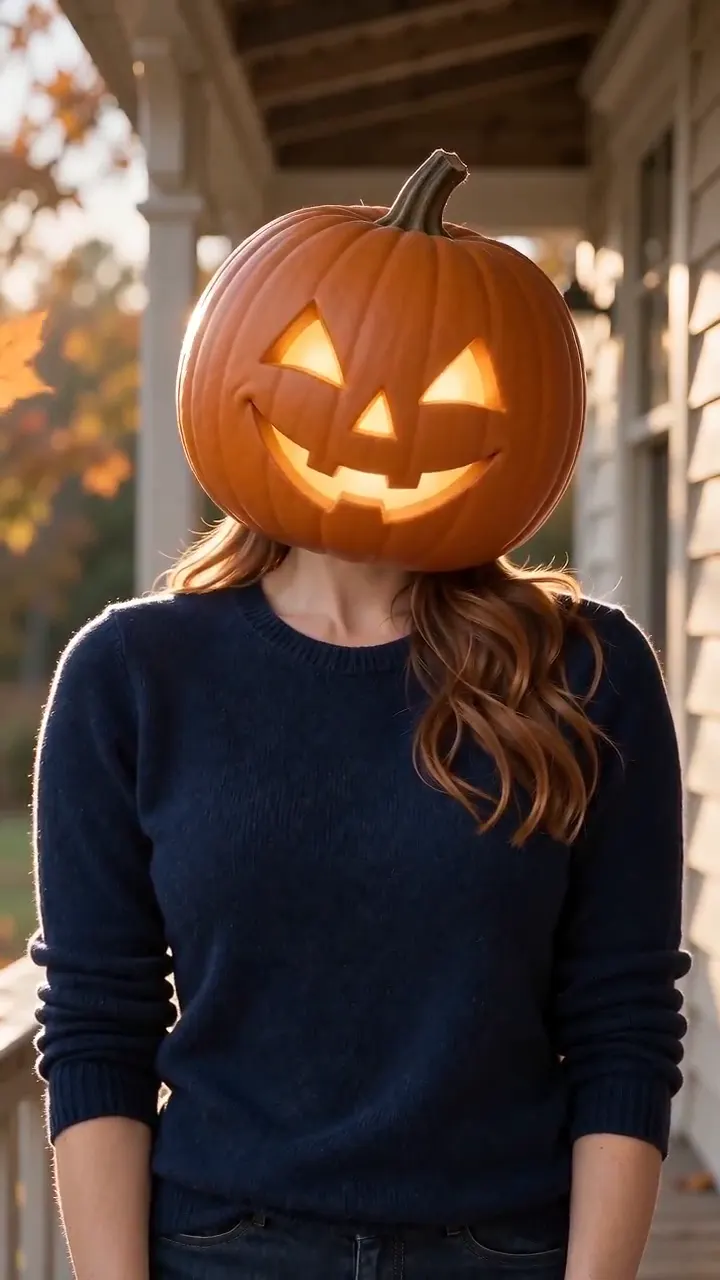
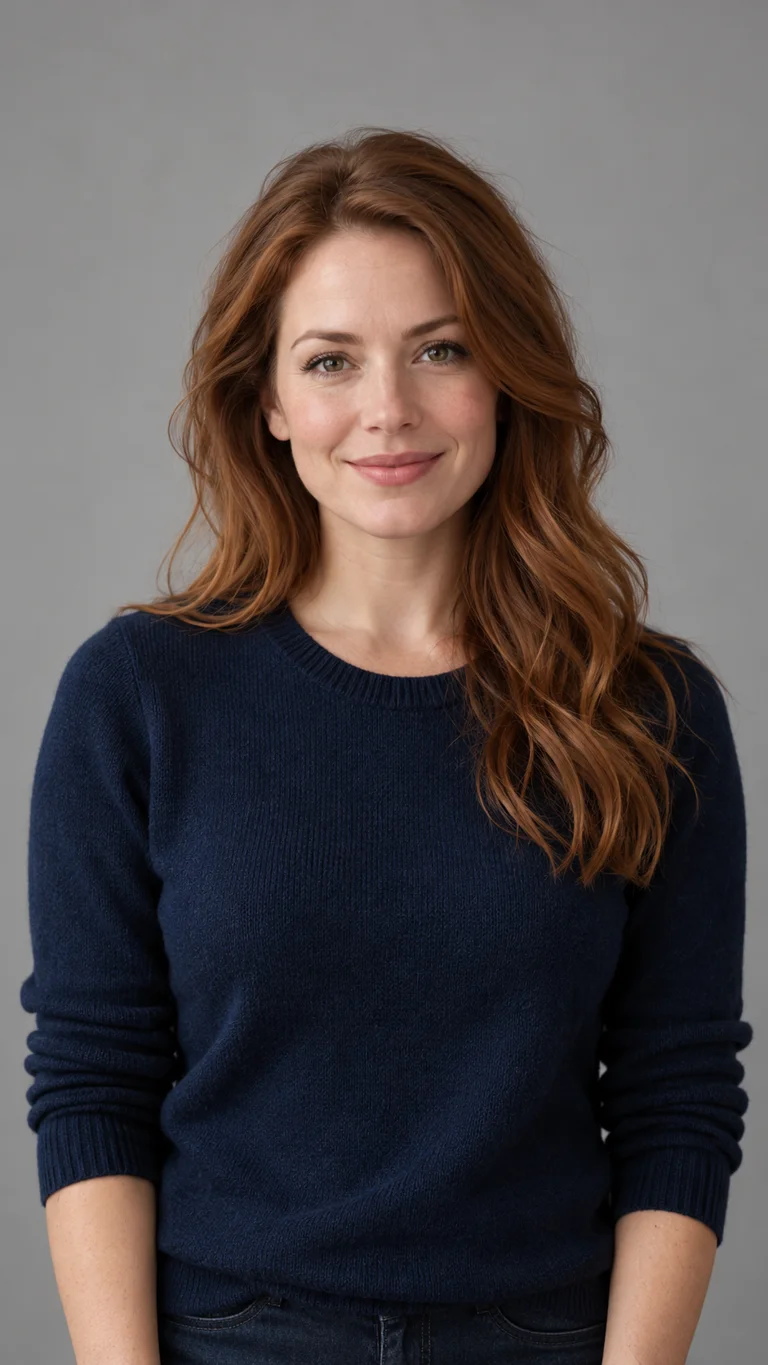
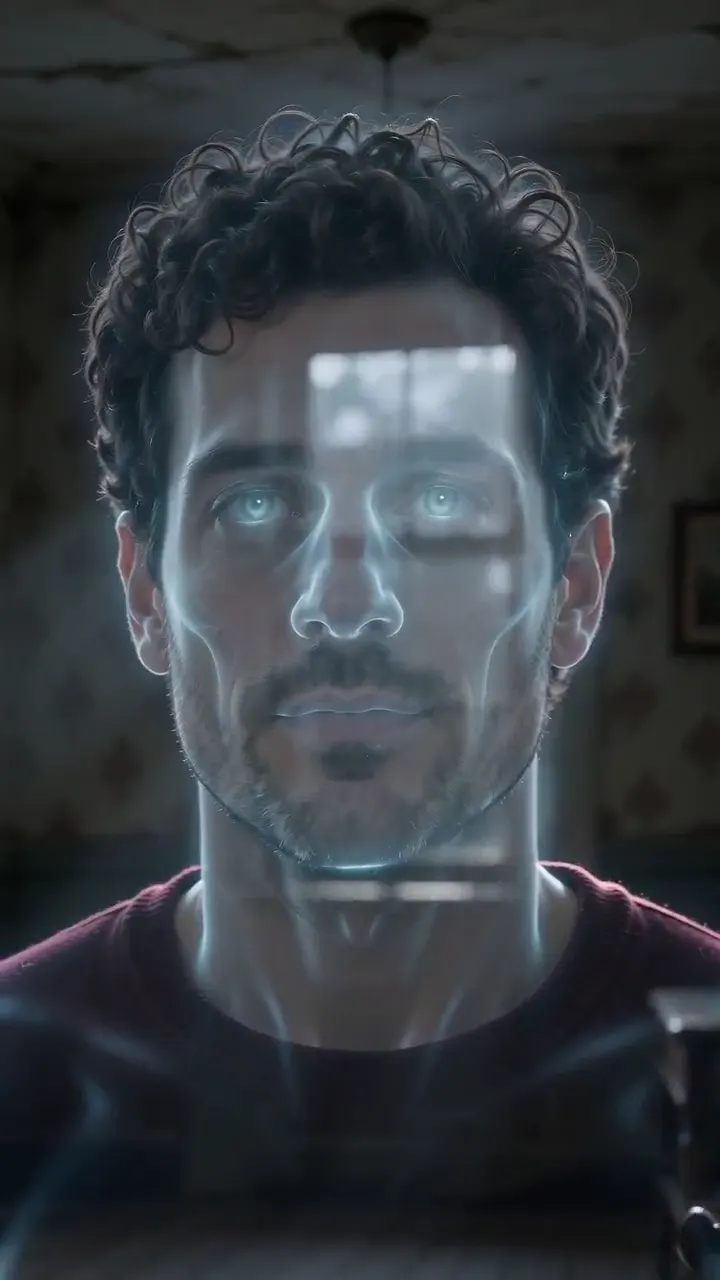

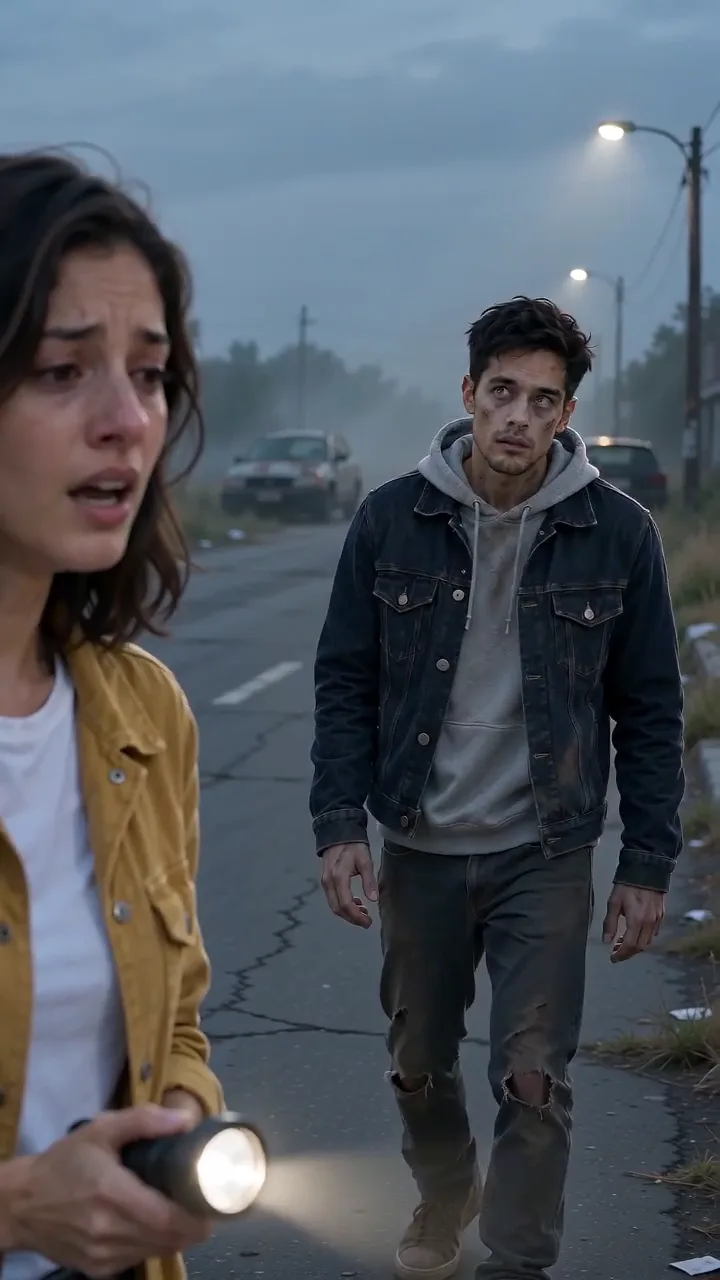


AI Halloween Video Templates: Zombie, Pumpkin and Ghost
Make an AI Halloween video from your own photo with four templates: a zombie story, a pumpkin face, a ghost face and the I'm so sorry reveal.
Read article ModelSeedance 2.0 Mini: Video Settings, Pricing and Sources
Create fast video clips with Seedance 2.0 Mini on Effect Video. Check available 480p and 720p settings, community insights, and documented inputs.
Read article ModelSeedance 2.0: Video Settings, Pricing and Sources
Seedance 2.0 is ByteDance's video model. On Effect Video, enter a prompt, add a photo if you like, and pick 480p to 4k and a 4 to 15 second length first.
Read article