
Turn Your Photo into an AI Snow Globe Video
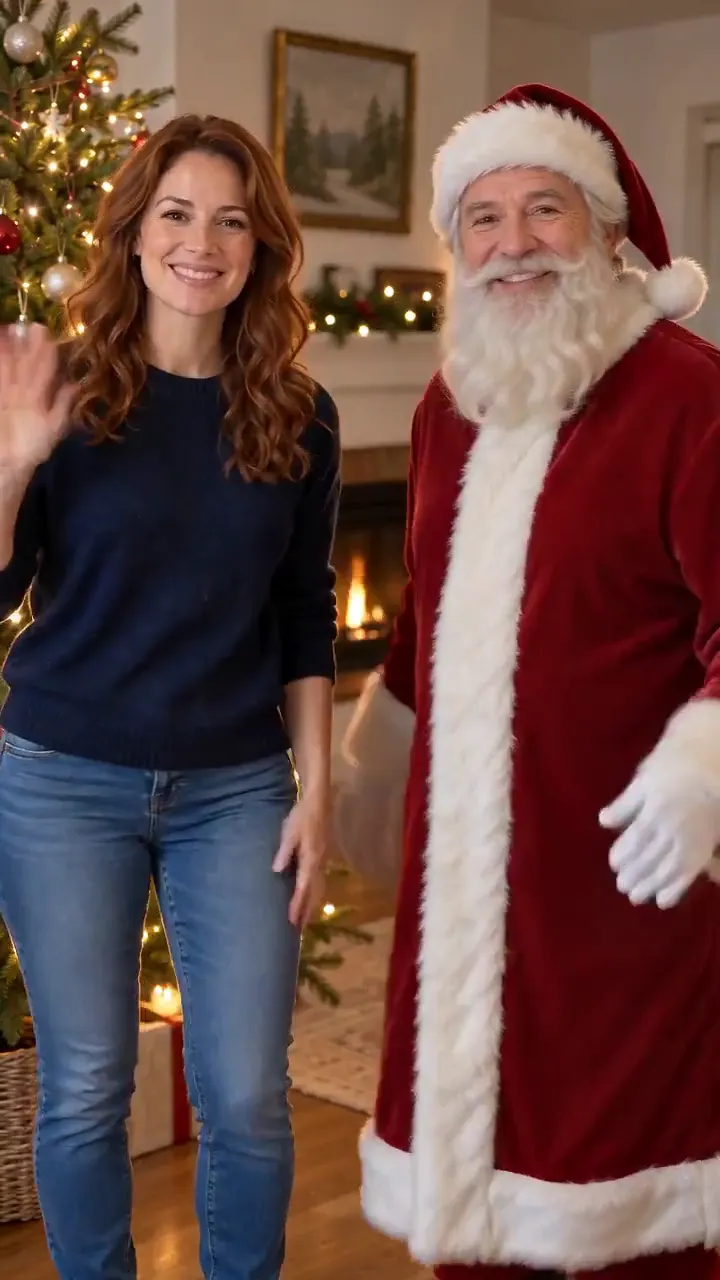
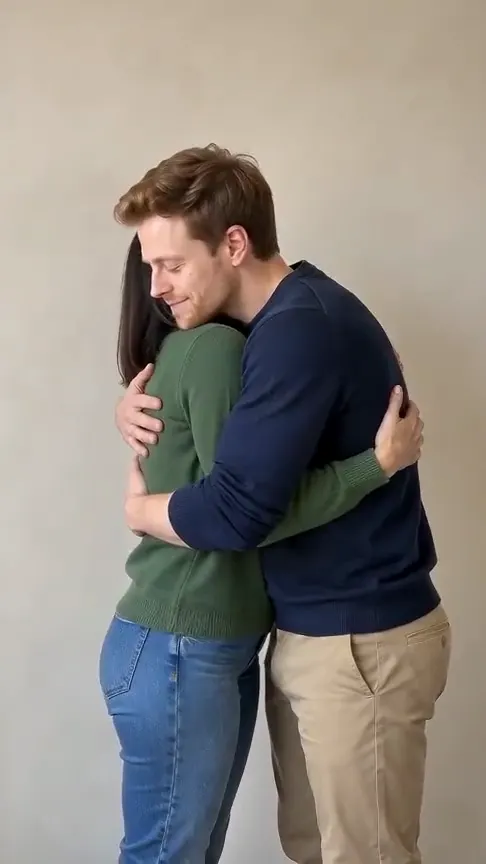
See yourself inside a glass snow globe as the camera pulls back and snow swirls around you.
AI-generated sample · 1 photo · 8 s · 9:16 · MP4
How it works
- 1
Add your photo
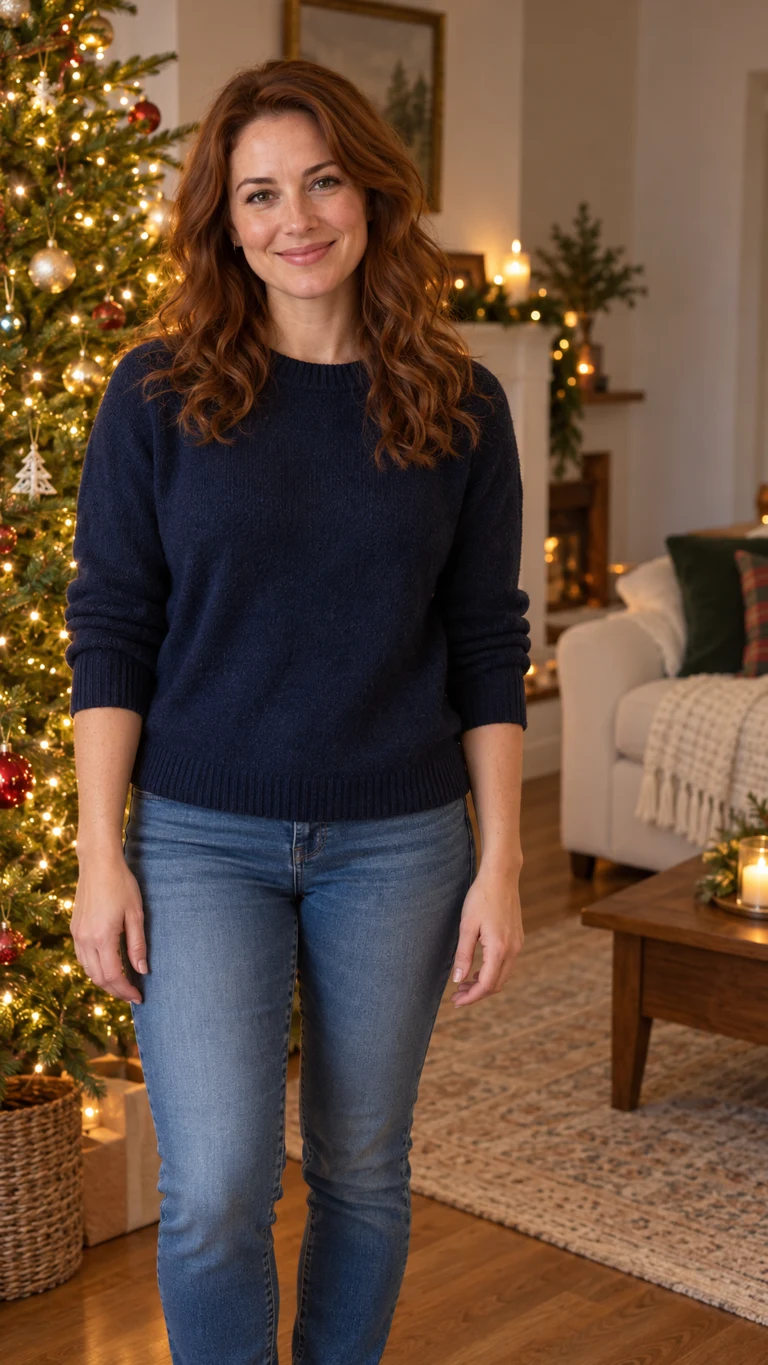
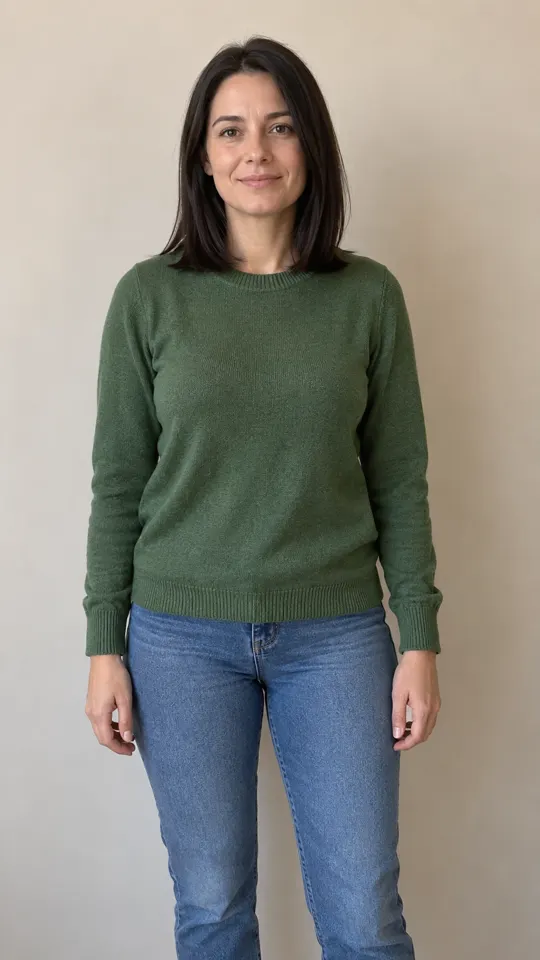
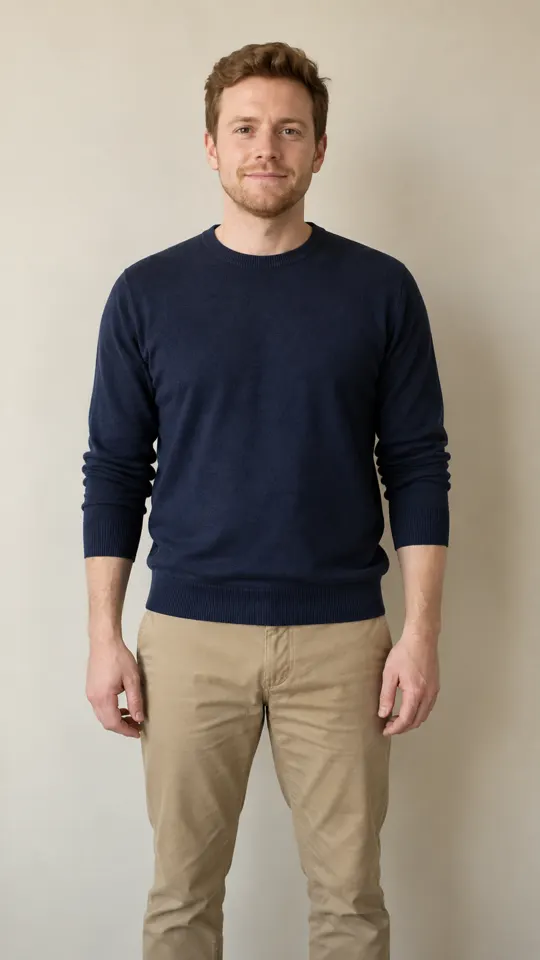
Upload one clear photo of a consenting adult, with face and hands visible.
- 2
Create your Christmas clip
Confirm permission and generate your AI Snow Globe video.
- 3
Download your MP4
Save your 8-second vertical MP4 with generated sound within 7 days.
Your questions, answered
Create your video with your own photosQuestions and facts
Which photo works best?
A clear single-adult photo with face, torso and hands visible in even light. Use a photo you own or have permission to use, with the adult’s consent.
What does the effect create?
The camera pulls back from your portrait to reveal a glass snow globe and wooden base, with snow falling inside. Exact framing, face details and motion vary between generations.
Does the video include sound?
Your 8-second vertical video includes generated room ambience. No song is used.
What if generation fails?
Reserved credits return to their original balance automatically.
How are photos handled?
Your photo is processed to render the video. Download your finished MP4 within 7 days.
Facts
- Photos
- 1
- Prompt
- Not required
- Duration
- 8 seconds
- Aspect ratio
- 9:16
- Resolution
- 720p
- Audio
- With sound (sample and generated video)
- Download
- MP4
- Kept for
- 7 days
Sources
- 1Seedance 2.0 Mini: Video Settings, Pricing and SourcesModel · /models/seedance-2-mini
- 2Pricing: credits and refundsPolicy · /pricing
Seedance 2.0 Mini: Video Settings, Pricing and Sources
Create fast video clips with Seedance 2.0 Mini on Effect Video. Check available 480p and 720p settings, community insights, and documented inputs.
Read article ModelSeedance 2.0: Video Settings, Pricing and Sources
Seedance 2.0 is ByteDance's video model. On Effect Video, enter a prompt, add a photo if you like, and pick 480p to 4k and a 4 to 15 second length first.
Read article