
迈克尔◆懂王 狂欢巡演
Create a Michael Jackson Entrance Video From Your Photo
Launch onto a stadium stage with a concert entrance, freeze in sunglasses, and hear cheering fans.
How it works
- 1
Add your photo
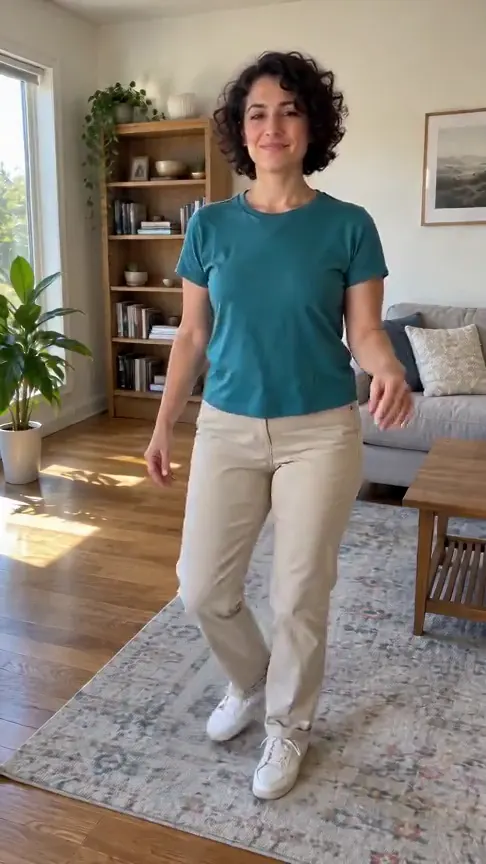
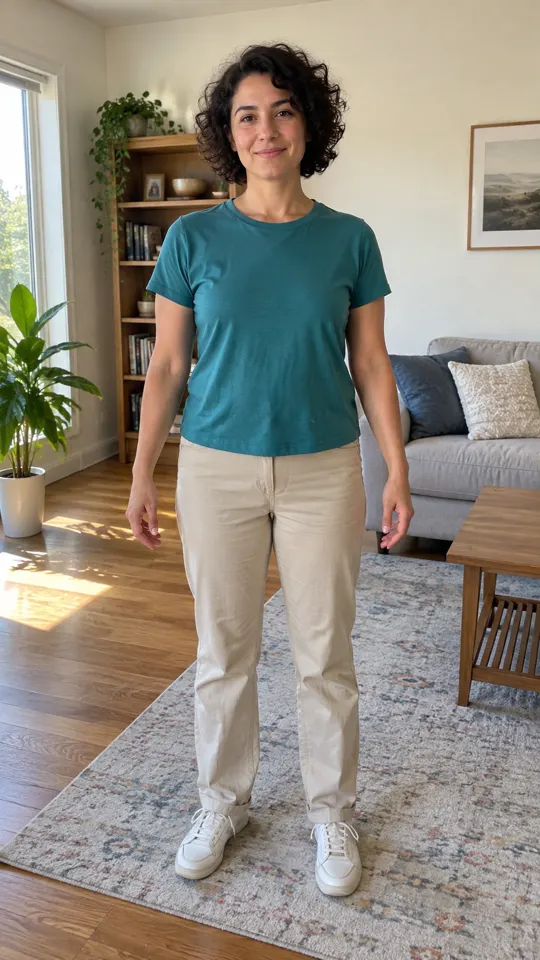
One clear, well-lit photo of yourself, a friend or your pet.
- 2
Create the video
Confirm photo permission and generate your 11-second stadium entrance.
- 3
Download your MP4
Save the finished MP4 with sound within 7 days.
Creator videos
Made by creators on Bilibili, played in the official player. Not generated on Effect Video.
Your questions, answered
Create your video with your own photosHow many photos do I need, and which photos work best?
You only need one photo. Front-facing photos of a single person or a single pet with good lighting and a clear background produce the sharpest concert entrance.
Is this video affiliated with Michael Jackson or any music label?
This effect has no affiliation with, endorsement from, or connection to Michael Jackson, his estate, or his record labels. Every video is an original, fictional parody inspired by the iconic stage entrance style, and the spotlight stays on the person or pet from your uploaded photo.
What is this entrance called and what happens in the video?
Often celebrated by fans as the toaster jump or the Michael Jackson standing still entrance, this dynamic scene launches your character onto a massive stadium stage to strike a frozen pose in dark shades while fireworks erupt, concert lights pulse, and cheering crowds fill the arena.
What happens if my video generation does not finish?
Your credits return to your account balance automatically, giving you the freedom to choose another photo and try again whenever you are ready.
How does Effect Video handle my uploaded photos and generated clips?
We process your photo solely to create your custom video effect, and your completed MP4 remains available in your account for 7 days so you can download it to your device.
Questions and facts
How long is the video?
11 seconds, as a landscape 4:3 MP4.
What photo works best?
One person or pet facing the camera in good light.
What if the generation fails?
Reserved credits return to your balance automatically.[2]
Facts
- Photos
- 1
- Prompt
- Not required
- Duration
- 11 seconds
- Aspect ratio
- 4:3
- Resolution
- 720p
- Audio
- Generated audio
- Download
- MP4
- Kept for
- 7 days
Sources
- 1Seedance 2.0 Mini: Video Settings, Pricing and SourcesModel · /models/seedance-2-mini
- 2Pricing: credits and refundsPolicy · /pricing


From the blog
Model
Seedance 2.0 Mini: Video Settings, Pricing and Sources
Create fast video clips with Seedance 2.0 Mini on Effect Video. Check available 480p and 720p settings, community insights, and documented inputs.
Read article ModelSeedance 2.0: Video Settings, Pricing and Sources
Seedance 2.0 is ByteDance's video model. On Effect Video, enter a prompt, add a photo if you like, and pick 480p to 4k and a 4 to 15 second length first.
Read article ModelWan 3.0: Video Settings, Pricing and Sources
Generate videos with Wan 3.0 on Effect Video. Explore benchmark insights, creator tests, resolution options, and settings before creating your clip.
Read article