
Tip Toe ….. #rumplestiltskin #classicfilm #modernized #18andover
Turn Your Photo into a Rumpelstiltskin AI Tiptoe Dance Video
Turn one adult photo into a 15-second vertical barn dance video in a patterned tailcoat with music.
How it works
- 1
Add your photo
One clear adult portrait or full-body photo that you may use.
- 2
Create the video
Choose Rumpelstiltskin Tiptoe, confirm photo permission and generate your 15-second clip.
- 3
Download your MP4
Save the MP4 with the template soundtrack within 7 days. If audio mixing fails it may be silent.
Creator videos
Made by creators on YouTube, played in the official player. Not generated on Effect Video.
Your questions, answered
Create your video with your own photosWhat is this Rumpelstiltskin AI dance effect?
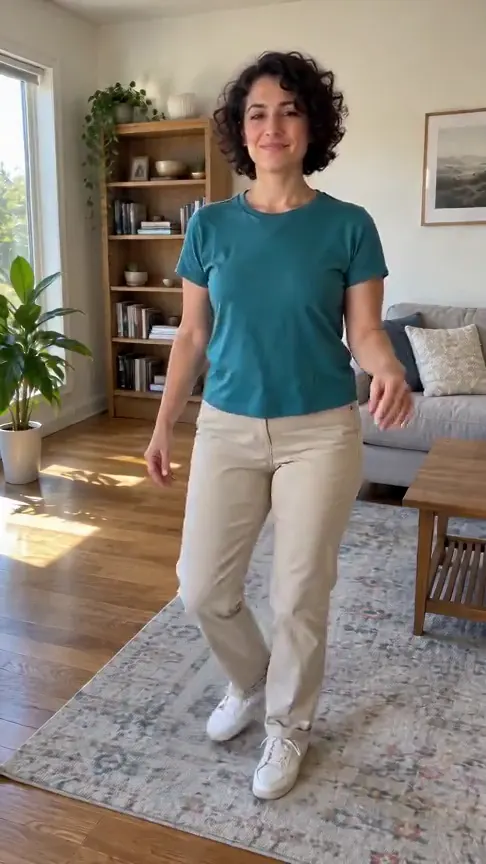
This effect transforms one adult photo into a 15-second vertical 9:16 dance video. Your photo replaces the dancer in our reference clip inside a straw-filled barn, wearing a black patterned tailcoat.
Why is this character so popular online?
The character became popular as an original AI-generated short video created for social feeds instead of an old movie scene.
What kind of photo should I upload?
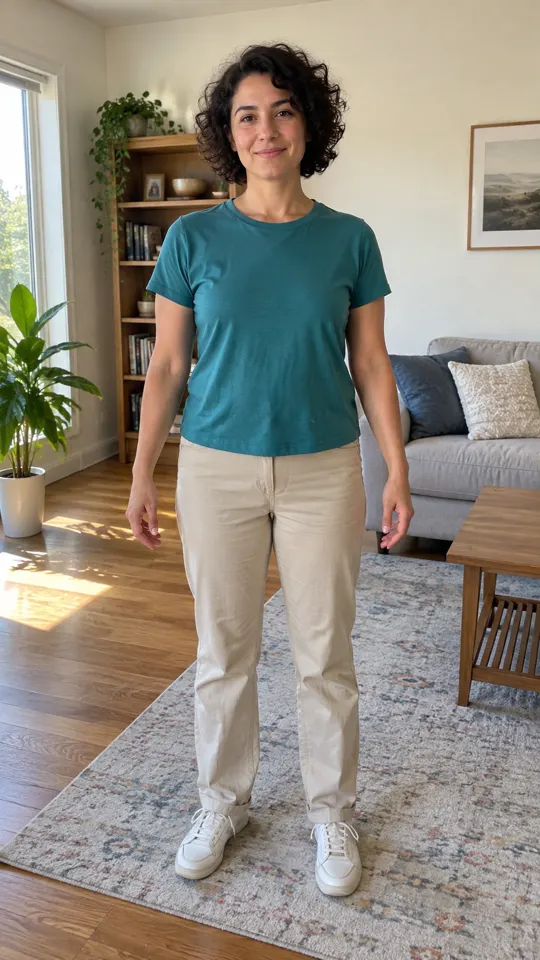
Upload 1 clear front-facing photo of an adult with visible facial features and hair that you own or have permission to use.
Does the finished video include sound?
The original dance soundtrack is added during final packaging. When audio processing succeeds, your downloaded MP4 includes sound; if it fails, the clip may download without sound.
How many credits does this cost and what happens if generation fails?
Each 15-second video costs 15 credits; prices vary with the model, duration and quality. If a render fails to complete, your 15 credits return to your account balance automatically, and successful videos remain available to download for 7 days.
How are my uploaded photos handled?
Your uploaded photo is used solely to generate your dance video and remains in storage only for that rendering process.
Questions and facts
How long is the video?
15 seconds, as a vertical 9:16 MP4.
What photo works best?
A well-lit adult portrait or full-body photo with the face clearly visible.
What if the generation fails?
Reserved credits return to your balance automatically.[2]
Facts
- Photos
- 1
- Prompt
- Not required
- Duration
- 15 seconds
- Aspect ratio
- 9:16
- Resolution
- 720p
- Audio
- With sound (template soundtrack; may be silent if mixing fails)
- Download
- MP4
- Kept for
- 7 days
Sources
- 1Seedance 2.0 Mini: Video Settings, Pricing and SourcesModel · /models/seedance-2-mini
- 2Pricing: credits and refundsPolicy · /pricing
From the blog
Model
Seedance 2.0 Mini: Video Settings, Pricing and Sources
Create fast video clips with Seedance 2.0 Mini on Effect Video. Check available 480p and 720p settings, community insights, and documented inputs.
Read article ModelSeedance 2.0: Video Settings, Pricing and Sources
Seedance 2.0 is ByteDance's video model. On Effect Video, enter a prompt, add a photo if you like, and pick 480p to 4k and a 4 to 15 second length first.
Read article ModelWan 3.0: Video Settings, Pricing and Sources
Generate videos with Wan 3.0 on Effect Video. Explore benchmark insights, creator tests, resolution options, and settings before creating your clip.
Read article