

Person
Pet
SUMI 수미 ·
The original video copyright belongs to its creator SUMI and is embedded directly from YouTube rather than hosted on our site.
- Performer: the reference clip is a live-action performance by SUMI; our output is an AI recreation starring the person or pet from your photo.
- Motion: both follow the same vertical routine, with the pressed-palms greeting at the chest, an arm raised overhead, front arm sweeps, knee lifts, wide-stance hip sways and quick turns. Pets get natural pet motion such as swaying, nodding, paw lifts and a spin.
- Audio: the embedded Short plays the creator's own audio; your MP4 carries an original ~140 BPM instrumental beat with no vocals, lyrics or existing songs.
- Privacy: your video is made from a private, face-blurred, silent reference template, so the original dancer never appears in your clip.
effect.video is not affiliated with the original creator or social platforms; outputs are AI-generated videos and should be labeled as AI content according to each platform's publishing rules.
How it works
- 1
Choose your photo
Pick one clear full-body or half-body photo of one adult or pet with a visible face and body outline.
- 2
Generate the dance
Start the queue in your browser; the preset Sawadika choreography and original beat are applied.
- 3
Download your MP4
Save your watermark-free 10-second 9:16 720p MP4 within 7 days and post it to TikTok, Shorts or Reels.
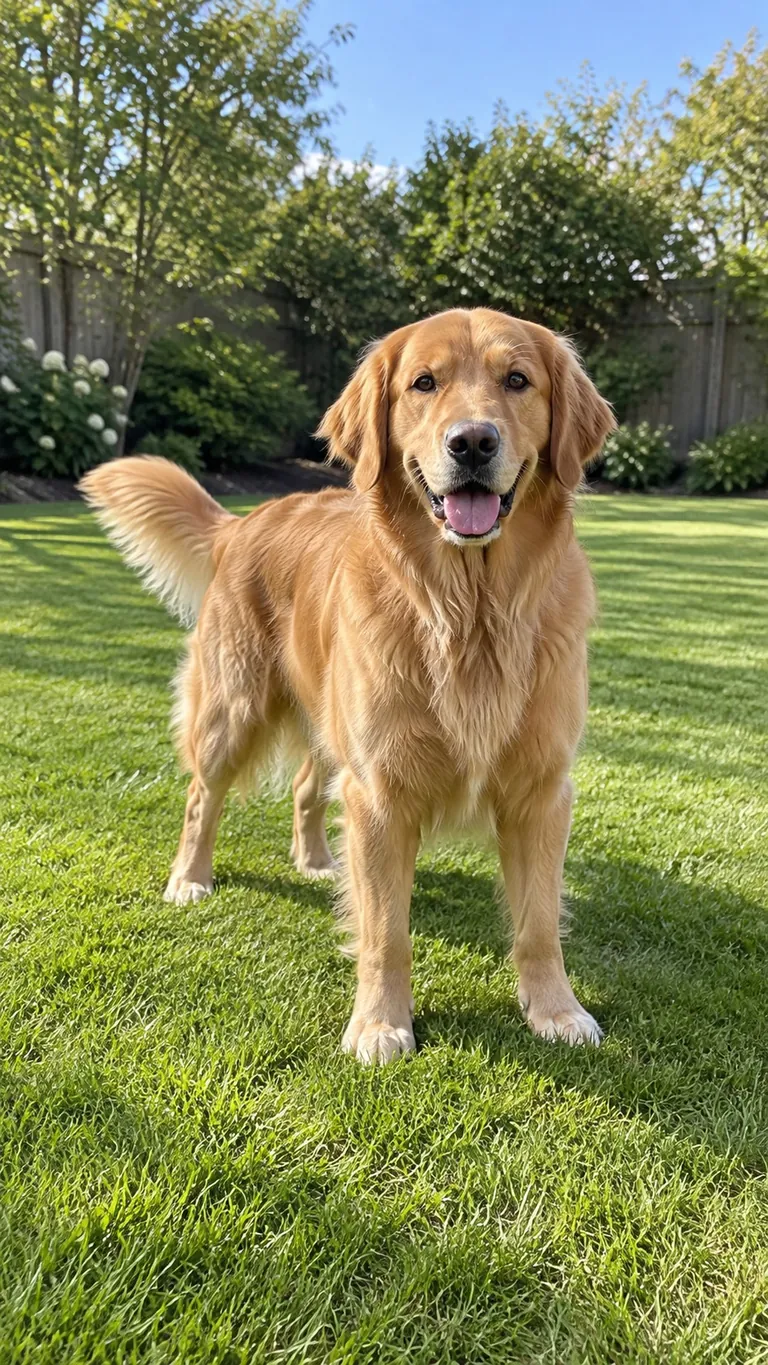 becomes
 Your questions, answered
Create your video with your own photosQuestions and facts
What is Sawadika Dance AI and how do I use it?
Sawadika Dance AI animates a single full-body or half-body photo of a person or pet into a 10-second 9:16 720p dance MP4. Upload one photo and the AI recreates the fast-paced Sa Wa Di Ka (Sawadeeka) moves, including the chest-level pressed-palms greeting, one arm raised overhead, front arm sweeps, knee lifts, wide-stance hip sways, and quick turns while keeping your subject, outfit, and scene.
Can I create the video on my phone without downloading an app?
Yes, the generator runs directly in your mobile browser with no app installation required. Open this page on your phone, upload one clear photo of yourself or your pet, and wait while your job moves through the generation queue. Generation time varies with queue demand, and your finished 720p MP4 remains ready to download in your account for 7 days.
Is there a free version or do I need credits to generate this effect?
Generating this effect requires paid credits on your account. While new accounts receive a small welcome credit bonus upon registration, that bonus is below the amount required to run this dance effect. Credits bought through packs or top-ups never expire, an optional subscription is available, and your balance works across every effect on the site.
Will my downloaded video have a watermark?
No, our platform does not add a watermark to downloaded MP4 files. You get a clean 10-second 9:16 vertical video in 720p resolution that is ready to upload to social platforms. Make sure to download your finished MP4 within the 7-day account storage window so you have your own permanent copy.
Are videos made on this page cleared for commercial use?
Yes, videos generated with purchased credits include commercial usage rights. Any videos created with free trial or welcome credits are restricted to personal, non-commercial use. You must also hold the rights to the photo you upload and have permission from the adult shown in the image before generating.
Facts
- Photos
- 1
- Prompt
- Not required
- Duration
- 10 seconds
- Aspect ratio
- 9:16
- Resolution
- 720p
- Audio
- Original ~140 BPM instrumental beat (no vocals)
- Watermark
- None added
- Download
- MP4
- Kept for
- 7 days
Sources
- 1Seedance 2.0 Mini: Video Settings, Pricing and SourcesModel · /models/seedance-2-mini
- 2Pricing: credits and refundsPolicy · /pricing
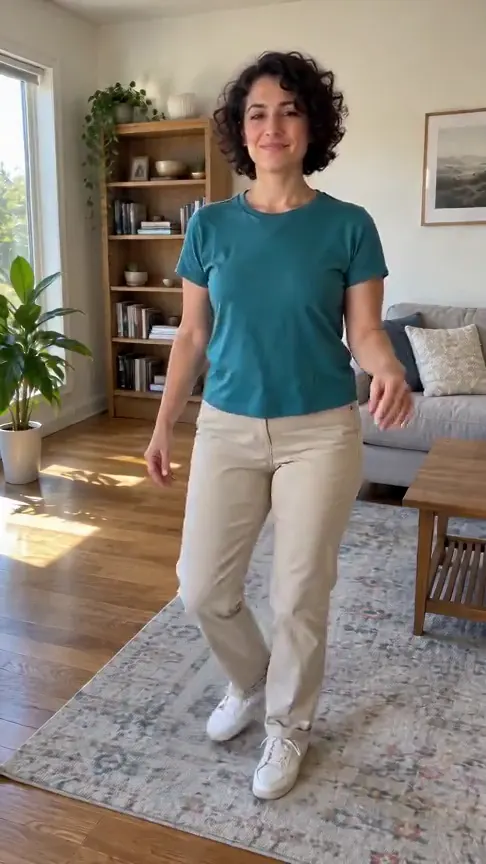
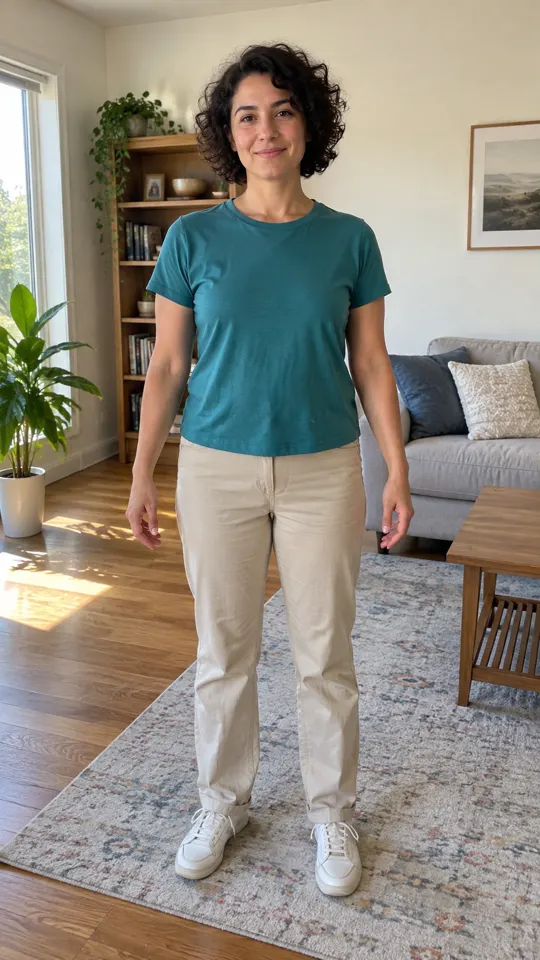

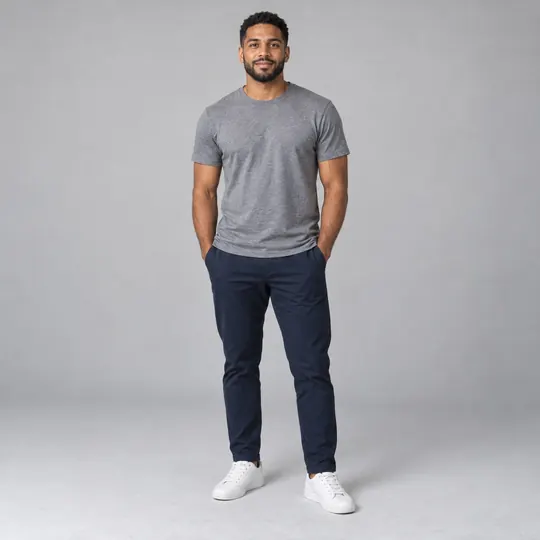



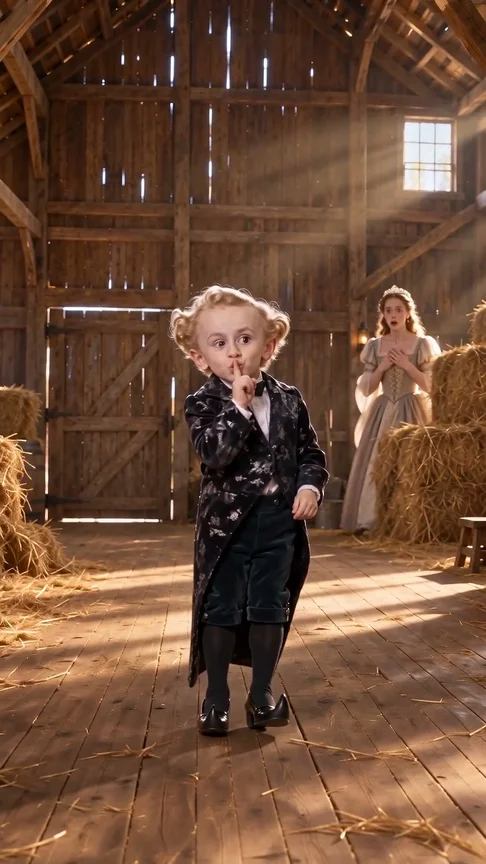
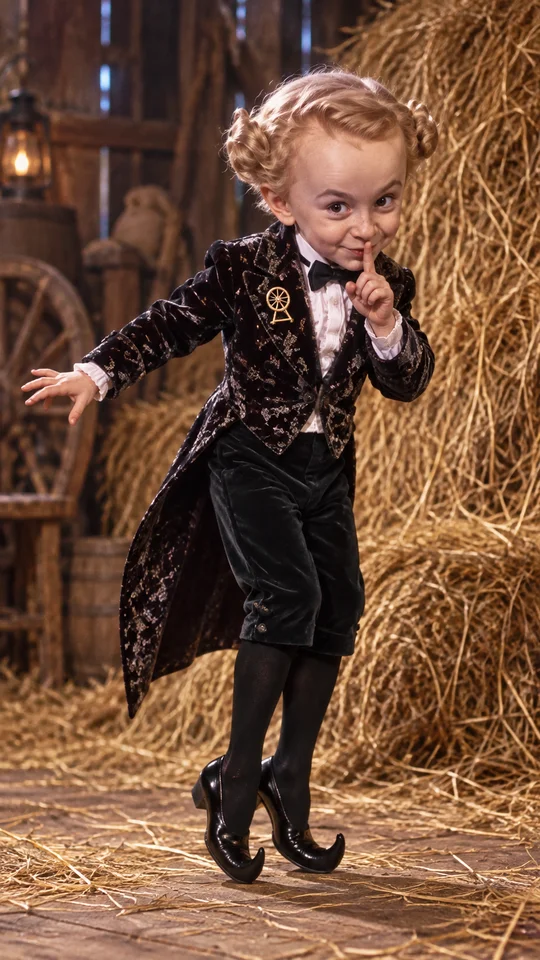
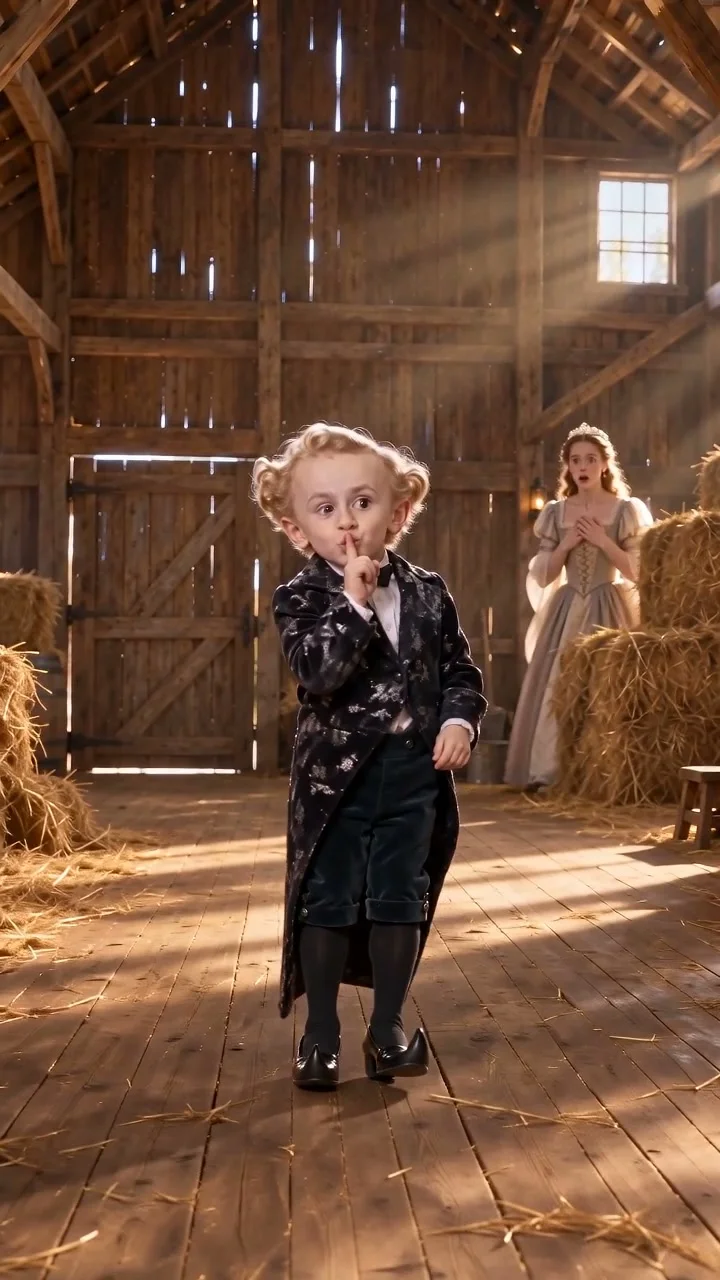
Seedance 2.0 Mini: Video Settings, Pricing and Sources
Create fast video clips with Seedance 2.0 Mini on Effect Video. Check available 480p and 720p settings, community insights, and documented inputs.
Read article ModelSeedance 2.0: Video Settings, Pricing and Sources
Seedance 2.0 is ByteDance's video model. On Effect Video, enter a prompt, add a photo if you like, and pick 480p to 4k and a 4 to 15 second length first.
Read article