
AI Dance | Trending AI Girl Dance Video | Amazing Dance Performance #Aidance
Turn Your Full-Body Photo into an AI Dance Video
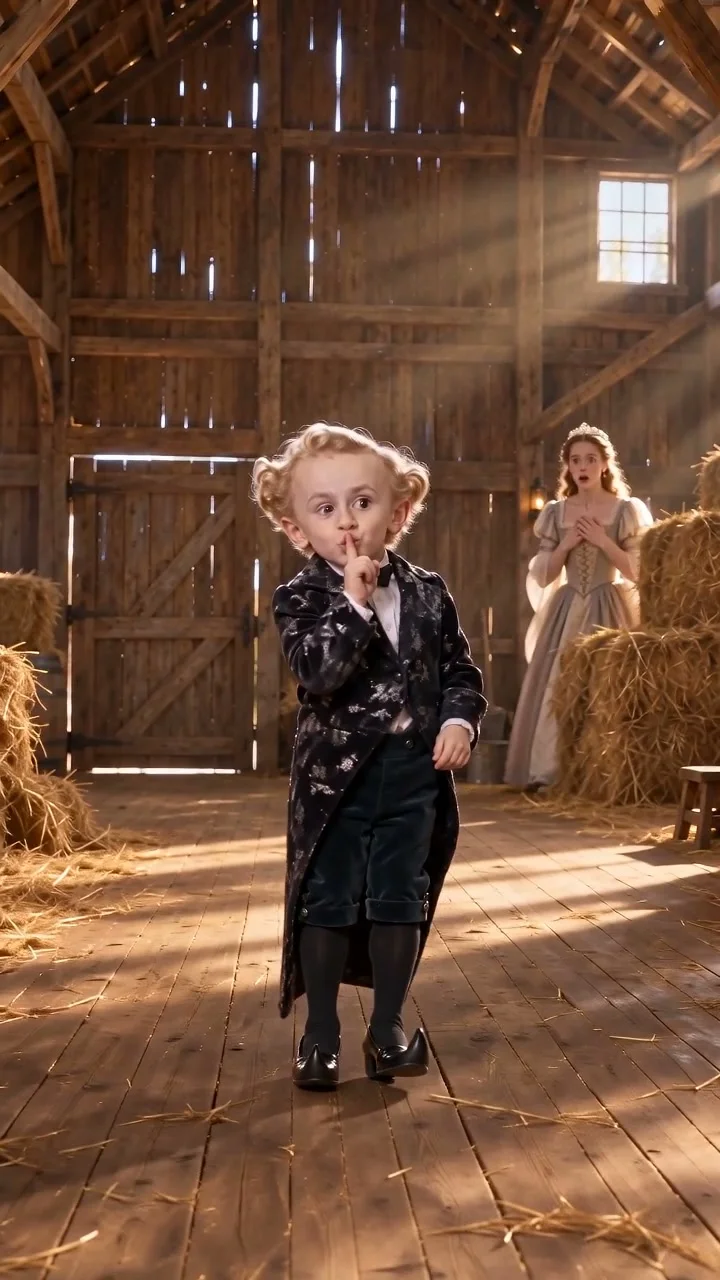
Bring still portraits to life with an original choreographed routine generated straight from your photo.
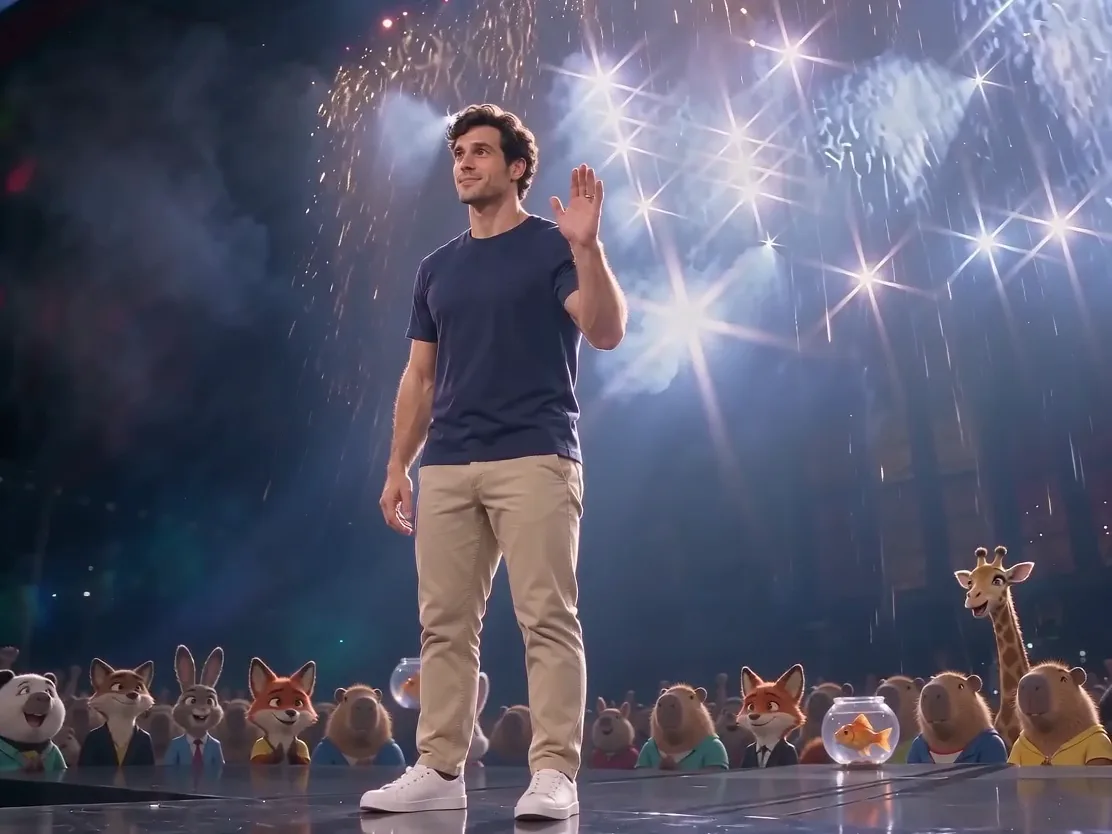
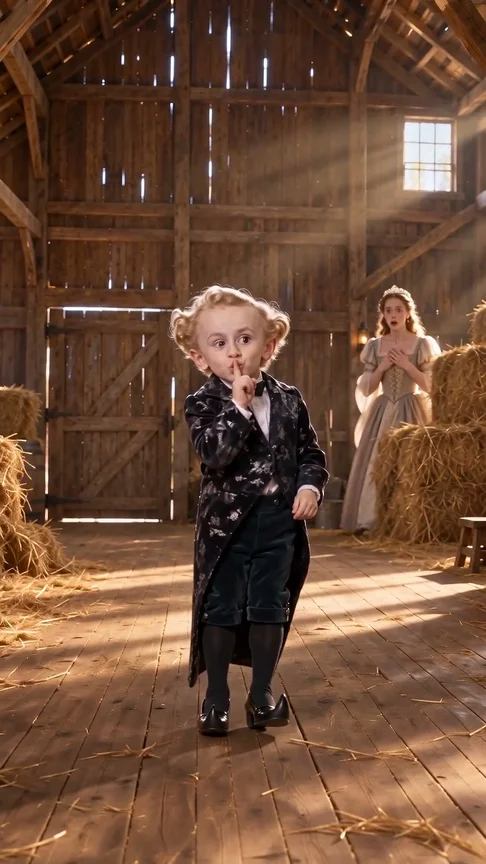
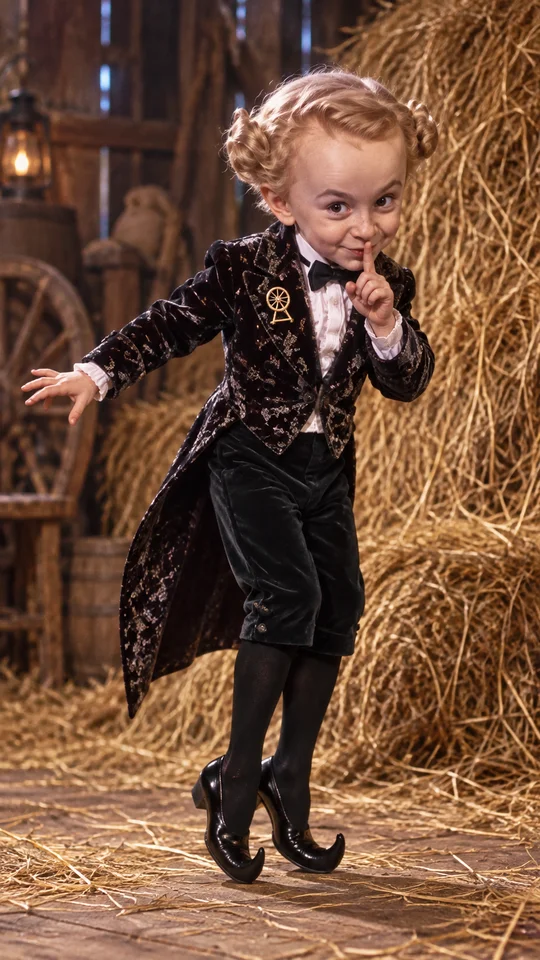
AI-generated sample · 1 photo · 5 s · 9:16 · MP4
How it works
- 1
Add your photo
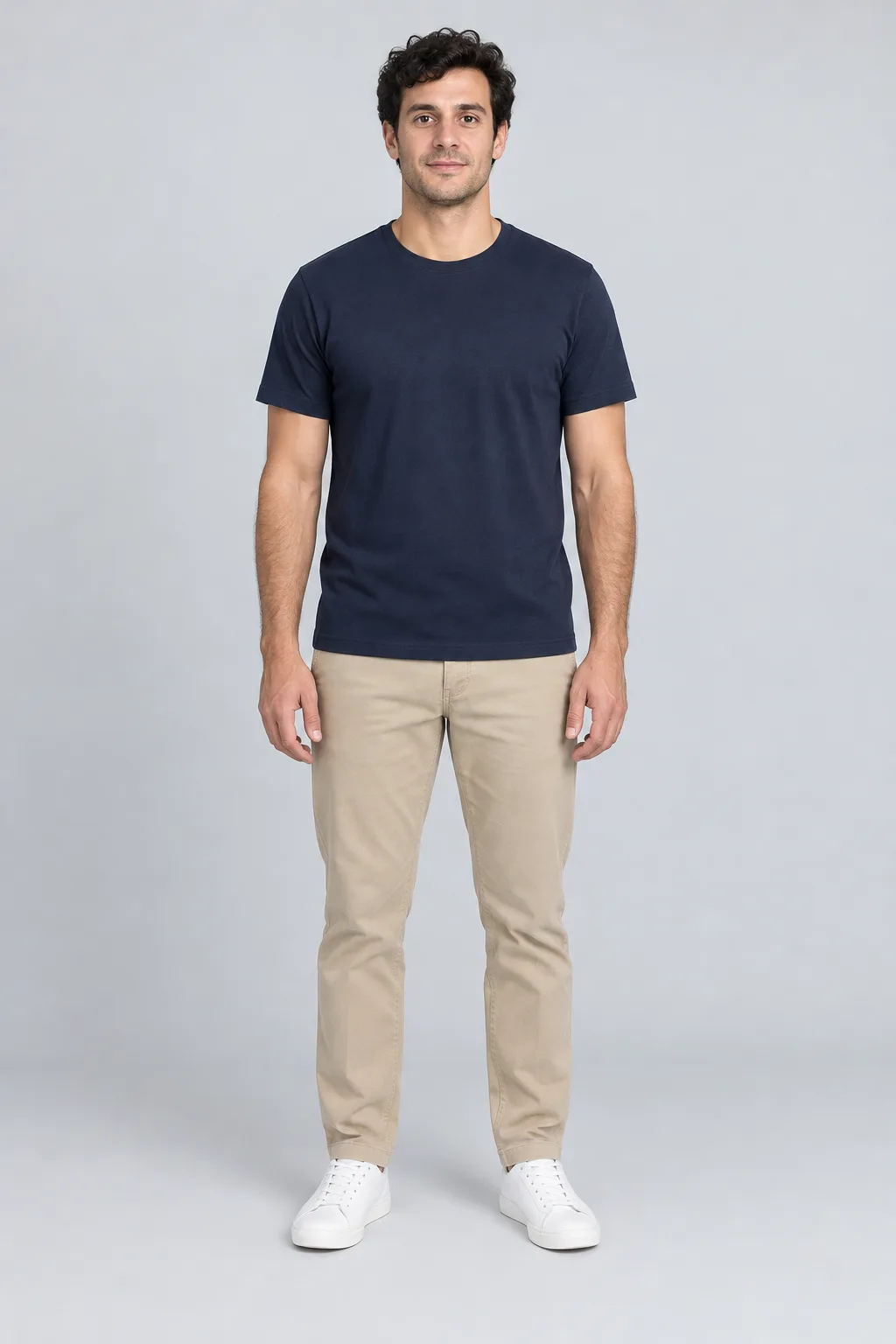
One full-body photo of an adult, head to toe, that you may use.
- 2
Create the video
Choose AI Dance, confirm photo permission and generate your 5-second dance.
- 3
Download your MP4
Save your finished MP4 with sound within 7 days.
Creator videos
Made by creators on YouTube, played in the official player. Not generated on Effect Video.
Your questions, answered
Create your video with your own photosHow many photos do I need for this effect?
You only need 1 full-body photo of an adult that you own or have permission to use.
Will the movement copy a specific meme routine exactly?
The motion creates an original fictional dance routine designed for smooth animation rather than reproducing a specific existing choreography.
What happens if the generation does not finish?
Your 4 credits return to your account balance automatically so you can try another photo whenever you like.
How are my uploaded photos handled?
Your uploaded photo is processed solely to render your video and the resulting MP4 file stays available for you to download for 7 days.
Questions and facts
How long is the video?
5 seconds, as a vertical 9:16 MP4.
What photo works best?
A well-lit full-body photo of an adult standing against a clean background.
What if the generation fails?
Reserved credits return to your balance automatically.[2]
Facts
- Photos
- 1
- Prompt
- Not required
- Duration
- 5 seconds
- Aspect ratio
- 9:16
- Resolution
- 480p
- Audio
- With sound (sample and generated video)
- Download
- MP4
- Kept for
- 7 days
Sources
- 1Seedance 2.0 Mini: Video Settings, Pricing and SourcesModel · /models/seedance-2-mini
- 2Pricing: credits and refundsPolicy · /pricing

From the blog
Model
Seedance 2.0 Mini: Video Settings, Pricing and Sources
Create fast video clips with Seedance 2.0 Mini on Effect Video. Check available 480p and 720p settings, community insights, and documented inputs.
Read article ModelSeedance 2.0: Video Settings, Pricing and Sources
Seedance 2.0 is ByteDance's video model. On Effect Video, enter a prompt, add a photo if you like, and pick 480p to 4k and a 4 to 15 second length first.
Read article ModelWan 3.0: Video Settings, Pricing and Sources
Generate videos with Wan 3.0 on Effect Video. Explore benchmark insights, creator tests, resolution options, and settings before creating your clip.
Read article