
AI Hamster Dance for presentation
Turn Your Pet Photo into an AI Hamster Dance
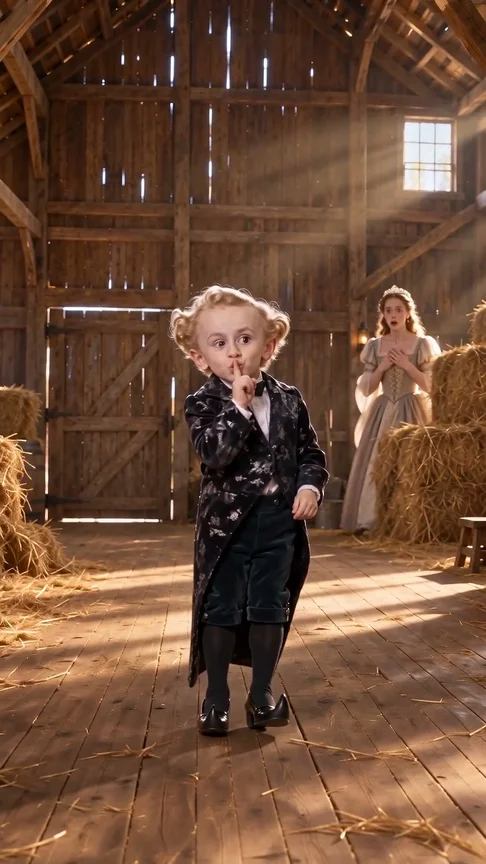
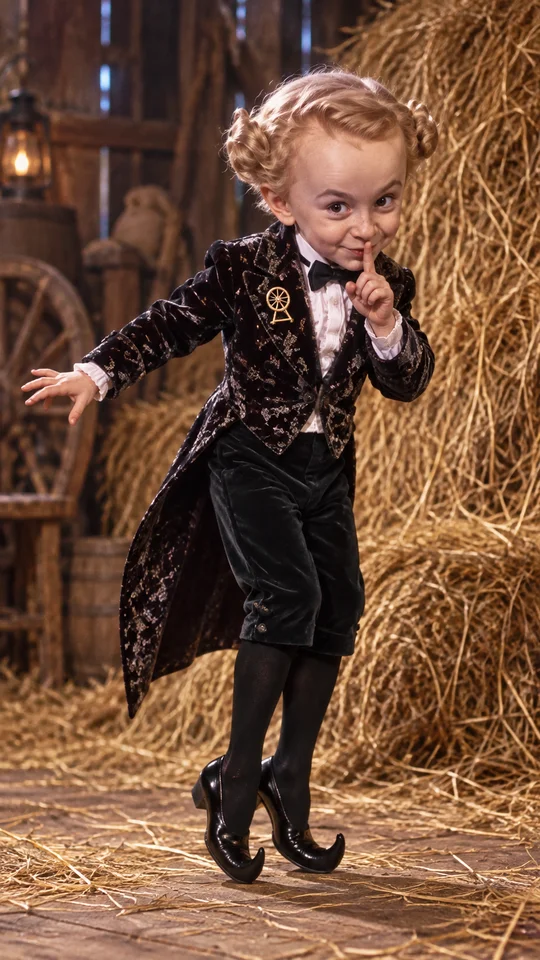
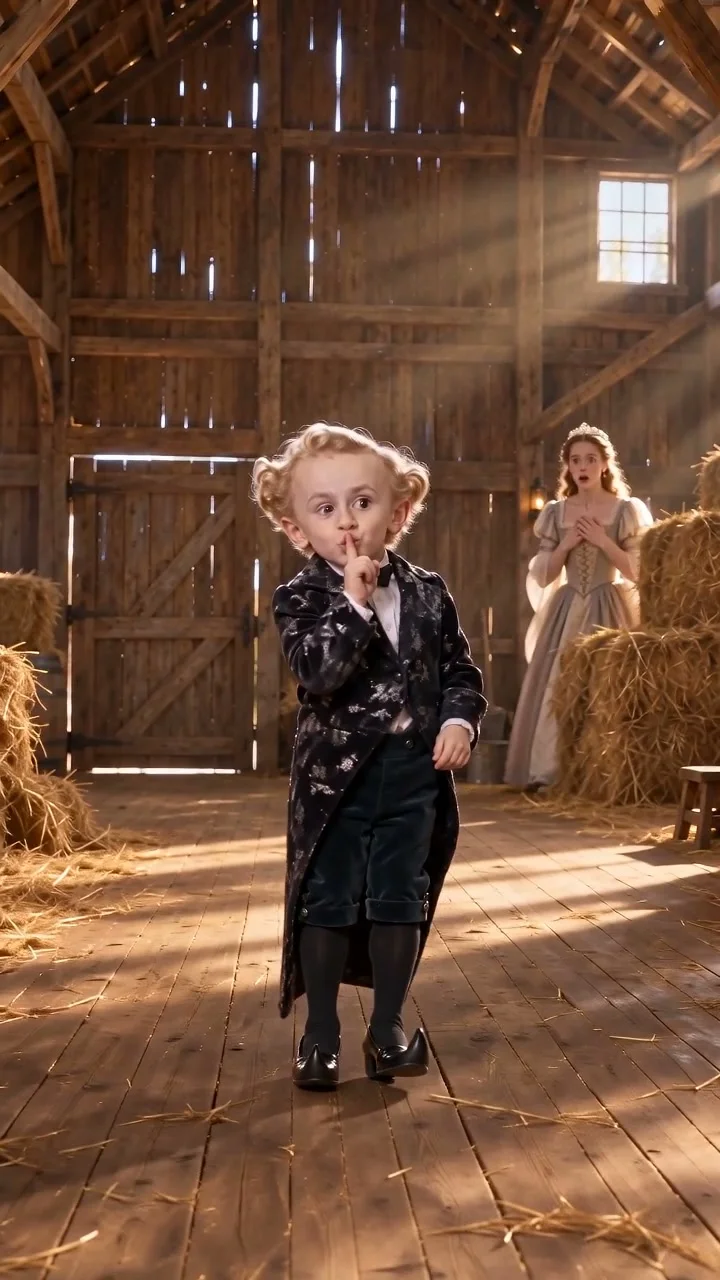
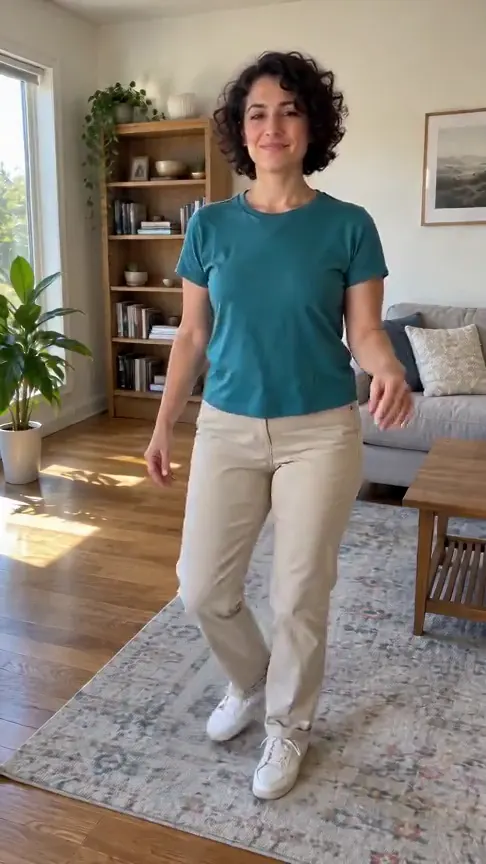
Transform your favorite hamster snapshot into an adorable, gently swaying animated 3D character.
AI-generated sample · 1 photo · 5 s · 9:16 · MP4
How it works
- 1
Add your photo
One clear photo of a hamster that you took or may use.
- 2
Create the video
Choose Hamster Dance, confirm photo permission and generate your 5-second clip.
- 3
Download your MP4
Save your finished MP4 with sound within 7 days.
Creator videos
Made by creators on YouTube, played in the official player. Not generated on Effect Video.
Your questions, answered
Create your video with your own photosHow many photos do I need for this effect?
You need 1 clear photo of a hamster that you photographed yourself or have permission to use.
Does this recreate a specific classic online mascot or music video?
The animation features an original 3D-styled character performing gentle swaying movements rather than recreating any licensed character or historic video.
What happens if rendering is interrupted?
Your 4 credits are automatically returned to your account so you can submit another picture.
How are my uploaded photos handled?
Your pet photo is processed exclusively to produce your animated video, and your MP4 file remains available for 7 days.
Questions and facts
How long is the video?
5 seconds, as a vertical 9:16 MP4.
What photo works best?
A sharp, eye-level photo of one hamster sitting upright in good light.
What if the generation fails?
Reserved credits return to your balance automatically.[2]
Facts
- Photos
- 1
- Prompt
- Not required
- Duration
- 5 seconds
- Aspect ratio
- 9:16
- Resolution
- 480p
- Audio
- With sound (sample and generated video)
- Download
- MP4
- Kept for
- 7 days
Sources
- 1Seedance 2.0 Mini: Video Settings, Pricing and SourcesModel · /models/seedance-2-mini
- 2Pricing: credits and refundsPolicy · /pricing
From the blog
Model
Seedance 2.0 Mini: Video Settings, Pricing and Sources
Create fast video clips with Seedance 2.0 Mini on Effect Video. Check available 480p and 720p settings, community insights, and documented inputs.
Read article ModelSeedance 2.0: Video Settings, Pricing and Sources
Seedance 2.0 is ByteDance's video model. On Effect Video, enter a prompt, add a photo if you like, and pick 480p to 4k and a 4 to 15 second length first.
Read article ModelWan 3.0: Video Settings, Pricing and Sources
Generate videos with Wan 3.0 on Effect Video. Explore benchmark insights, creator tests, resolution options, and settings before creating your clip.
Read article