
Tip Toe ….. #rumplestiltskin #classicfilm #modernized #18andover
Tip Toe in My Jordans AI: Your Dancer, Your Scene
Your dancer, optional observer and scene. 12 seconds, 16:9. Soundtrack mixing may fail.
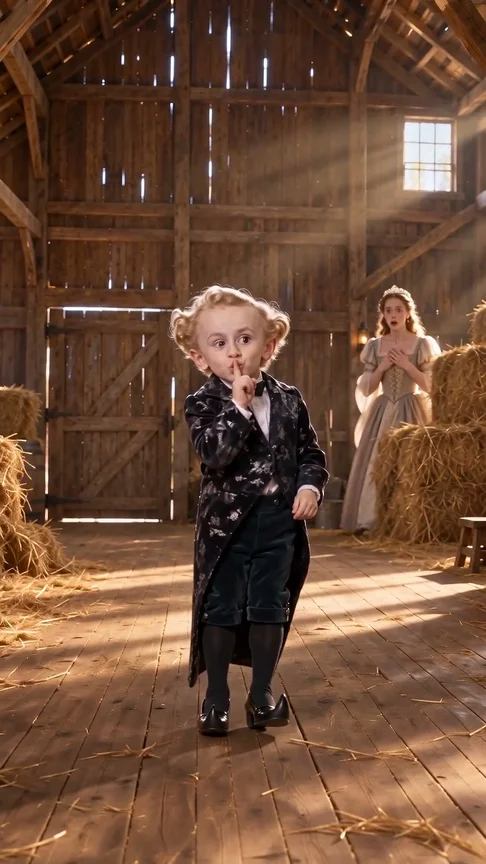
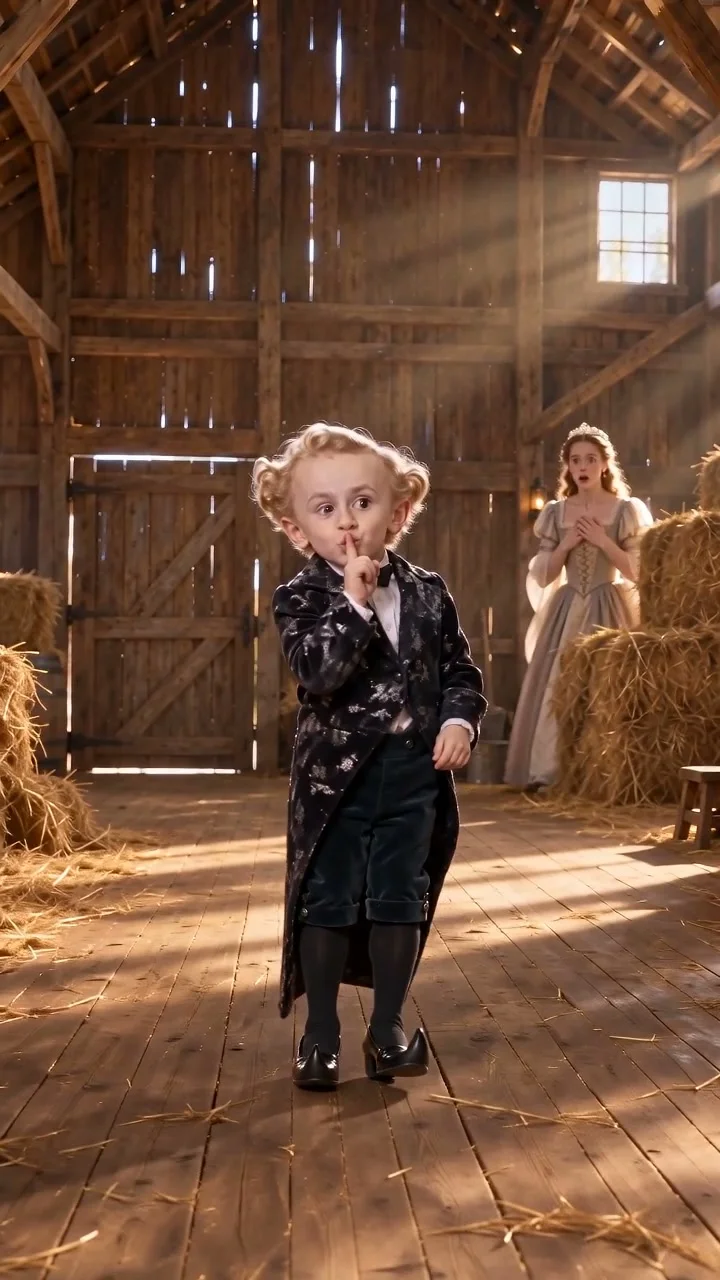
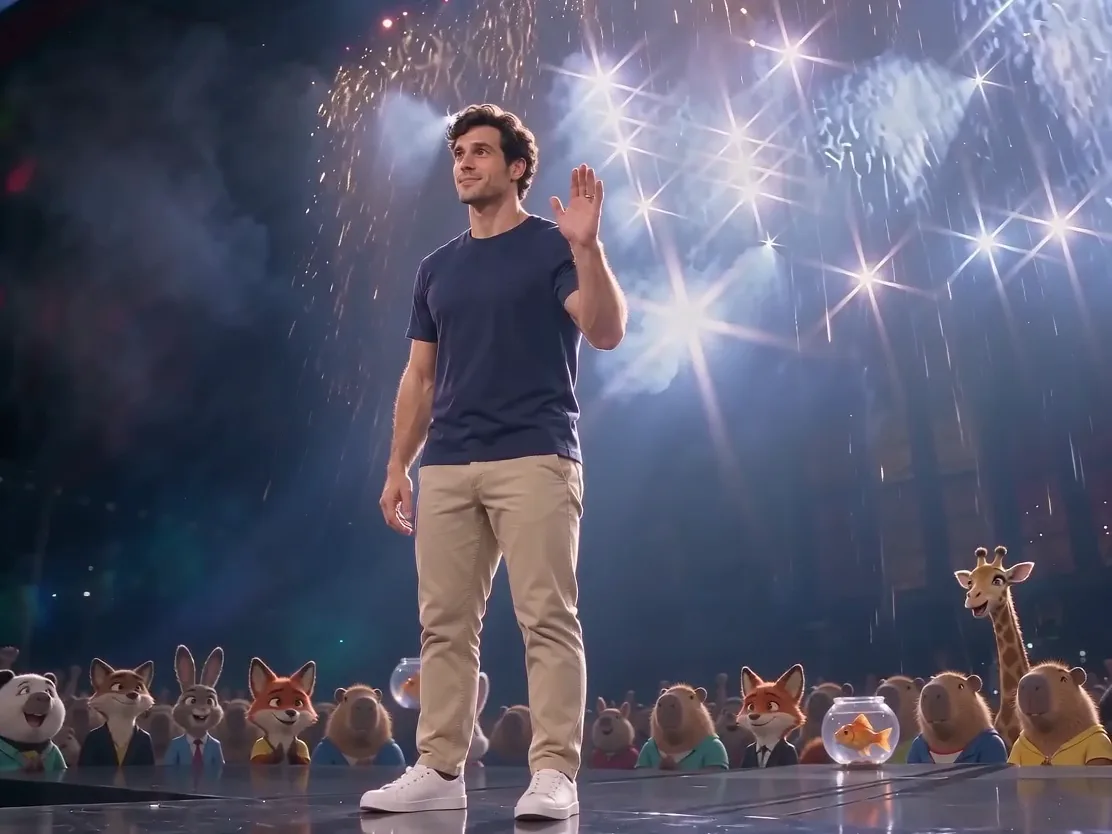
Turn your photo into the viral Tip Toe in My Jordans AI dance with this photo-to-video tool. You get a 12-second, 16:9 horizontal MP4 in 720p that stays available to download for 7 days, for 12 credits at the default Mini 720p setting, with required credits shown upfront and refunded automatically if generation fails. Your dancer sways side to side, tiptoes forward, spreads both arms wide, spins around, crouches down, and finishes with a shh gesture inside the barn scene.
Upload one adult photo for the main dancer, using images you have the right to use with consent from everyone pictured, since pet photos are not supported right now. You can also add a second photo to replace the seated onlooker, a third photo to swap the barn background with the reference guiding dance moves and camera work, and an optional text note for your scene. When you upload only the dancer and a background photo without an onlooker, place the background in the second slot and write "background only" in the text note.
The reference soundtrack is mixed in during final packaging. If mixing fails, the completed MP4 may be silent; this alone does not trigger a credit refund. Failed video generation returns reserved credits. Choose Rumpelstiltskin Tiptoe for a 15-second barn dance from one adult photo (9:16 by default, with 16:9 available). Choose Tip Toe Jordans for a 12-second 16:9 scene with a required dancer photo, optional observer portrait and optional background. The dancer performs the routine; the observer stays in the seated reaction role. Faces, motion and scenes can drift. Unofficial fan remake, unaffiliated with Riff Raff, the NFL, Nike or Jordan Brand.
How it works
- 1
Choose your dancer
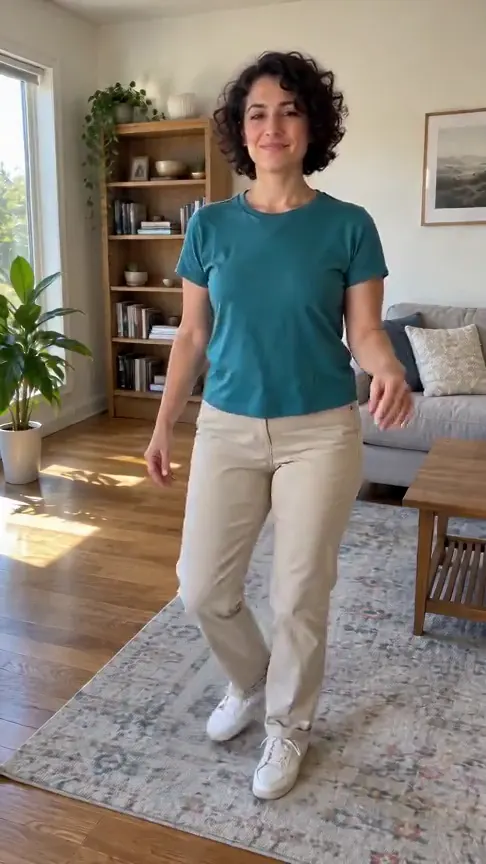
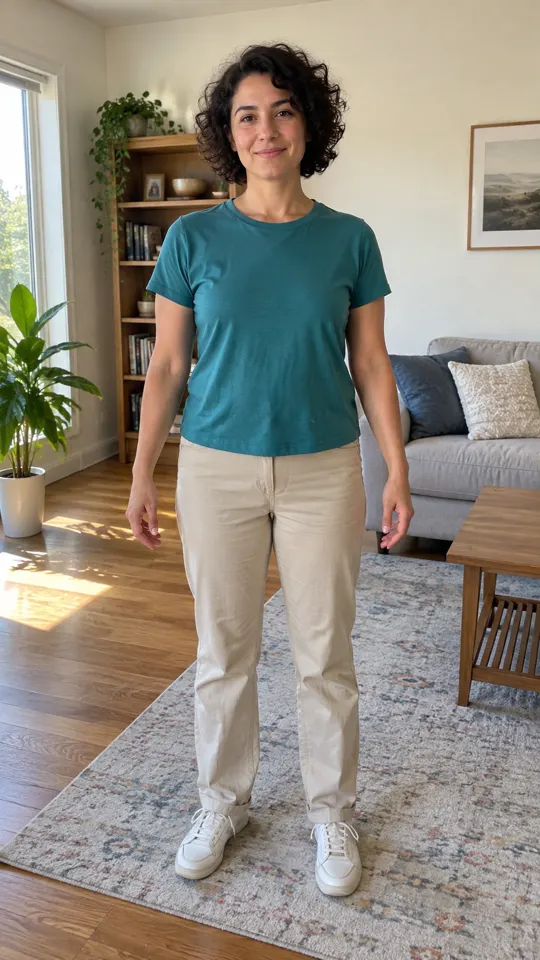
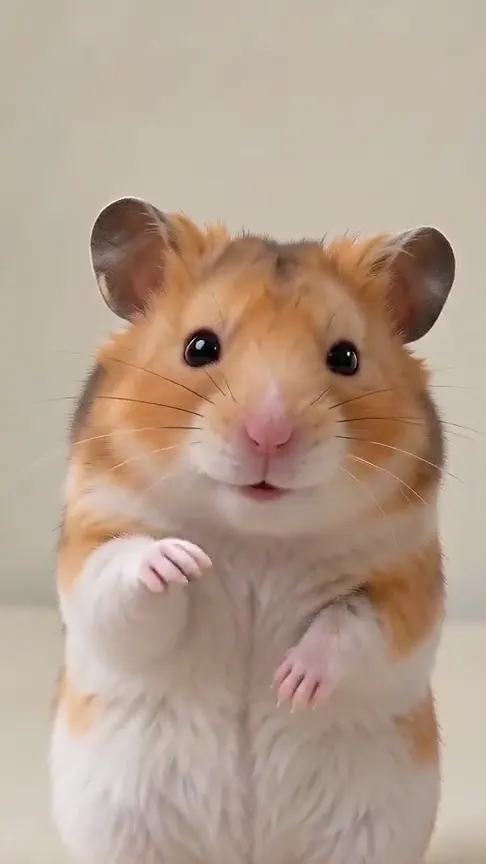
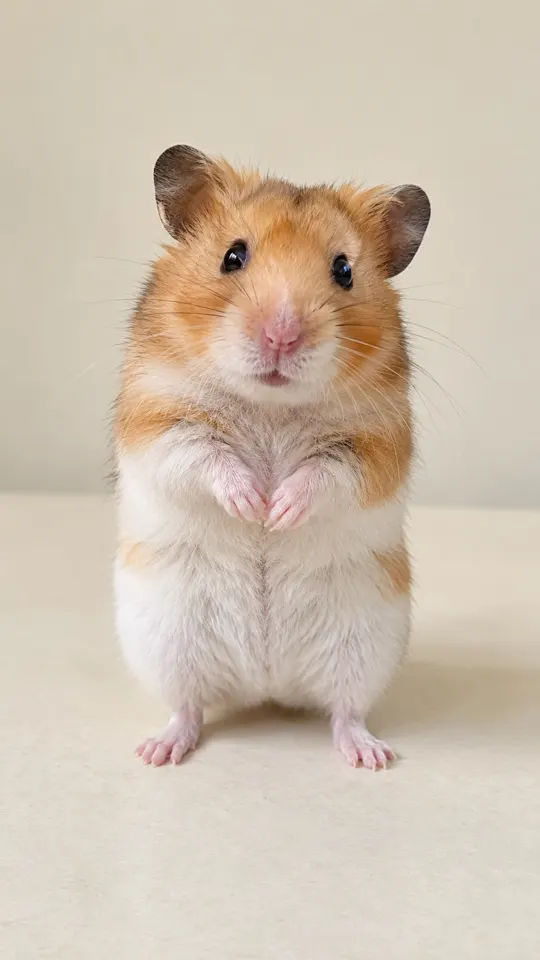
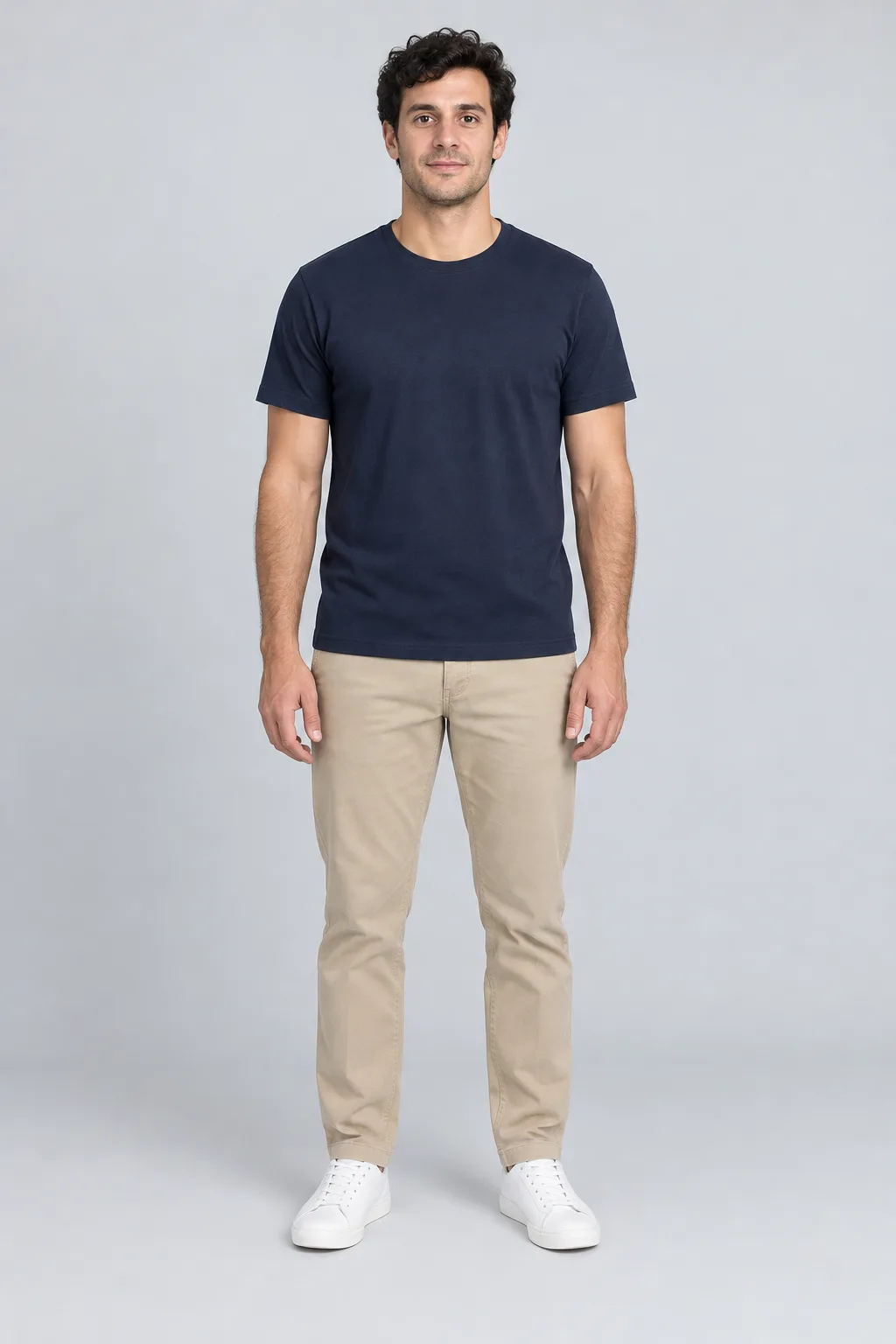
Upload one adult as Image1. Optional Image2 replaces the observer; Image3 supplies a scene.
- 2
Choose the scene
Add scene details. For a background without an observer photo, upload it second and write "background only".
- 3
Create the dance
Confirm photo permission and generate a 12-second 16:9 MP4; soundtrack mixing may fail.
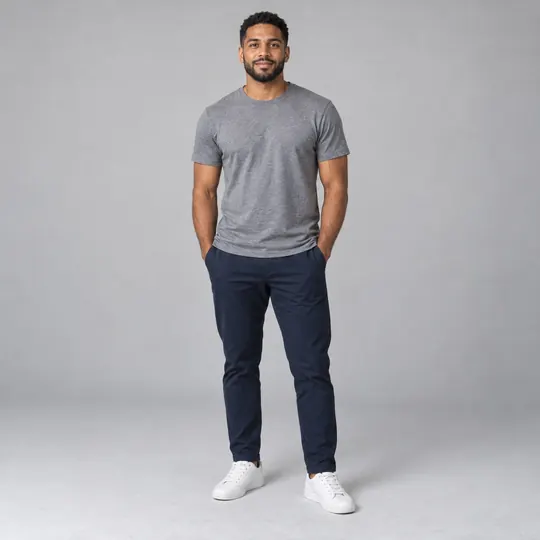


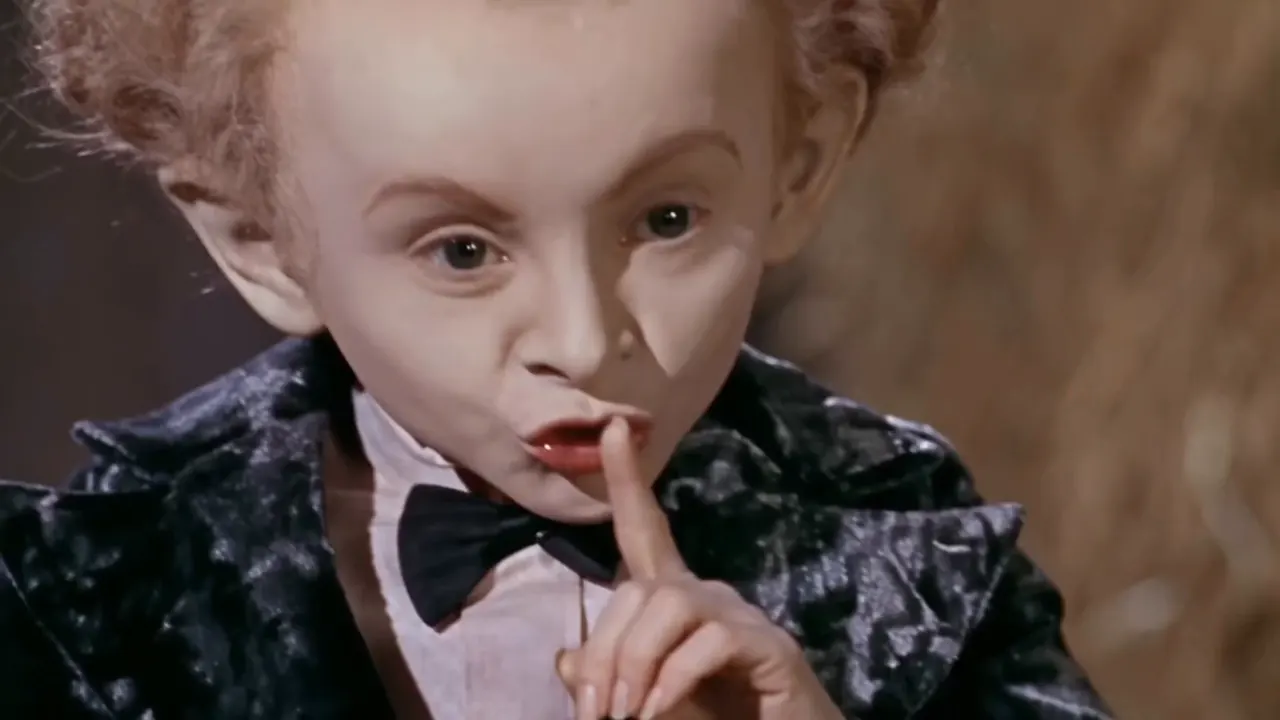 becomes
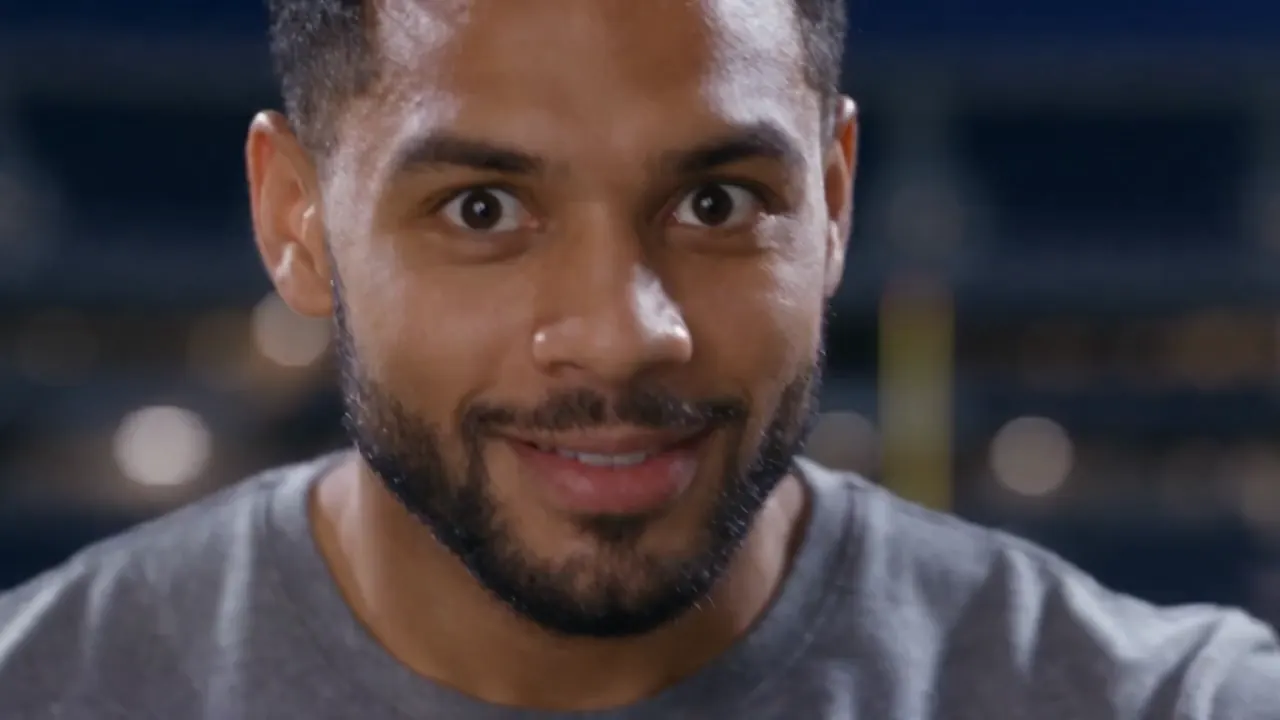 becomes
  becomes
 Your questions, answered
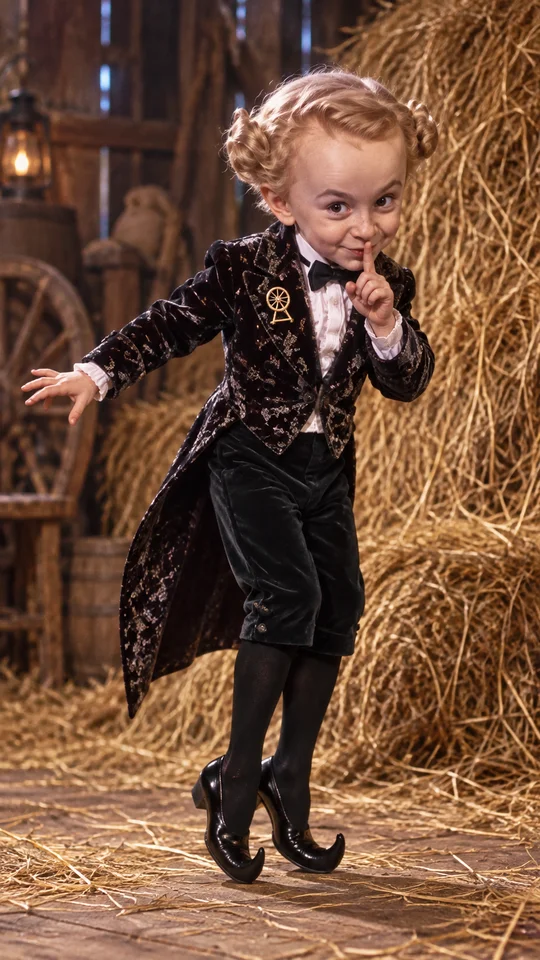
Create your video with your own photosIt is a viral 2026 AI-generated short clip where a short, Rumpelstiltskin-like character in a black suit performs a tiptoe dance inside a straw barn. The dance gained another wave of attention in mid-October when NFL players copied the moves for touchdown celebrations, and US media outlets including NBC reported that the clip was AI-generated. This page offers an unofficial fan recreation with no affiliation with Riff Raff, the NFL, Nike, or Jordan Brand.
The viral clip uses a visual style that imitates an old movie, featuring a straw barn setting and a Rumpelstiltskin-style character in a black suit. US media outlets such as NBC have reported that the 2026 dance short is AI-generated.
The video uses the 2014 track "Tip Toe Wing In My Jawwdinz" by Riff Raff. That song includes the well-known lyric "tip toeing in my jordans" heard during the barn dance.
Upload one photo of an adult for the main dancer, and optionally add a seated onlooker photo, a background photo, and a short text note for your scene. Make sure you have the right to use every uploaded image and have consent from everyone pictured. Once generated, you receive a 12-second, 16:9 horizontal MP4 in 720p guided by the reference dance routine; generated motion can differ.
Yes, you can upload a background photo to replace the barn scene with the reference guiding the dance moves and camera work. When you upload both an onlooker photo and a background photo, put the onlooker in the second slot and the background in the third slot. If you upload only the dancer photo and a background photo without an onlooker, upload the background in the second slot and write "background only" in the text note.
Choose a clear photo of one adult for the main dancer to generate your clip. Pet photos are not supported right now.
The reference soundtrack is mixed in during final packaging. If mixing fails, the completed MP4 may be silent; this alone does not trigger a credit refund. Failed video generation returns reserved credits.
This template uses 12 credits for a 12-second Mini 720p video. The page shows the required credits before you start generating your video. If generation fails, your reserved credits are automatically refunded to your account. Finished MP4 videos are kept for 7 days so you have plenty of time to download your file.
First check that your player is unmuted and your device volume is up. If the downloaded file is still silent, add an audio track you have permission to use in a video editor and export a new MP4. Audio mixing failure can leave a completed silent video; it does not automatically refund credits.
Eligible verified accounts can claim 5 welcome credits once. These can cover a standard 5-second preset, but are not enough for either this 12-credit template or the 17-credit Rumpelstiltskin Tiptoe template. Additional credits are needed; this gift does not provide a free full-length tiptoe video.
Choose Rumpelstiltskin Tiptoe for a 15-second barn dance from one adult photo (9:16 by default, with 16:9 available). Choose Tip Toe Jordans for a 12-second 16:9 scene with a required dancer photo, optional observer portrait and optional background. The dancer performs the routine; the observer stays in the seated reaction role. Faces, motion and scenes can drift.
Uploaded photos are used to process your video. Finished results are available for seven days. Request deletion from the account page or contact hello@effect.video with your account email and relevant job reference. Save videos you want to keep before requesting deletion. See the Privacy Policy in Sources.
Questions and facts
What is the Rumpelstiltskin tip toe meme and Tip Toeing in My Jordans AI trend?
It is a viral 2026 AI-generated short clip where a short, Rumpelstiltskin-like character in a black suit performs a tiptoe dance inside a straw barn. The dance gained another wave of attention in mid-October when NFL players copied the moves for touchdown celebrations, and US media outlets including NBC reported that the clip was AI-generated. This page offers an unofficial fan recreation with no affiliation with Riff Raff, the NFL, Nike, or Jordan Brand.[3]
Is the Rumpelstiltskin tip toe video from an old movie?
The viral clip uses a visual style that imitates an old movie, featuring a straw barn setting and a Rumpelstiltskin-style character in a black suit. US media outlets such as NBC have reported that the 2026 dance short is AI-generated.[3]
What song is playing in the Tip Toe in My Jordans AI video?
The video uses the 2014 track "Tip Toe Wing In My Jawwdinz" by Riff Raff. That song includes the well-known lyric "tip toeing in my jordans" heard during the barn dance.[3]
How do I make a Tip Toe in My Jordans AI video for myself or a friend?
Upload one photo of an adult for the main dancer, and optionally add a seated onlooker photo, a background photo, and a short text note for your scene. Make sure you have the right to use every uploaded image and have consent from everyone pictured. Once generated, you receive a 12-second, 16:9 horizontal MP4 in 720p guided by the reference dance routine; generated motion can differ.
Can I change the straw barn background in the video?
Yes, you can upload a background photo to replace the barn scene with the reference guiding the dance moves and camera work. When you upload both an onlooker photo and a background photo, put the onlooker in the second slot and the background in the third slot. If you upload only the dancer photo and a background photo without an onlooker, upload the background in the second slot and write "background only" in the text note.
Facts
- Photos
- 1 required dancer; optional observer and background
- Scene details
- Optional
- Duration
- 12 seconds
- Aspect ratio
- 16:9 only
- Resolution
- 720p
- Audio
- Original song mixed during packaging; may be silent if mixing fails
- Download
- MP4
- Kept for
- 7 days
Sources
- 1Seedance 2.0 Mini: Video Settings, Pricing and SourcesModel · /models/seedance-2-mini
- 2Pricing: credits and refundsPolicy · /pricing
- 3NBC Chicago: the AI-generated Rumpelstiltskin dance memeArticle · https://www.nbcchicago.com/entertainment/entertainment-news/ai-generated-rumpelstiltskin-meme/3999278/
- 4Photo processing and deletion requestsPolicy · /privacy
Guide
How to Make the Tip Toeing in My Jordans AI Video
Make the Tip Toeing in My Jordans AI video with your own adult photo, optional onlooker and background images, with reference audio mixing that may fail.
Read article ModelSeedance 2.0 Mini: Video Settings, Pricing and Sources
Create fast video clips with Seedance 2.0 Mini on Effect Video. Check available 480p and 720p settings, community insights, and documented inputs.
Read article ModelSeedance 2.0: Video Settings, Pricing and Sources
Seedance 2.0 is ByteDance's video model. On Effect Video, enter a prompt, add a photo if you like, and pick 480p to 4k and a 4 to 15 second length first.
Read article