
I Turned My Photos Into Anime #shorts #youtubeshorts #anime #aianime
AI Anime Transformation Video
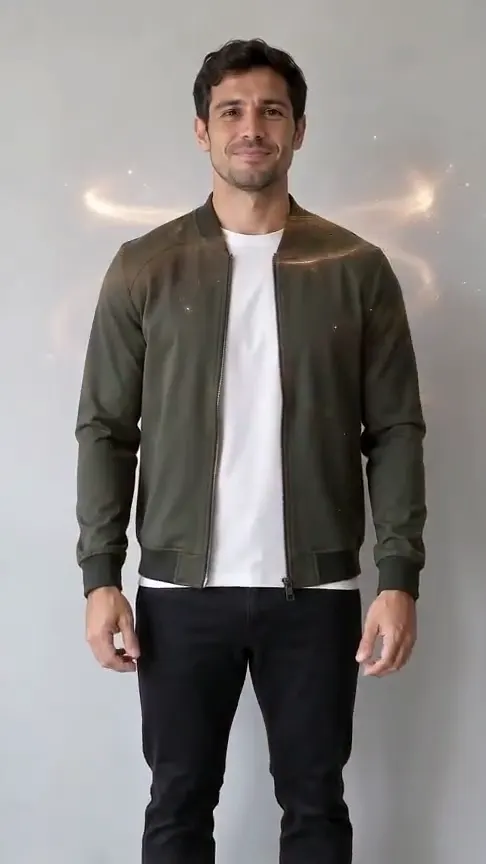
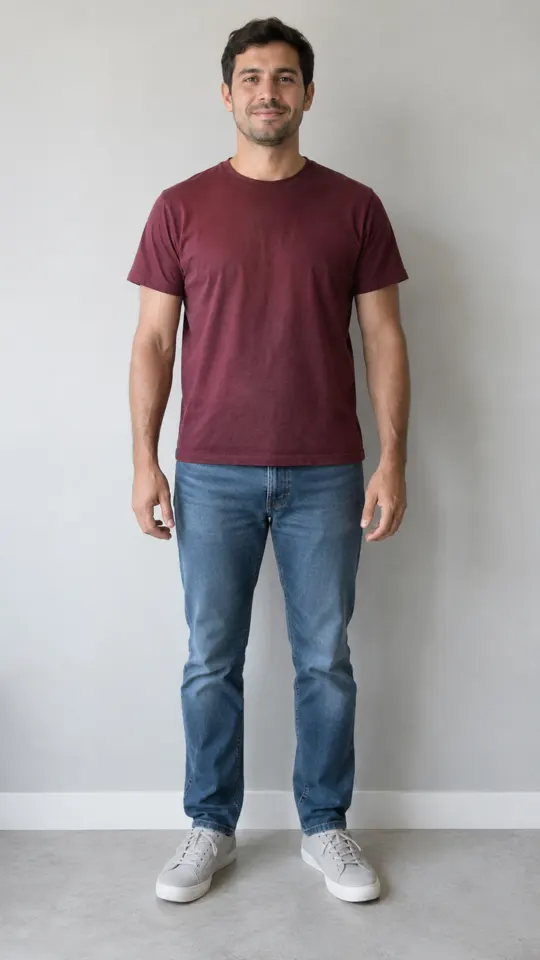
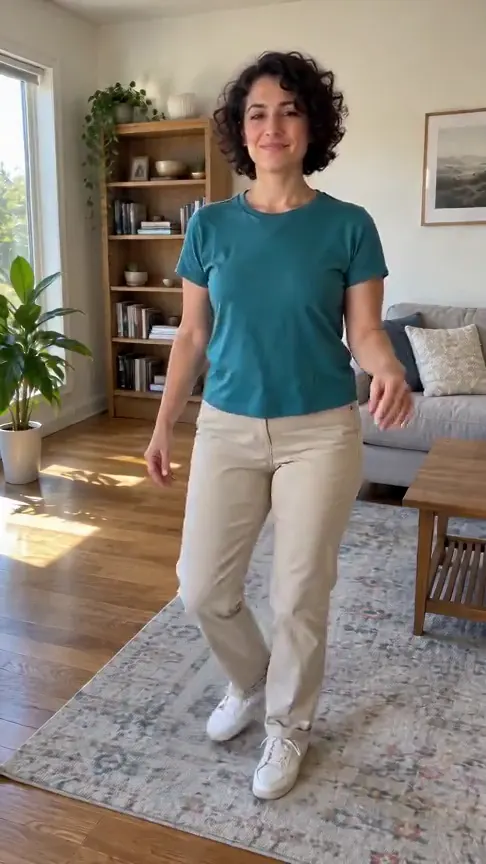
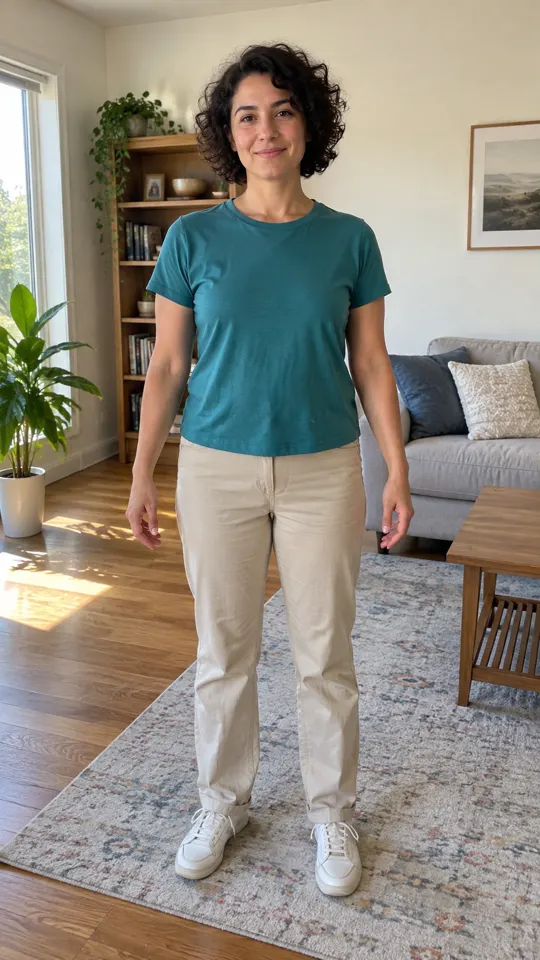
Transform your portrait into an original animated character waving on screen with zero editing.
AI-generated sample · 1 photo · 5 s · 9:16 · MP4
How it works
- 1
Add your photo
One clear portrait of yourself or someone who gave you permission.
- 2
Create the video
Choose Anime Transformation, confirm photo permission and generate your 5-second clip.
- 3
Download your MP4
Save your finished MP4 with sound within 7 days.
Creator videos
Made by creators on YouTube, played in the official player. Not generated on Effect Video.
Your questions, answered
Create your video with your own photosHow many photos do I need to upload?
You only need one portrait of yourself or someone who gave you permission. Clear front-facing photos with good lighting give the cleanest anime photo to video look.
Will this accurately recreate a specific character or celebrity?
Your video creates a brand-new, original anime character inspired by your photo. The result is a fun, fictional stylized animation with its own unique personality and hand wave.
What happens if my video generation fails?
Your credits return to your account balance automatically, so you can pick another photo and try again right away.
How are my uploaded photos handled?
Your photo is used solely to render your video, and your finished MP4 stays ready to download from our storage for 7 days.
Questions and facts
How long is the video?
5 seconds, as a vertical 9:16 MP4.
What photo works best?
A well-lit portrait or selfie with your face and shoulders fully visible.
What if the generation fails?
Reserved credits return to your balance automatically.[2]
Facts
- Photos
- 1
- Prompt
- Not required
- Duration
- 5 seconds
- Aspect ratio
- 9:16
- Resolution
- 480p
- Audio
- With sound (sample and generated video)
- Download
- MP4
- Kept for
- 7 days
Sources
- 1Seedance 2.0 Mini: Video Settings, Pricing and SourcesModel · /models/seedance-2-mini
- 2Pricing: credits and refundsPolicy · /pricing
Try another effect
From the blog
Model
Seedance 2.0 Mini: Video Settings, Pricing and Sources
Create fast video clips with Seedance 2.0 Mini on Effect Video. Check available 480p and 720p settings, community insights, and documented inputs.
Read article ModelSeedance 2.0: Video Settings, Pricing and Sources
Seedance 2.0 is ByteDance's video model. On Effect Video, enter a prompt, add a photo if you like, and pick 480p to 4k and a 4 to 15 second length first.
Read article ModelWan 3.0: Video Settings, Pricing and Sources
Generate videos with Wan 3.0 on Effect Video. Explore benchmark insights, creator tests, resolution options, and settings before creating your clip.
Read article