
PixVerse V6 Stress Test: Bullet Time, Transformations, Time-Laps & Insane Camera Moves[5]
AI Filmmaking Academy ·
AI Filmmaking Academy stress test: bullet time, transformations, time-lapse, camera (per title).
Try PixVerse V6 on Effect Video: see lengths, resolutions and sound settings, plus what creators on YouTube, X and Reddit say about the model.
By Effect VideoUpdated
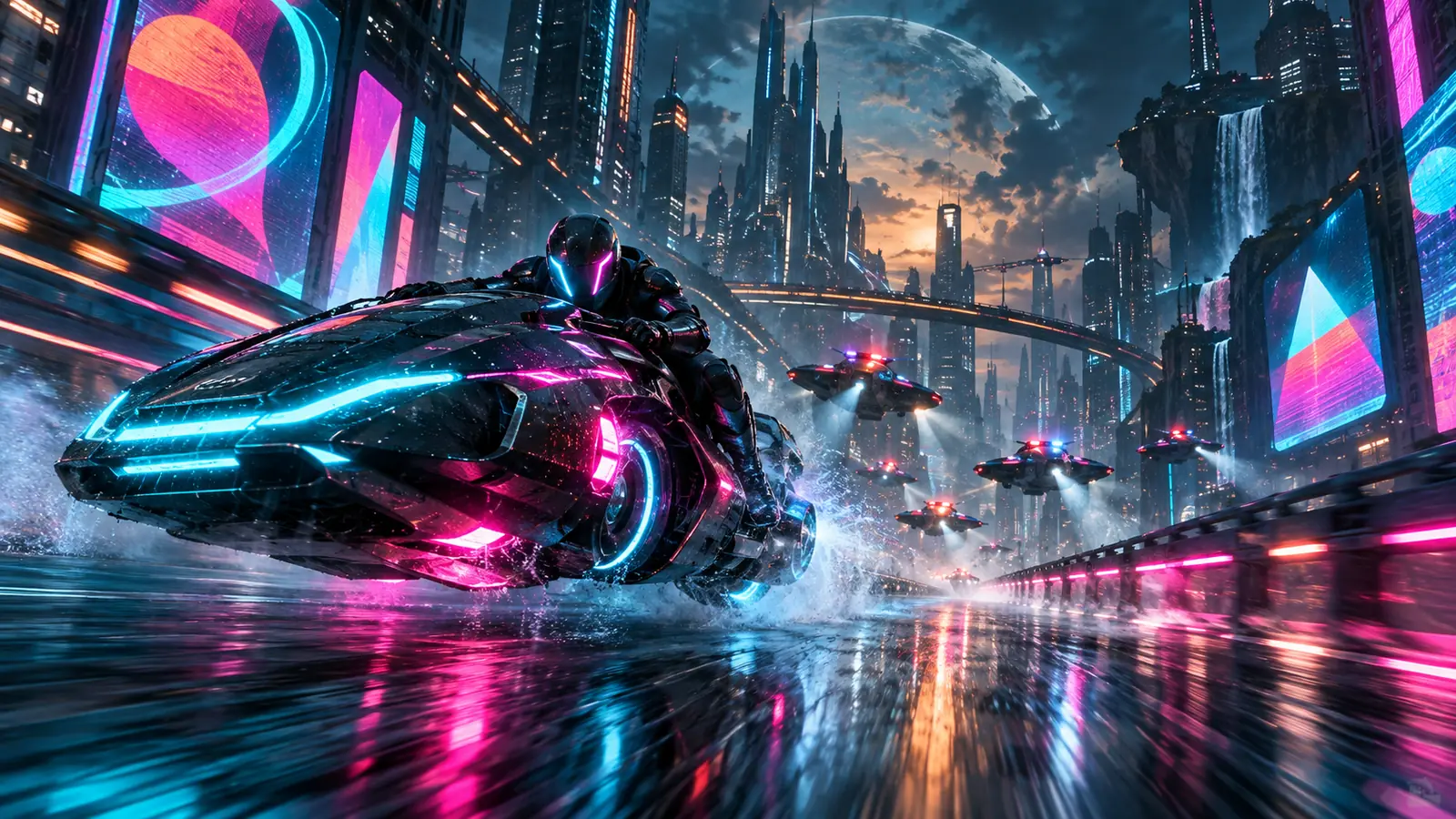
PixVerse V6 is PixVerse's text-to-video model. On Effect Video you enter a text prompt, choose 360p, 540p, 720p or 1080p and a clip length of 3, 5, 8, 10 or 15 seconds, switch sound on or off, and see the total credits before you generate. This guide also covers what creators have shared about its motion and sound.
PixVerse announced the model in its PixVerse Launches V6 blog post. Developers can reach PixVerse through the PixVerse Platform API, and the KIE PixVerse V6 interface documentation describes the text-to-video endpoint that Effect Video connects to. PixVerse also published a vendor-authored V6 review and guide on its own blog.
On Effect Video the model takes a text prompt and produces clips of 3, 5, 8, 10 or 15 seconds, with 360p, 540p, 720p and 1080p output. The generator has a sound on/off switch.
PixVerse and a number of creators have shared V6 clips and impressions. Note that two of the X posts shown on this page (Sparkful and SORAY-AI) carry PixVerse CPP tags in their bio or hashtags, which indicates a partnership with PixVerse. We do not know whether or how those creators are paid, so read their posts as partner-creator impressions, not independent tests.
PixVerse's own account posted on 2026-08-31 about an orbital platform shot: "Orbital platform, no drift. That's a clean V6 try." On YouTube, AI Filmmaking Academy ran a PixVerse V6 Stress Test on 2026-07-09 covering bullet time, transformations, time-lapse and camera moves. On X, Sparkful (@SparkfulArt) wrote on 2026-10-09 that it was their ninth month with the model, and that music can now be turned off: "No music works, sound effects gotten a whole lot better, excited for its next model update!" No YouTube video in the source list is marked as sponsored.
On 2026-10-03 PixVerse also announced PixVerse Short Drama, a plugin that lets an AI agent turn a described scene into a finished video. The post does not name V6, so treat it as related PixVerse news rather than a V6 feature. The other videos, X posts and Reddit threads are shown further down this page and in the references, so you can judge the style for yourself.
PixVerse V6 is available on Effect Video through the Open generator card at the top of this page. Type your text prompt and choose your video settings, including sound on or off, before you start.
The generator offers lengths of 3, 5, 8, 10 or 15 seconds and 360p, 540p, 720p or 1080p output. The total credit cost appears before you generate, so you can check your settings first. Finished videos stay available for 7 days, so you can preview and download them.
A few points are worth knowing before you choose PixVerse V6:
Made by creators on YouTube and played in the official player. Not generated on Effect Video.
PixVerse V6 Stress Test: Bullet Time, Transformations, Time-Laps & Insane Camera Moves[5]
AI Filmmaking Academy ·
AI Filmmaking Academy stress test: bullet time, transformations, time-lapse, camera (per title).
PixVerse V6: From Generated Visuals to Real-World Simulation[6]
Tech Vorld ·
Tech Vorld walkthrough with 6 demo prompts.
PixVerse V6 Turned One Product Image Into a Full Commercial[7]
AI BORDER ·
AI BORDER turns one product image into a commercial with V6 (2026-09-25).
Read from the generator and its price list, so they match what you see before you create.
| Length | 360p | 540p | 720p | 1080p |
|---|---|---|---|---|
| 3 s | 20.67 /s | 31.00 /s | 31.00 /s | 62.00 /s |
| 5 s | 30.60 /s | 40.80 /s | 51.00 /s | 102.00 /s |
| 8 s | 50.63 /s | 60.75 /s | 81.00 /s | 151.88 /s |
| 10 s | 60.60 /s | 80.80 /s | 101.00 /s | 191.90 /s |
| 15 s | 90.60 /s | 110.73 /s | 151.00 /s | 281.87 /s |
Big number: credits for the clip. Small number: credits per second. Shown with sound on.
Credits: Effect Video pricing, the same quote the generator shows. Model details: official documentation.
Posts we checked, quoted with the author’s name and a link to the original.
Orbital platform, no drift. That's a clean V6 try.
Introducing PixVerse Short Drama, a plugin that brings scene creation to your AI agent. Describe the scene you have in mind, and your agent uses PixVerse to turn it into a finished video. What the plugin brings to your workflow: → Start with your own words. Describe the…
I enjoy the Pixverse v6 model a lot, this will be my 9th month with the model. On release months aback music couldn't be turned off, now they patched it! No music works, sound effects gotten a whole lot better, excited for its next model update! 😄✨ @pixverse #pixversecpp
Orange tabbies are my favorite. what about you? this one's a nekomata, guardian of this little town🧡 @PixVerse v6 - the model is very good even though it came out some time ago~ I love the painterly look here. #PixverseCPP
服の中に、冬を閉じ込めました。 YUKITORO — A Winter Within 赤い雪灯籠コートの中へ入り、戻るとランウェイにも雪が降り積もる☃️ Design: GPT Image 2.5 Video: PixVerse V6 @PixVerse #PixVerseRunway #IMG25onPixVerse #PixVerseCPP…
Links to the threads. We do not embed or quote them.
Pick a clip length and quality in the generator; the total shows before you create.
| duration | 360p (credits) | 540p (credits) | 720p (credits) | 1080p (credits) |
|---|---|---|---|---|
| 3s | 2 | 3 | 3 | 6 |
| 5s | 3 | 4 | 5 | 10 |
| 8s | 5 | 6 | 8 | 15 |
| 10s | 6 | 8 | 10 | 19 |
| 15s | 9 | 11 | 15 | 28 |
Where the facts on this page come from. Official sources first, then independent coverage.


