
My Dogs Tried the Migos Trend via Higgsfield
Create a Hotel Lobby Duet from Two Photos
Create an original music duet for two people or pets in an orange studio with your custom lyrics.
AI-generated sample · 2 photos · 16:9 · MP4
How it works
- 1
Upload two photos
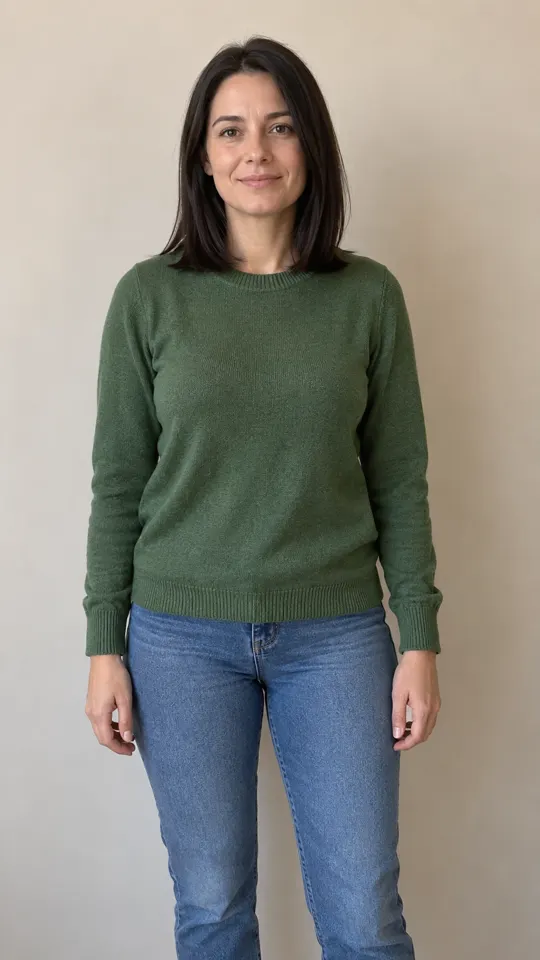
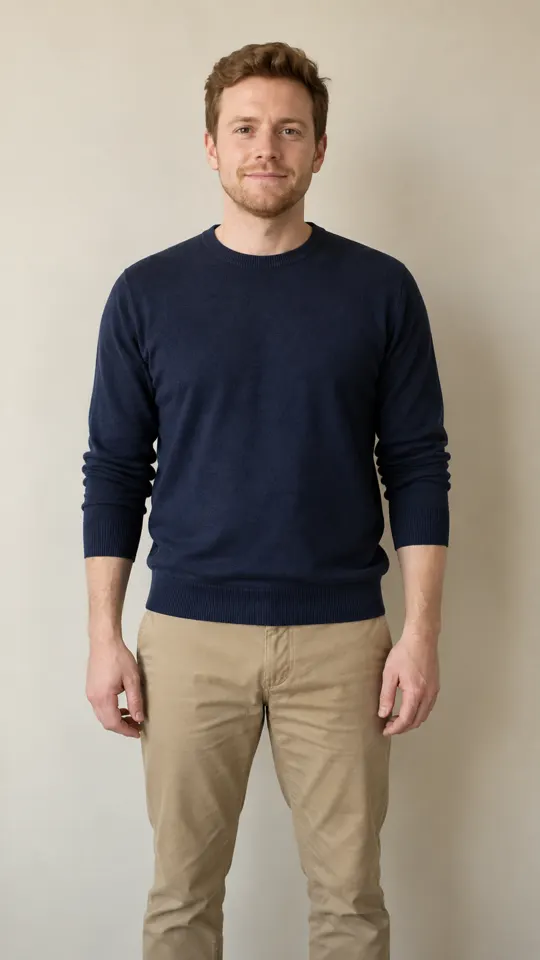
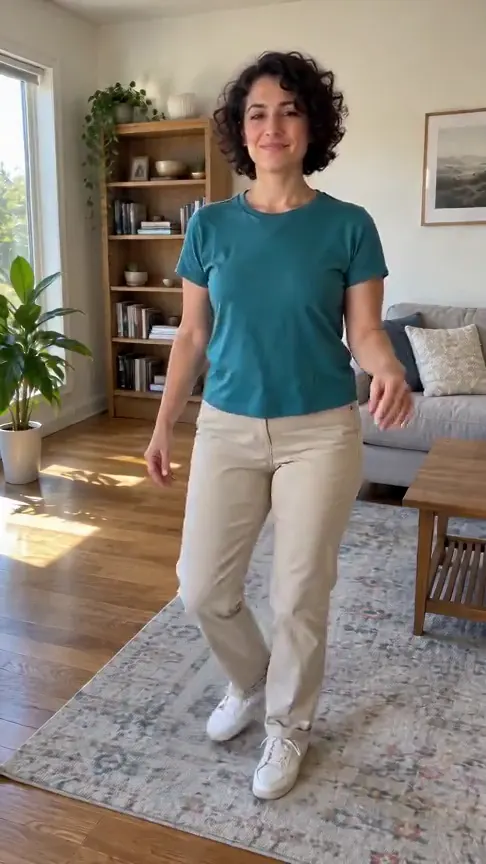
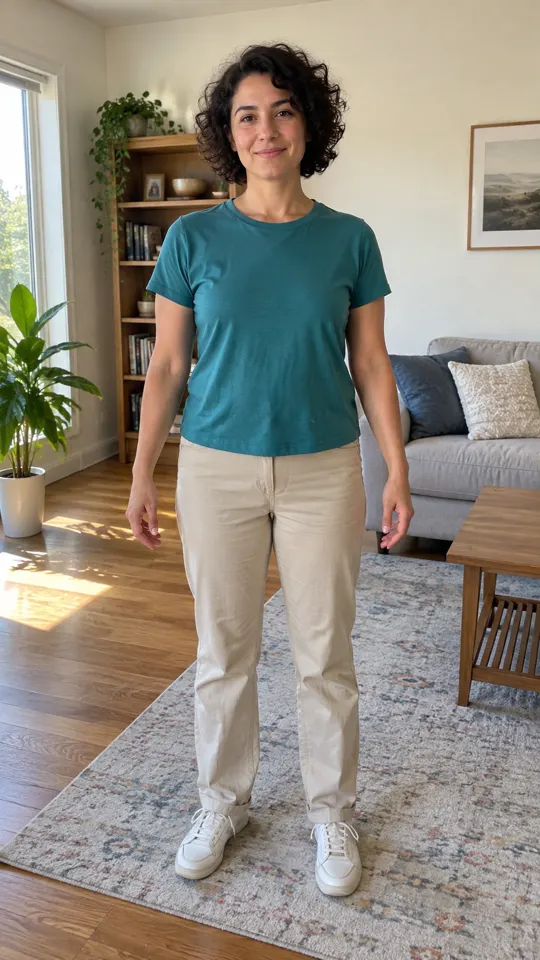
One clear photo of each person or pet: the first is the left performer, the second the right.
- 2
Pick a length
5, 10 or 15 seconds, 10 s by default. Add lyrics or direction if you like.
- 3
Create and download
Confirm photo permission, generate the duet, then save your MP4 with audio.
Creator videos
Made by creators on YouTube, played in the official player. Not generated on Effect Video.
Made with Hotel Lobby
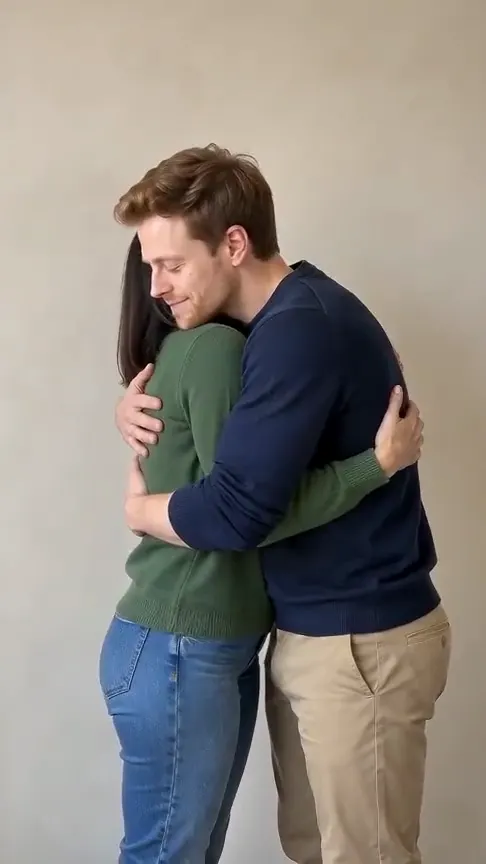
Your photos go in, a short video comes out. Examples are AI-generated.

 becomes
 Your questions, answered
Create your video with your own photosWhat is the hotel lobby AI video effect?
It turns two photos into an original duet in an orange studio with a hanging microphone. The two performers take turns, then nod together to an original beat.
Can I use photos of pets?
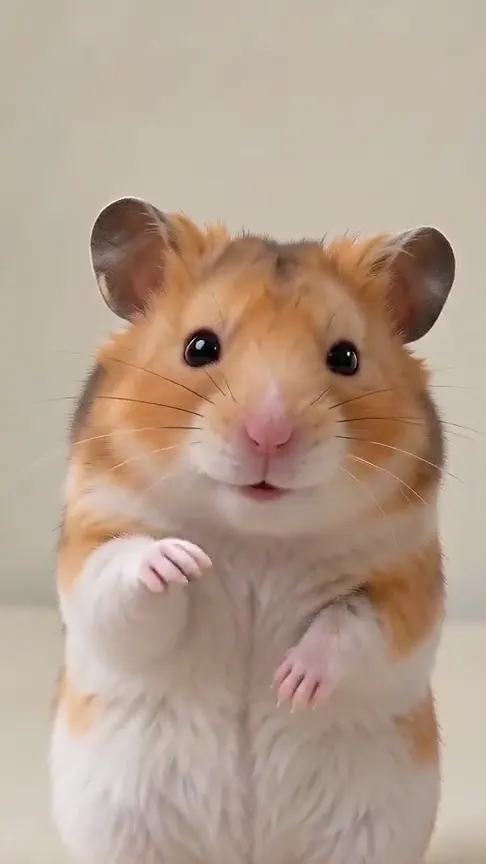
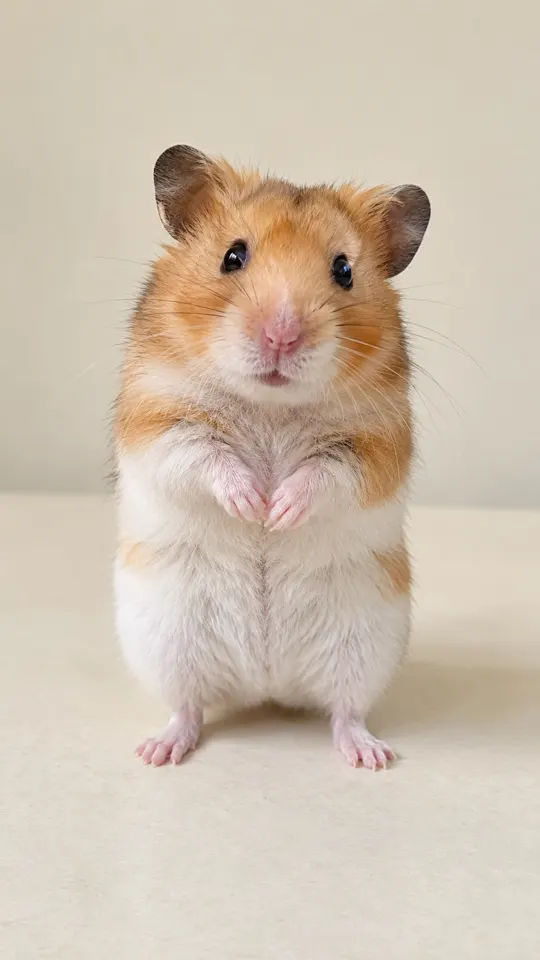
Yes. Use one person or pet in each photo. Pets keep their natural anatomy and fur, using small head bobs and mouth motions.
Can I add lyrics and direction?
Yes. Add up to 500 characters of optional lyrics and direction for actions, singing and emotion. Use lyrics you wrote yourself or have permission to use. The two identities, left and right positions, and studio layout stay fixed.
What length and format will I get?
Choose 5, 10 or 15 seconds, with 10 seconds selected by default. Each video is a landscape 16:9, 720p MP4 with generated audio.
Do I need a reference video?
You only need two photos. The template supplies the scene and performance direction; the videos shown here are generated outputs.
How many credits does the video use?
Price changes with model, length and quality. You see the total credits before generating. Failed generation credits return automatically to your balance. Completed videos stay available for download for 7 days.
Questions and facts
How long is the video?
5, 10 or 15 seconds, with 10 seconds selected by default, as a landscape 16:9 MP4.
Can I add my own lyrics?
Yes, up to 500 characters of lyrics or direction. Use lyrics you wrote or have permission to use.
What if the generation fails?
Reserved credits return to your balance automatically.[2]
Facts
- Photos
- 2
- Prompt
- Optional, up to 500 characters
- Duration
- 5, 10 or 15 seconds
- Aspect ratio
- 16:9
- Resolution
- 720p
- Audio
- Generated audio
- Download
- MP4
- Kept for
- 7 days
Sources
- 1Seedance 2.0 Mini: Video Settings, Pricing and SourcesModel · /models/seedance-2-mini
- 2Pricing: credits and refundsPolicy · /pricing
From the blog
Model
Seedance 2.0 Mini: Video Settings, Pricing and Sources
Create fast video clips with Seedance 2.0 Mini on Effect Video. Check available 480p and 720p settings, community insights, and documented inputs.
Read article ModelSeedance 2.0: Video Settings, Pricing and Sources
Seedance 2.0 is ByteDance's video model. On Effect Video, enter a prompt, add a photo if you like, and pick 480p to 4k and a 4 to 15 second length first.
Read article ModelWan 3.0: Video Settings, Pricing and Sources
Generate videos with Wan 3.0 on Effect Video. Explore benchmark insights, creator tests, resolution options, and settings before creating your clip.
Read article