
Kling Motion Control 3.0: Professional Motion Capture, Reimagined![4]
Kling AI ·
Kling AI official 54s: Motion Control 3.0 with best facial-ID consistency yet (per description).
Generate dance and character videos with Kling Motion Control on Effect Video. Review settings, community feedback, and requirements before creating.
By Effect VideoUpdated
Kling Motion Control is Kuaishou's Kling feature that copies the movement in a reference video onto your own character photo. On Effect Video you upload one character photo and one motion video, optionally add a text prompt, and choose 720p or 1080p; the length follows the motion video, rounded up, within 3 to 30 seconds. This guide also covers what creators and the community have shared about it and what limits to keep in mind.
Kling Motion Control comes from Kuaishou's Kling line and is built around a simple idea: a character image supplies identity and a reference video supplies the movement. Kling documents the feature in its Motion Control User Guide and the Motion Control 3.0 API docs, and the KIE interface documentation describes the upstream interface that Effect Video builds on.
Kling AI announced the 3.0 rollout on March 4, 2026 on X. The post says Kling 3.0, Kling 3.0 Omni and 3.0 Motion Control were "now fully rolled out" and points to a short film by Creative Partner @visualsk2. The same day, Kling AI published a YouTube video titled "Professional Motion Capture, Reimagined!", whose description credits the release with the best facial-ID consistency yet.
On March 5, 2026, Kling AI posted on X that Motion Control 3.0 had arrived and announced a creator challenge with $30K and 300 million credits. On March 13, 2026, it noted on X that the challenge was still on.
Creators have covered Motion Control from several angles. On March 4, 2026, Sebastien Jefferies published a tutorial on YouTube titled "Create ANY Character in ANY Scene." On March 14, 2026, Atomic Gains uploaded a YouTube deep dive built on hundreds of tests of Kling 3.0 Motion Control.
On X, RetroChainer wrote on June 11, 2026 that Motion Control needs no long prompt: take a dynamic reference clip such as a dance, add one static photo as the character, and generate with no prompt at all. The post says it copies the choreography, physics and camera angles. On June 13, 2026, Sharon Riley shared a stadium portrait clip on X made with Kling Motion Control on Higgsfield.
Results do vary by style. On June 24, 2026, Sin Deveau posted a dance test on X made with Kling motion control, noting that the movements don't translate well in animated format.
Reddit threads show interest over time. A January 10, 2026 post in r/HiggsfieldAI was titled "Kling motion control is crazy" (posted before the March 2026 3.0 rollout). A February 9, 2026 post in r/AI_India was titled "Kling motion control is getting better and better" (also before the 3.0 rollout). A July 20, 2026 post in r/AI_UGC_Marketing was titled "motion control on kling just hit a level nobody was ready for."
Kling Motion Control is available on Effect Video: open the generator with Kling Motion Control selected. You upload one reference photo of your character and one motion video clip. A text prompt is optional, so you can add one to guide the result or leave it empty.
The generator offers 720p and 1080p output, and the clip length follows your uploaded motion video, rounded up to the next whole second, within a range of 3 to 30 seconds. There is no length control to set by hand. There is no sound setting for this model. Before you generate, the generator displays the total credits for your chosen settings. If a generation fails, the reserved credits are returned, and finished videos stay available for 7 days, so download yours before they expire.
Made by creators on YouTube and played in the official player. Not generated on Effect Video.
Kling Motion Control 3.0: Professional Motion Capture, Reimagined![4]
Kling AI ·
Kling AI official 54s: Motion Control 3.0 with best facial-ID consistency yet (per description).
Kling Motion Control 3.0 Full Tutorial Create ANY Character in ANY Scene.[5]
Sebastien Jefferies ·
Creator tutorial for Motion Control 3.0.
I Pushed Kling 3.0 Motion Control Further Than Anyone Else[6]
Atomic Gains ·
Hundreds-of-tests deep dive on Kling motion control.
Read from the generator and its price list, so they match what you see before you create.
| Length | 720p | 1080p |
|---|---|---|
| 3 s | 62.00 /s | 93.00 /s |
| 5 s | 102.00 /s | 142.80 /s |
| 10 s | 202.00 /s | 272.70 /s |
| 15 s | 302.00 /s | 412.73 /s |
| 30 s | 602.00 /s | 812.70 /s |
Big number: credits for the clip. Small number: credits per second. Common lengths shown; the generator quotes every length from 3 to 30 s.
Credits: Effect Video pricing, the same quote the generator shows. Model details: official documentation.
Posts we checked, quoted with the author’s name and a link to the original.
Our latest and most powerful update — Kling 3.0, Kling 3.0 Omni and 3.0 Motion Control — is now fully rolled out! Watch our Creative Partner @visualsk2 push 3.0 to its limits to create impactful action scenes in this short film!
Kling Motion Control 3.0 is finally here! Professional Motion Capture, Reimagined. ✨ We've got $30K and 300 million credits up for grabs, every submission wins! Don’t wait! Post your creations on social media, and join the challenge. We’ll drop the full rules and details soon,…
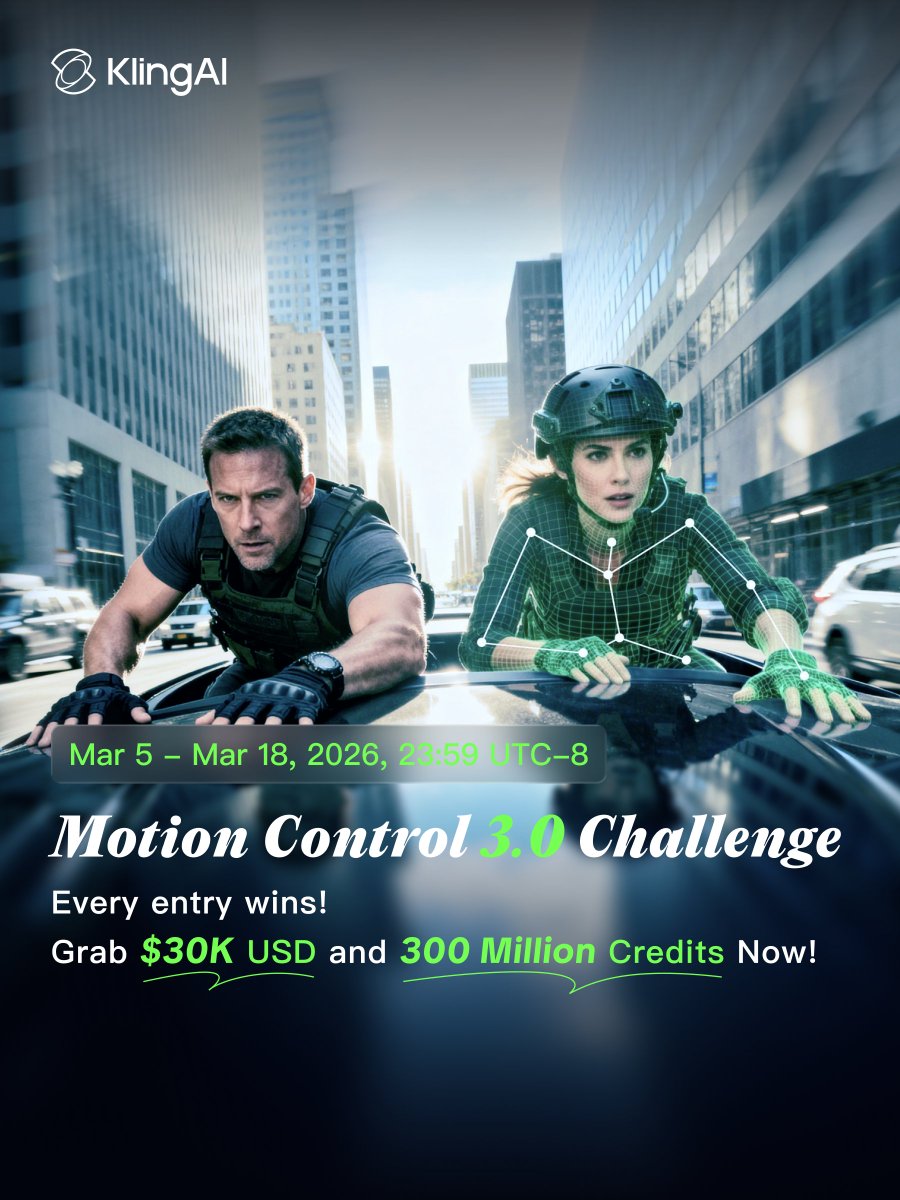
The Kling Motion Control 3.0 Challenge is still on! Check out our profile for more details! 🎁
It's Wonky Wednesday so to honor the day I decided to post this test dance video that is well slightly off. It was made with Kling motion control but the movements don't translate well in animated format. I'm including the opening for my song Sexy Beast which is coming soon.
> everyone writes long motion prompts > kling motion control needs zero 1. take a dynamic reference clip (a dance) 2. add one static photo as the character 3. edit video → motion control 4. hit generate no prompt at all > it copies the choreography, physics, camera anglesa…
Warning: Excessive Brazil pride ahead 💛 Who else lives for this kit? Kling Motion control on Higgsfield Picture prompt A full-body portrait of a young woman with long straight blonde hair, fair skin, and a slight smile, standing confidently in a football stadium. She is…
Links to the threads. We do not embed or quote them.
Pick a clip length and quality in the generator; the total shows before you create.
| duration | 720p (credits) | 1080p (credits) |
|---|---|---|
| 3s | 6 | 9 |
| 5s | 10 | 14 |
| 10s | 20 | 27 |
| 15s | 30 | 41 |
| 30s | 60 | 81 |
Where the facts on this page come from. Official sources first, then independent coverage.


