
Make Any Portrait Speak with AI Lip Sync
Upload one portrait photo and an audio clip of up to 15 seconds. The face speaks your audio in a 720p video.
Your questions, answered
Create your video with your own photosYou need one front-facing adult portrait in JPEG or PNG format and one MP3 or WAV audio recording. You must own or have permission to use both files.
The limit is 15 s. Trim it and upload again. Each photo and audio file must be 5 MiB or smaller.
Credits are based on the audio duration verified by the server, rounded up to the next whole second. Your upload determines the final charge.
This effect requires an audio recording. Text-to-speech and audio trimming are not included.
Reserved credits are automatically returned to their original balance when generation fails.


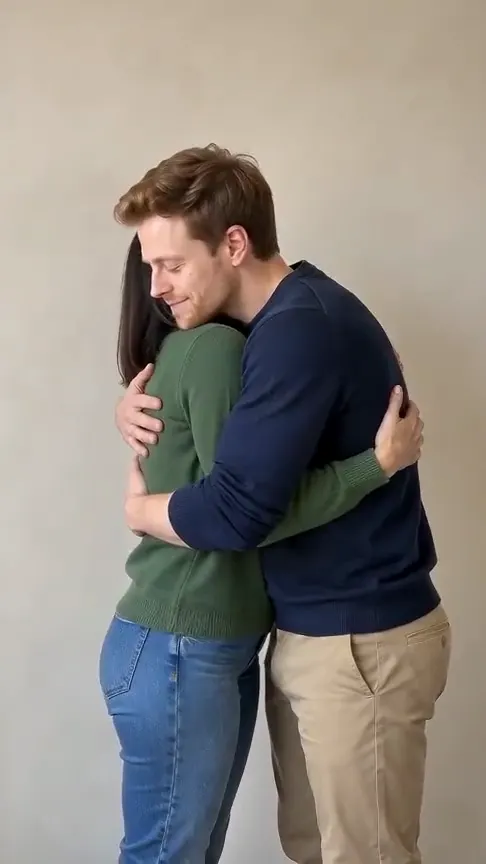
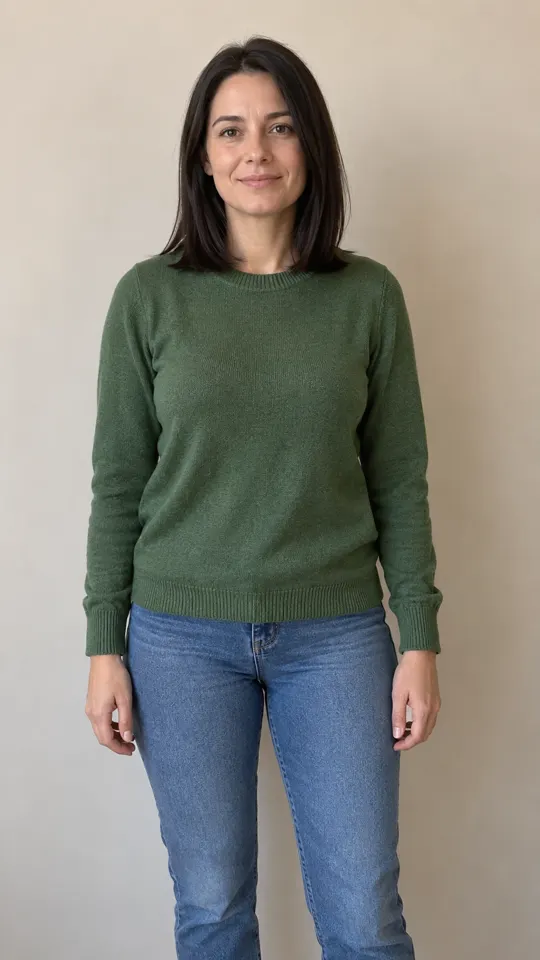
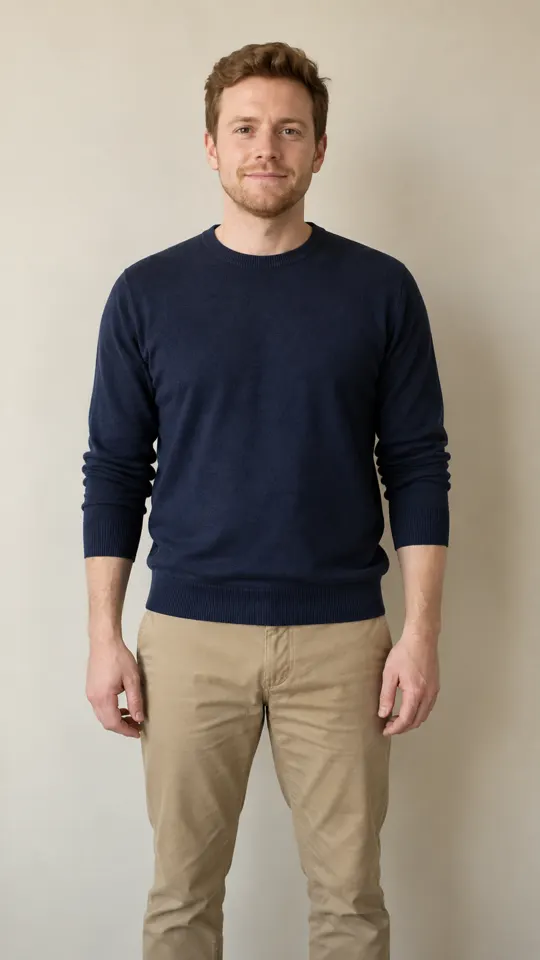
Questions and facts
What do I need to create an AI lip sync video?
You need one front-facing adult portrait in JPEG or PNG format and one MP3 or WAV audio recording. You must own or have permission to use both files.
| Detail | Value | Source |
|---|---|---|
| Photos | 1 | Effect Video specifications |
| Duration | Same as your audio, up to 15 seconds | Effect Video specifications |
| Credit cost | 1 to 13 credits, by audio length | Effect Video specifications |
| Download window | 7 days | Effect Video privacy policy |
Sources: What format does the video download use?
MP4 is the video container used for downloads. MDN: MPEG-4 (MP4) describes its format and browser support. Preset requirements and credit costs come from the effect configuration shown on this site; the displayed examples are AI generated.
MDN names the specification “MPEG-4 Part 14: MP4 file format”. MDN media container guide
Publisher and review date
By Effect Video · Published · Reviewed · Contact the publisher