
AI Video Models: What Each One Does
Plain-language guides to the AI video models behind photo effects, with specs, limits and which ones you can use here.
 Available on Effect VideoGemini Omni Flash: Video Settings, Pricing and SourcesExplore Gemini Omni Flash on Effect Video. See supported inputs, 720p to 4k resolutions, credit pricing, and community testing before generating.
 Available on Effect VideoGrok Imagine: Video Settings, Pricing and SourcesGrok Imagine is xAI's text-to-video model. On Effect Video, enter a prompt, pick 480p, 720p or 1080p and a 6 to 30 second length, and see credits first.
 Available on Effect VideoKling 3.0: Video Settings, Pricing and SourcesGenerate AI videos with Kling 3.0 on Effect Video: text and a reference photo, 3, 5, 8, 10 or 15 second clips, 720p to 4k, credits shown first.
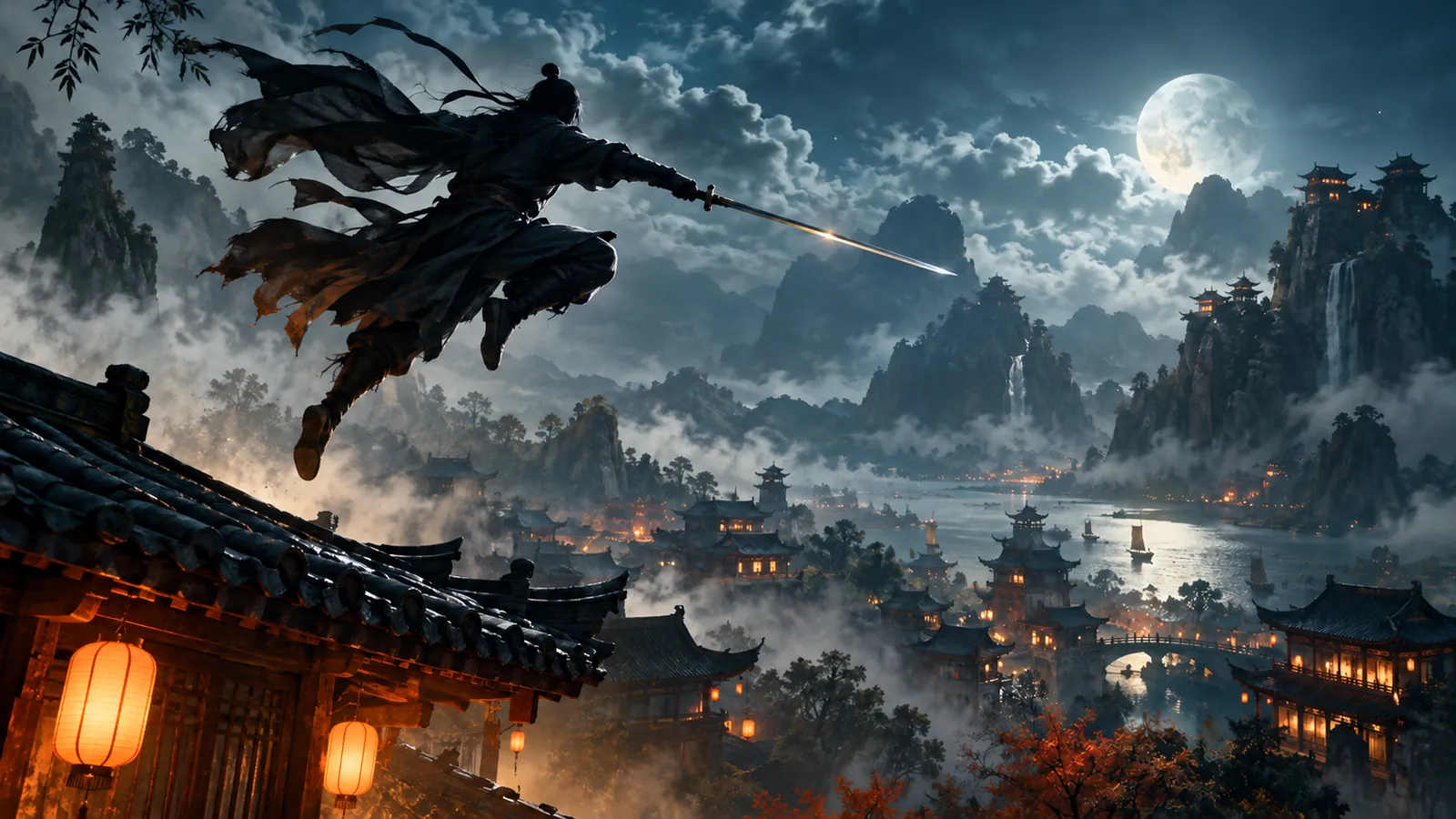 Available on Effect VideoKling Motion Control: Video Settings, Pricing and SourcesGenerate dance and character videos with Kling Motion Control on Effect Video. Review settings, community feedback, and requirements before creating.
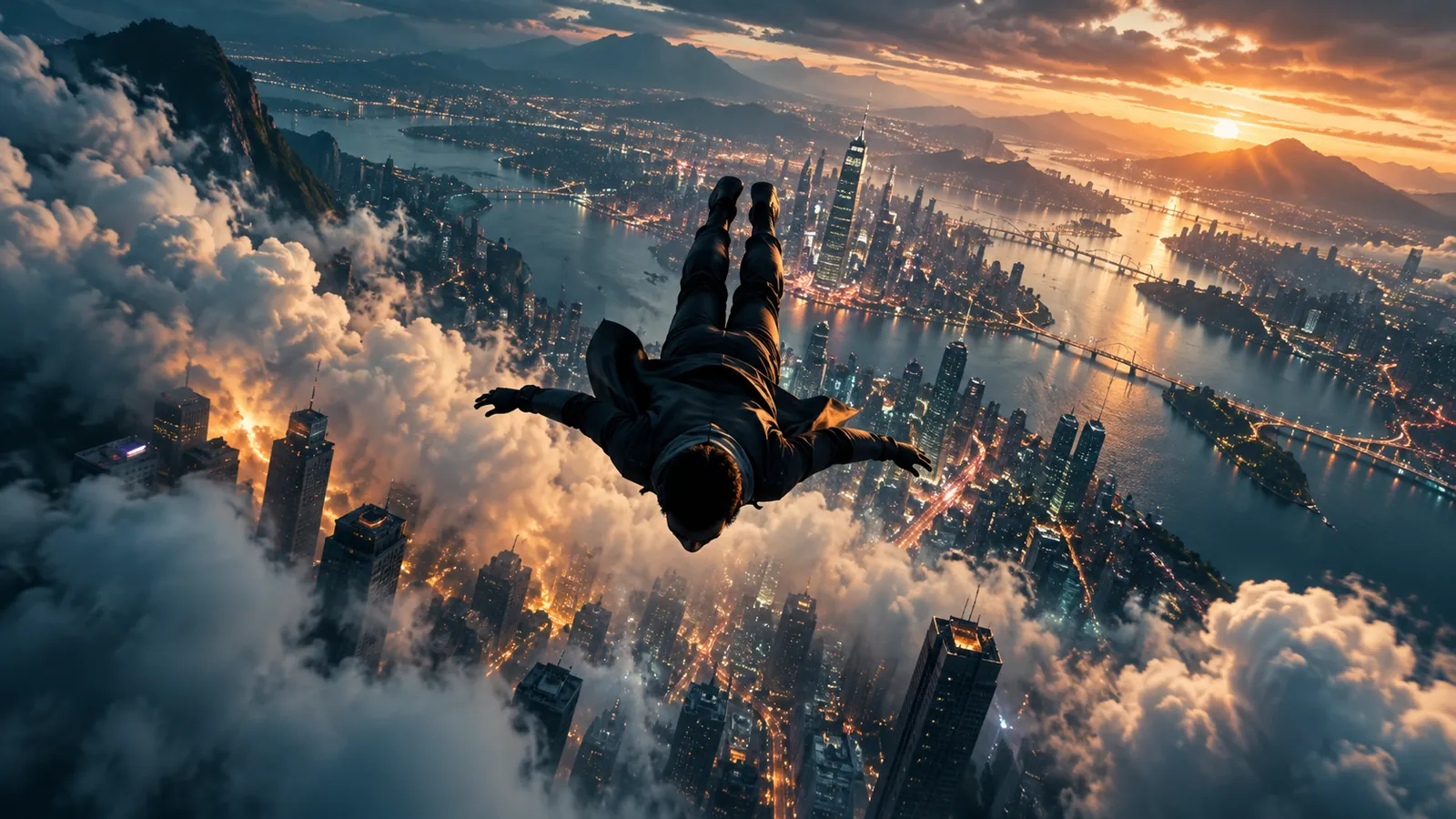 Available on Effect VideoMiniMax H3: Video Settings, Pricing and SourcesMiniMax H3 is MiniMax's text-to-video model. On Effect Video, enter a prompt, pick 768p or 2k and a 4 to 15 second clip, and see the credits first.
 Available on Effect VideoPixVerse V6: Video Settings, Pricing and SourcesTry PixVerse V6 on Effect Video: see lengths, resolutions and sound settings, plus what creators on YouTube, X and Reddit say about the model.
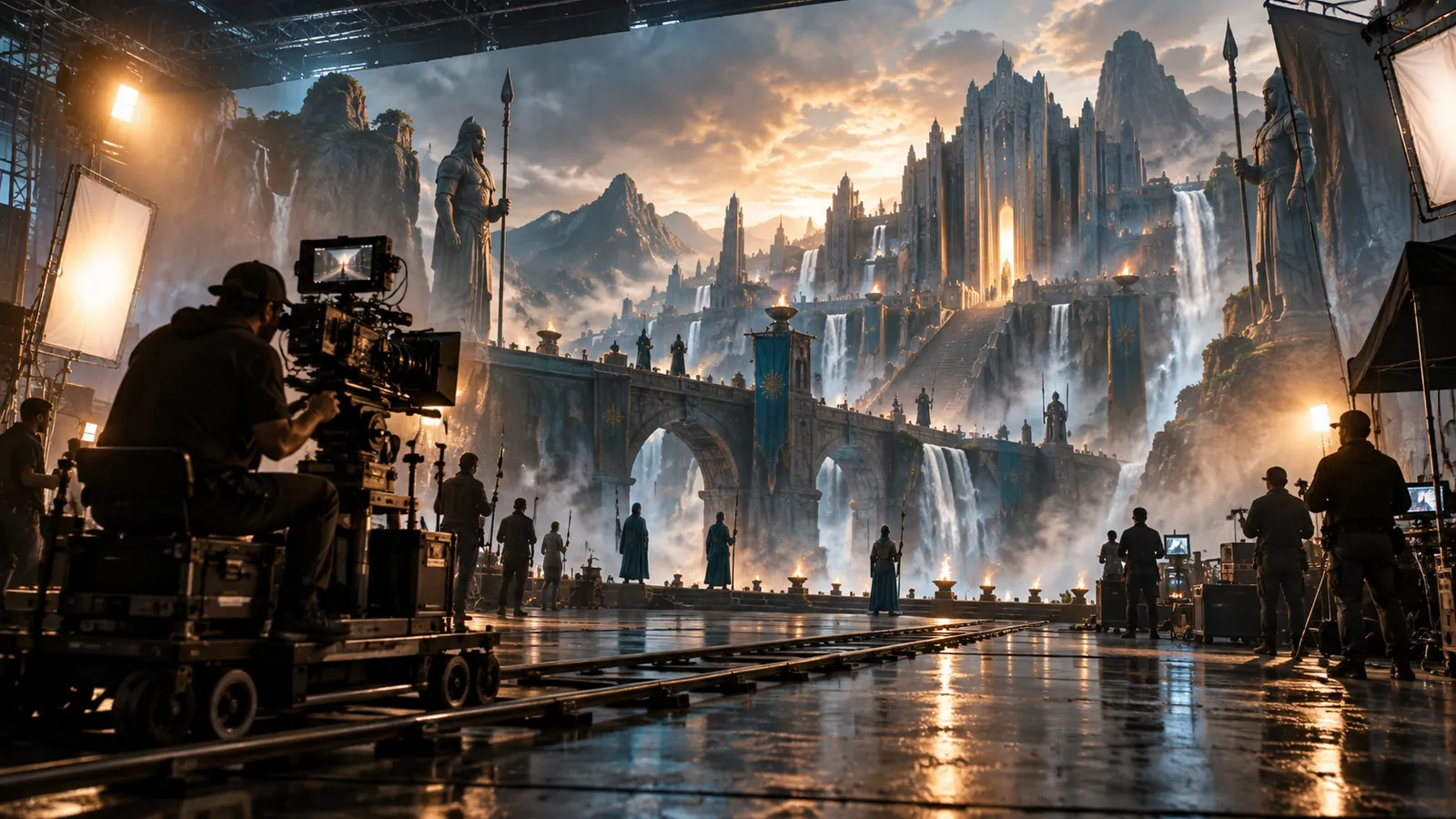 Available on Effect VideoRunway: Video Settings, Pricing and SourcesRunway on Effect Video: write a prompt, optionally add a photo, make 5 or 10 second clips at 720p or 5 seconds at 1080p, and see credits first.
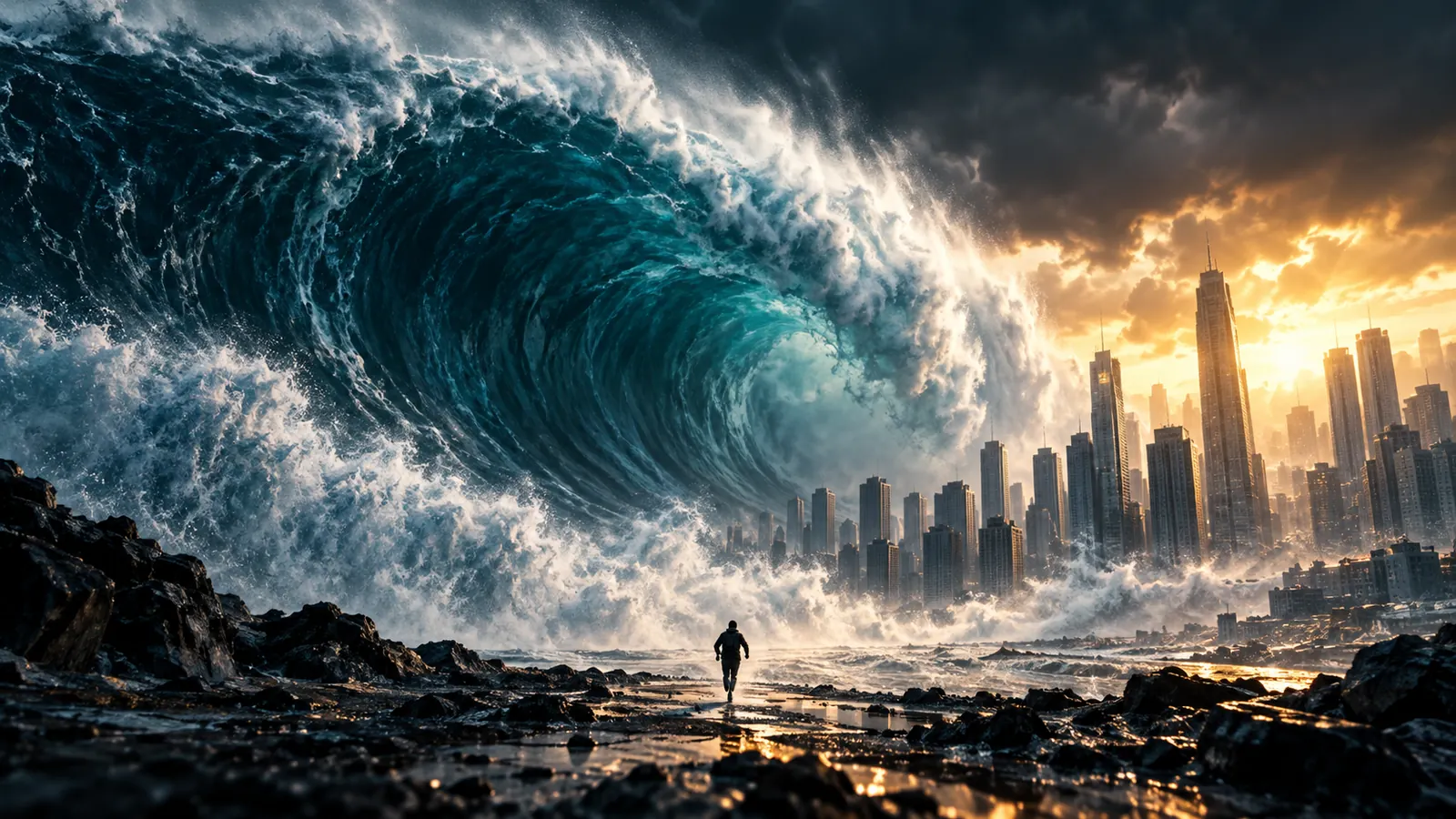 Available on Effect VideoSeedance 2.0: Video Settings, Pricing and SourcesSeedance 2.0 is ByteDance's video model. On Effect Video, enter a prompt, add a photo if you like, and pick 480p to 4k and a 4 to 15 second length first.
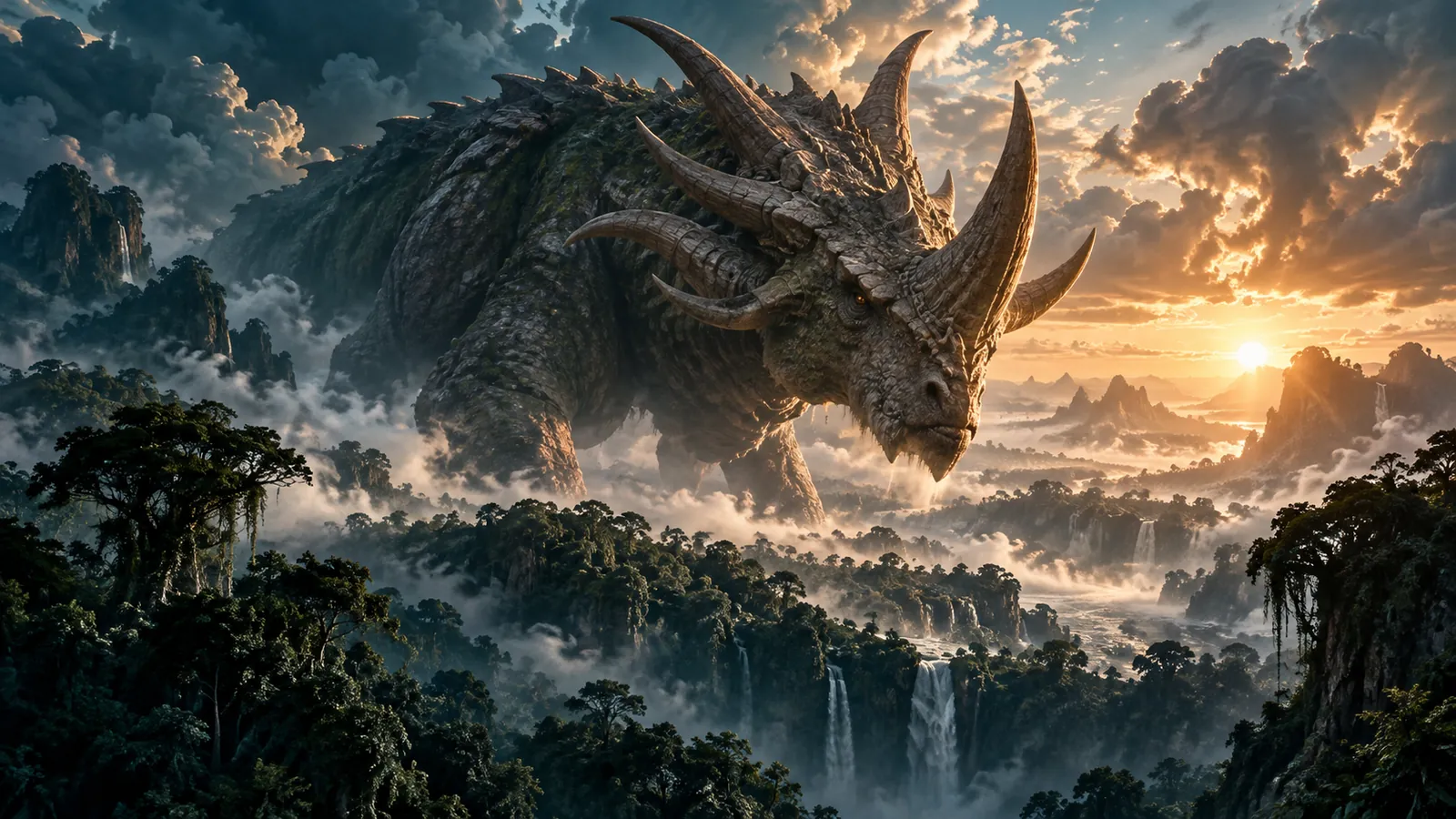 Available on Effect VideoSeedance 2.5: Video Settings, Pricing and SourcesGenerate dance and motion clips with Seedance 2.5 on Effect Video. Explore documented settings, community tests, and creative limits before you start.
 Available on Effect VideoSeedance 2.0 Fast: Video Settings, Pricing and SourcesCreate AI videos with Seedance 2.0 Fast on Effect Video. Review supported settings, creator tests, and documented limits before you generate.
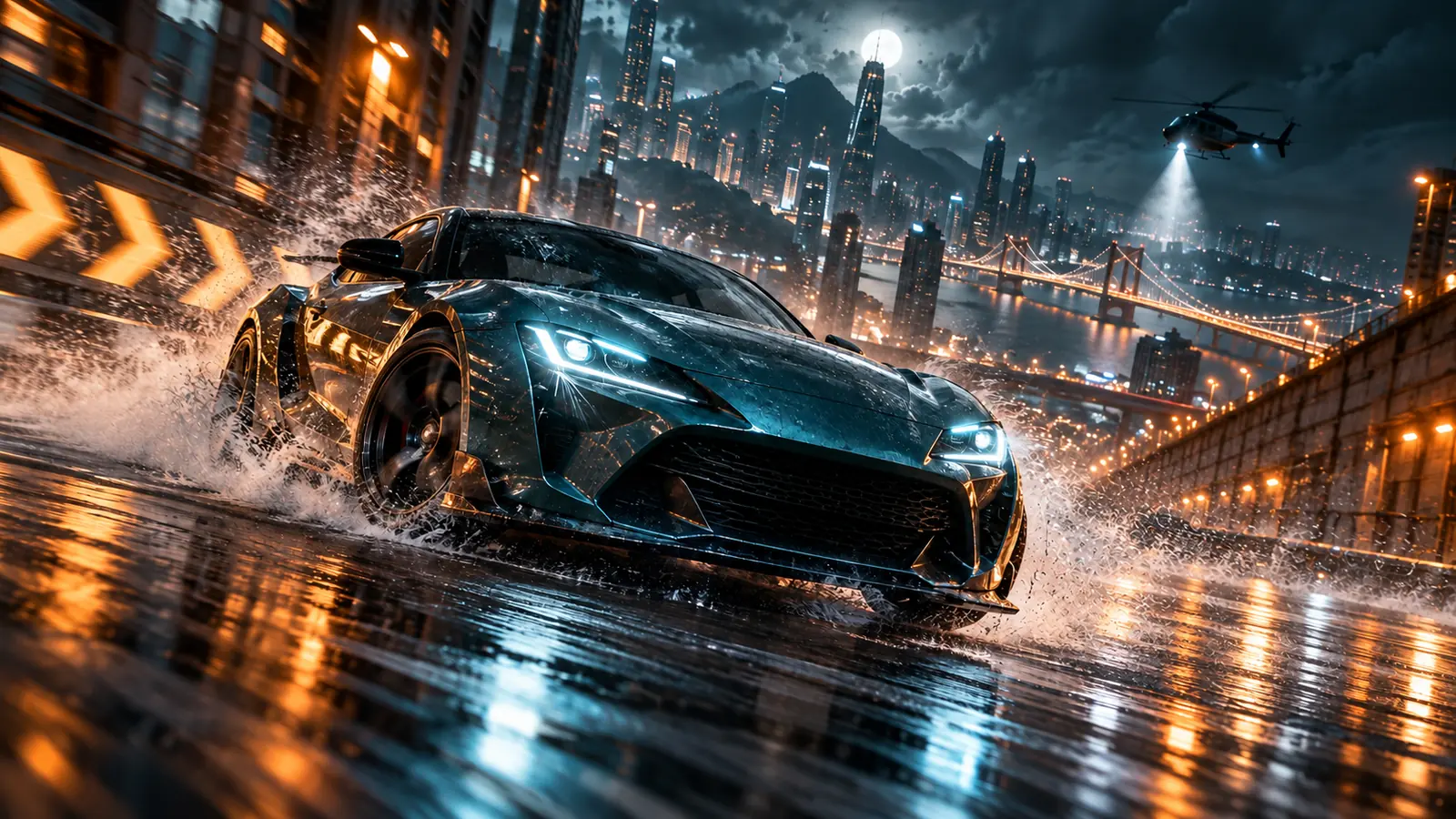 Available on Effect VideoSeedance 2.0 Mini: Video Settings, Pricing and SourcesCreate fast video clips with Seedance 2.0 Mini on Effect Video. Check available 480p and 720p settings, community insights, and documented inputs.
 Available on Effect VideoVeo 3.1: Video Settings, Pricing and SourcesVeo 3.1 is Google's video model. On Effect Video, add a prompt and an optional photo for 720p to 4k clips: 4, 6 or 8 s text-only, 8 s with a photo.
 Available on Effect VideoWan 3.0: Video Settings, Pricing and SourcesGenerate videos with Wan 3.0 on Effect Video. Explore benchmark insights, creator tests, resolution options, and settings before creating your clip.