How to Do the Zombie AI Trend With Two Photos (No App, No CapCut Template)[19]
Kavel ·
Make an AI Halloween video from your own photo with three templates: a two-photo zombie story, a glowing pumpkin face and a see-through ghost face.
By Effect Video editorial teamUpdated
Halloween AI videos come in a few repeatable formats. A friend turns into a zombie and the clip cuts to a warm memory, a face becomes a carved, glowing pumpkin, or a portrait turns see-through like a ghost. Effect Video has a Halloween AI video template for each of the three, and each one runs from your own photos.
This page puts the templates side by side with a real sample clip for each, explains which photos to upload, and collects what public sources say about the trend and about posting AI video. The sources were checked on October 22, 2026. Short quotes carry the author's name and a link, and the bracketed numbers point to the reference list at the bottom of the page.
The most described format is the two-photo zombie story. In the version creators and tool makers describe, one person stays human, the other turns, and the clip ends on a cut to a warm memory. CapCut's guide to the format lays out the same arc of recognition, reunion and memory, and the Zombie Couple generator describes a two-person sequence that cuts from a zombie confrontation to warm memories. [1] [2] Creator tutorials on YouTube walk through the same story in their own tools. The videos further down are theirs. They were made with other tools and are not generated on Effect Video.
Single-photo formats vary more from one source to the next. Creators share a prompt where a face flashes into a jack-o'-lantern mask, a pumpkin-head illusion that pulls back to show how it was made, and a sheet ghost that jumps at a windshield. These are separate formats, and the label "AI zombie" alone already covers survival clips as well as the hug story. A search for AI Halloween video is really a search for a family of effects.
Halloween templates are not new this year, either. An AI video platform posted about its Halloween template on October 31, 2025, and creators were sharing results from template apps that same week. Posts from that week are in the wall of creator posts further down.
No source gives a number for how big any of this is, and CapCut says so about its own guide. This page quotes no view counts or search volumes for that reason.
"This guide does not verify audience reach or a single definitive trend; it gives you a practical story structure." CapCut, Zombie AI video trend guide [1]
The pumpkin and ghost templates take one photo and make 8-second clips. The zombie story takes two photos and makes a 12-second clip. Every clip is vertical, 720p and carries generated sound. Each template page shows its credit total before you generate, and reserved credits return to your balance if a generation fails. [3]
| Template | Photos | Clip | Look | Credits |
|---|---|---|---|---|
| AI zombie video | 2 adults | 12 s, 9:16, 720p, sound | Dusk street, a turn, a hard cut to a sunset memory. Open the template | 11 |
| AI pumpkin face video | 1 adult | 8 s, 9:16, 720p, sound | Carved jack-o'-lantern head with a warm glow. Open the template | 8 |
| AI ghost face video | 1 adult | 8 s, 9:16, 720p, sound | Translucent glowing face in a moonlit old house. Open the template | 8 |
Credits are the totals shown on each template page when this page was updated on October 22, 2026. The page shows the current total before you generate.
The AI zombie trend template is the one for pairs. You add two adult photos, one for the survivor who stays human and one for the loved one who turns, and it returns a 12-second vertical story with generated sound. [4]
Each photo should be clear, front-facing and cropped from about the chest up. The template asks for two looks that are easy to tell apart, and both adults need to agree to appear.
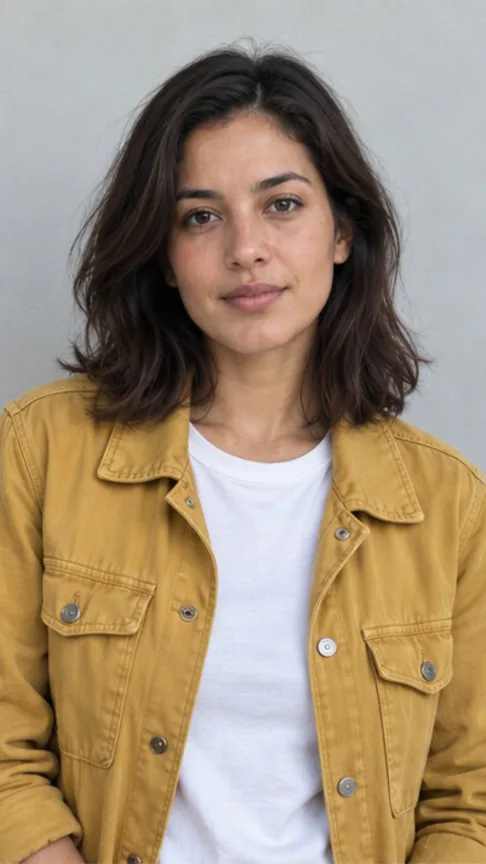
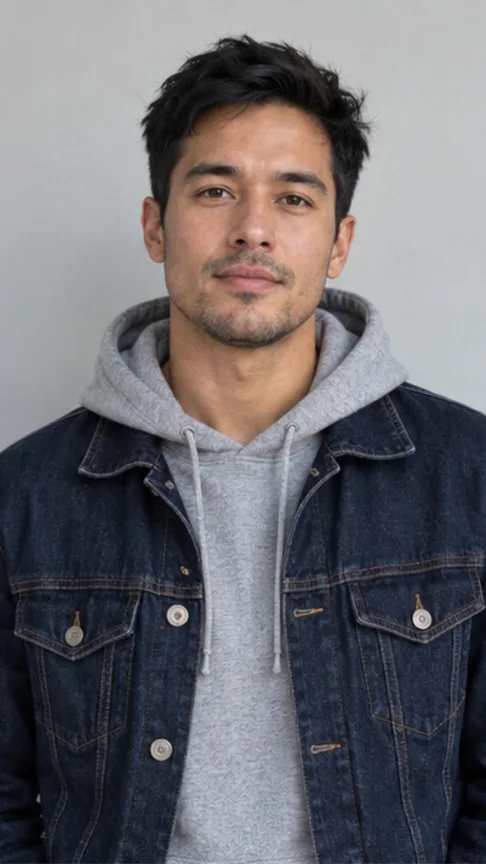
The sample shows how the story plays out. A woman in a yellow jacket stands on an empty road at dusk with a flashlight, abandoned cars and fog behind her. A man in a denim jacket walks toward her in pale, dusty makeup. He stops and looks at her, and they hug. A hard cut then lands on the same two people laughing in a wheat field at sunset, and the clip ends on a close shot of them smiling at each other. The infected look is cinematic makeup, with pale skin and scuff marks, and the template asks for no blood, weapons or gore.
To make your own, upload Photo 1 and Photo 2, confirm you have permission to use both, generate, and download the MP4 within seven days.
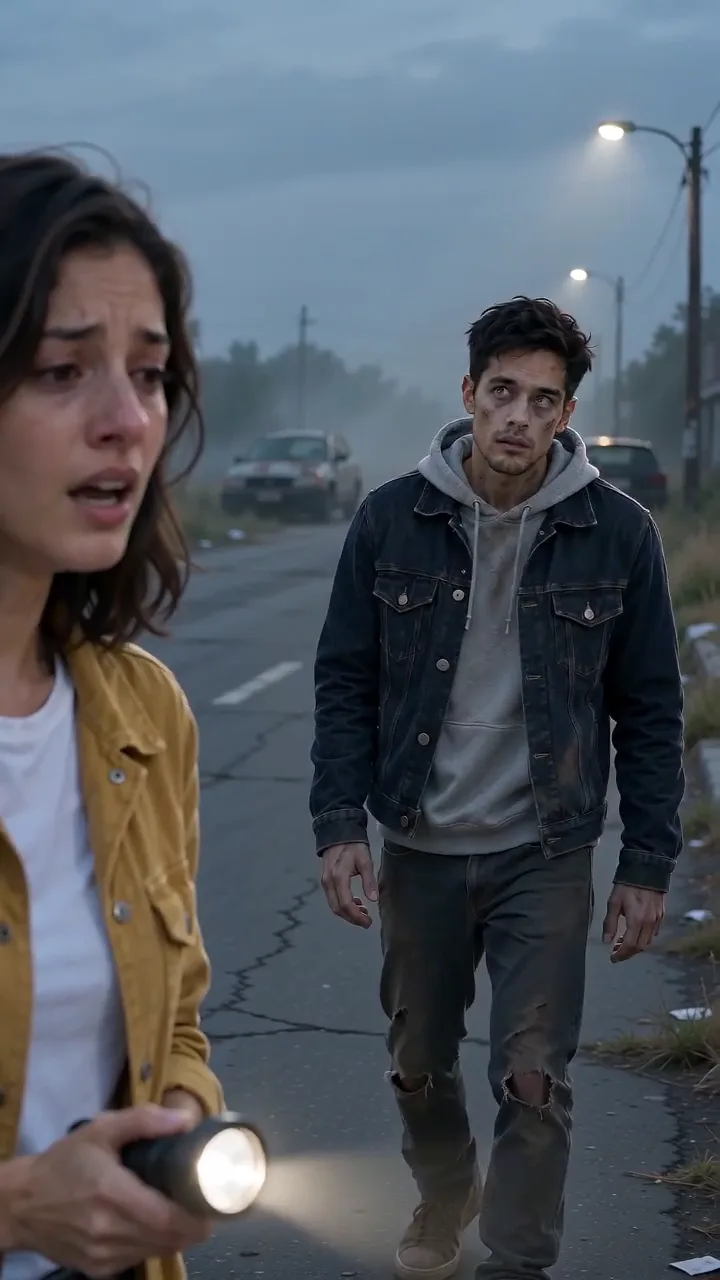
Turn two adult photos into a 12-second zombie story.
Make this videoSample made with the AI zombie trend template. The people in it are AI-generated and fictional.
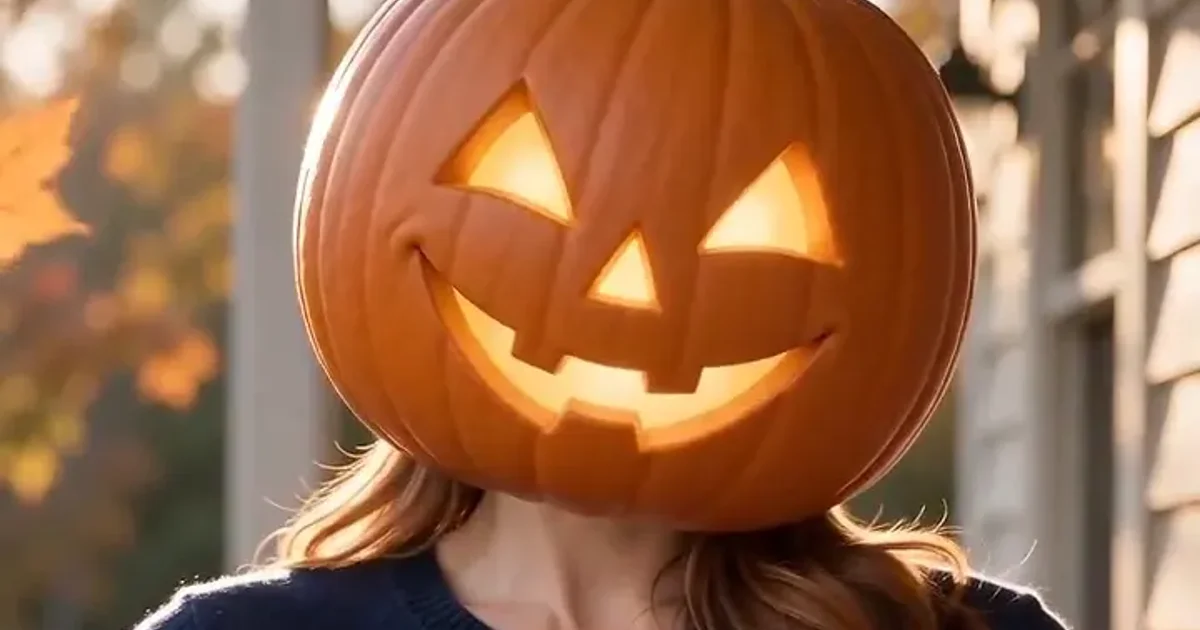
The AI pumpkin face template swaps one adult's head for a carved jack-o'-lantern with a warm inner glow. The body, pose and clothing stay recognizable, and you get an 8-second vertical clip with generated ambient sound and no existing song. [5]
Use one clear, front-facing portrait with the whole head and shoulders in frame. A selfie works when the face and shoulders are fully visible. Covered faces, group photos and heavy blur are the usual ways it goes wrong.
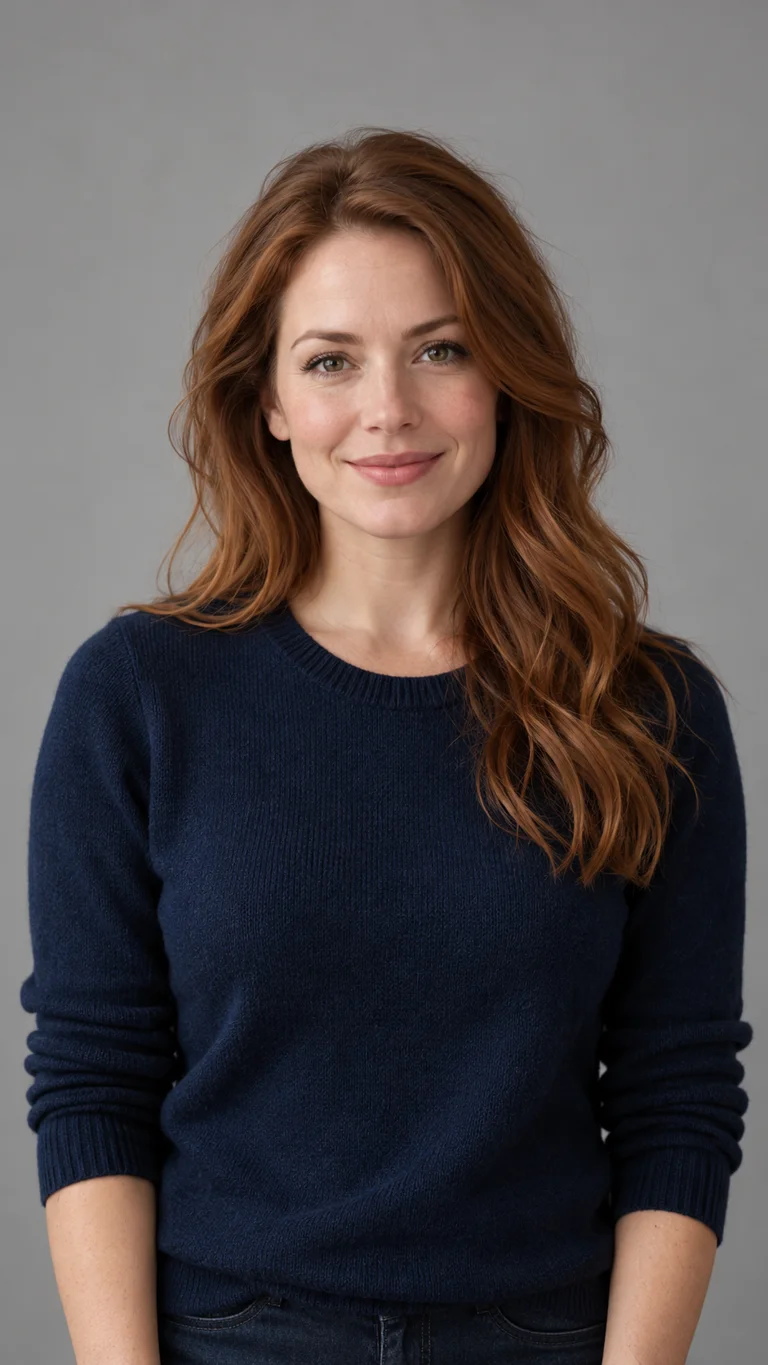
In the sample, a smiling woman in a navy sweater stands on an autumn porch. By the second or third second her head has become an orange pumpkin with glowing triangular eyes and a wide carved grin. It stays that way while leaves drift past, and she waves near the end. Her long hair still falls over her shoulders under the pumpkin. Results vary, and facial details and clothing can change.
Upload the portrait, confirm permission, generate, and download the MP4 within seven days.
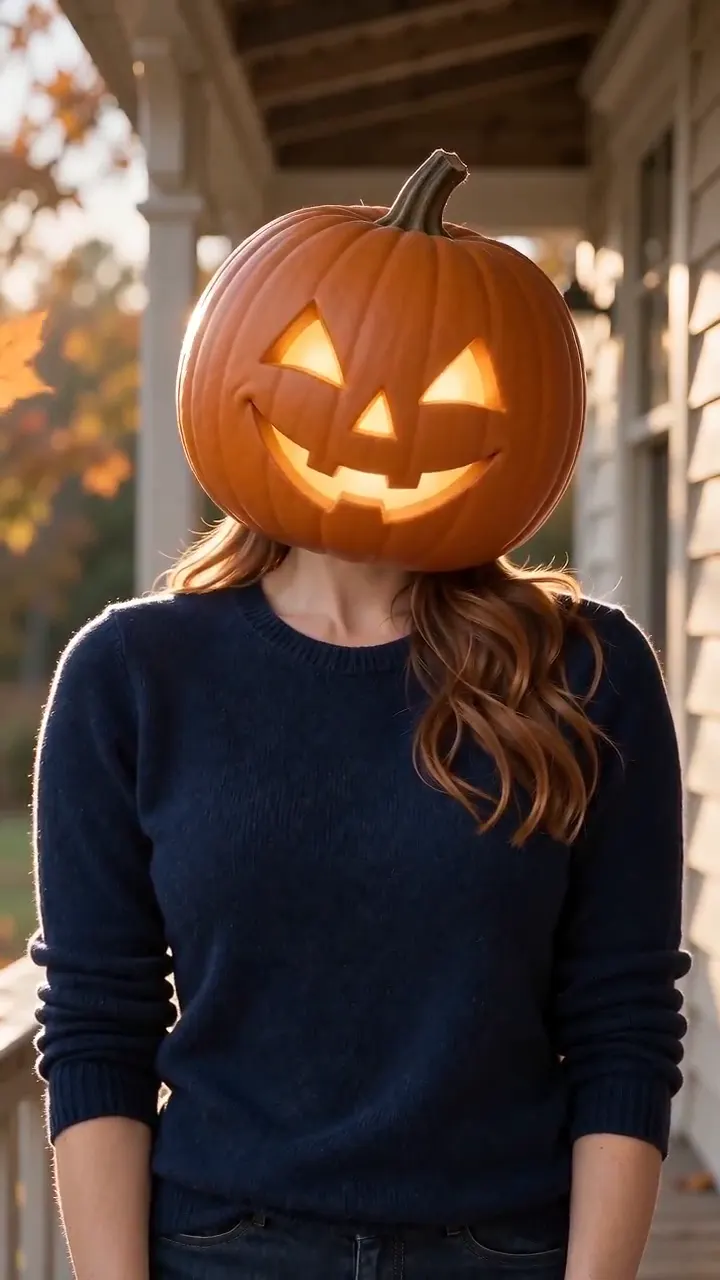
Turn one adult portrait into a glowing pumpkin head.
Make this videoSample made with the AI pumpkin face template. The person in it is AI-generated and fictional.
The AI ghost face template turns one adult portrait into a softly glowing, translucent ghost face floating through a moonlit old house. The clip is 8 seconds long and vertical, with generated ambient sound. [6]
The photo rules match the pumpkin template, with a clear, front-facing portrait that shows the whole head and shoulders. A ghost filter built for still photos asks for the same thing, a clear portrait where the face is clearly visible. [7]
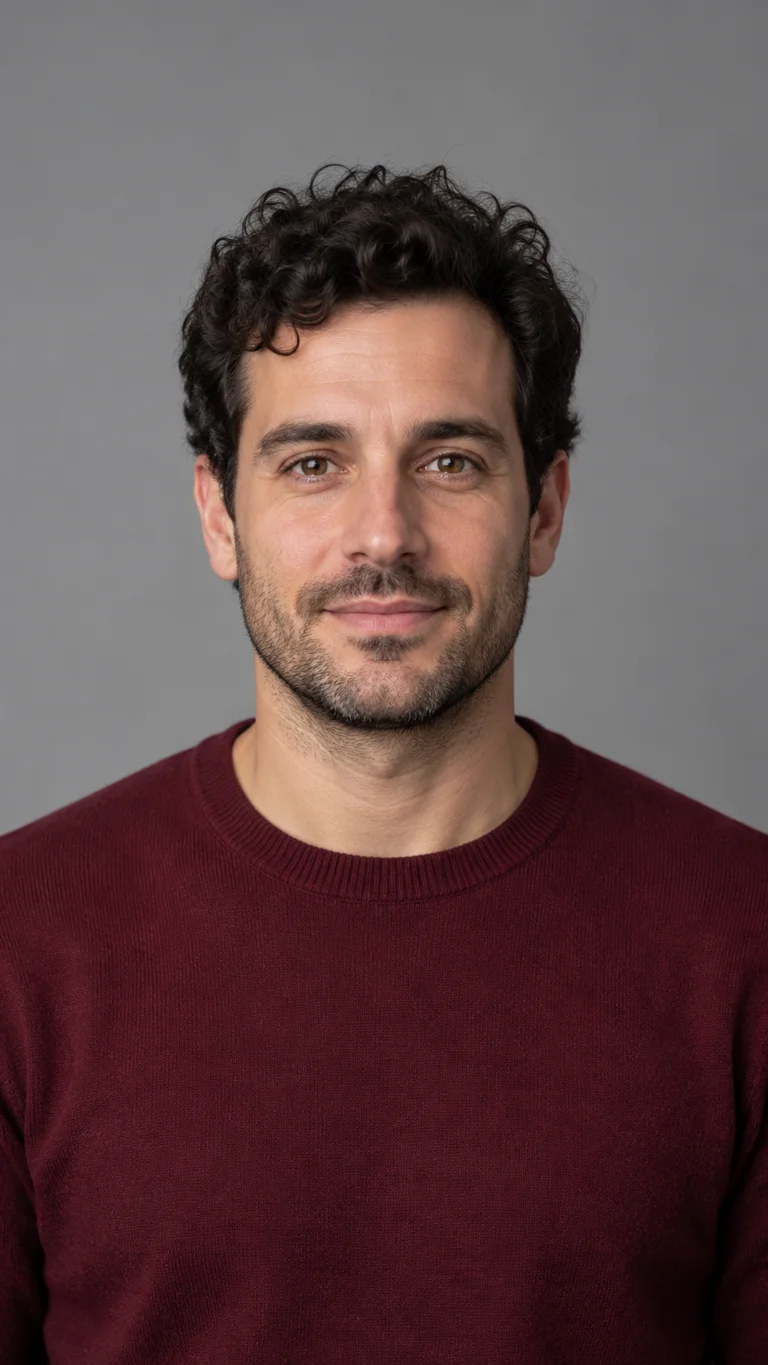
In the sample, a man with dark curly hair and a beard starts as a plain portrait against a gray wall. Within a couple of seconds his eyes glow pale blue and a cyan outline traces his face. The scene settles in a dim old room with wallpaper and a window, and window light shows through his forehead and cheeks. His hair, beard and maroon sweater stay recognizable. How see-through the face looks changes from moment to moment, so expect some variation between runs.
Upload the portrait, confirm permission, generate, and download the MP4 within seven days.
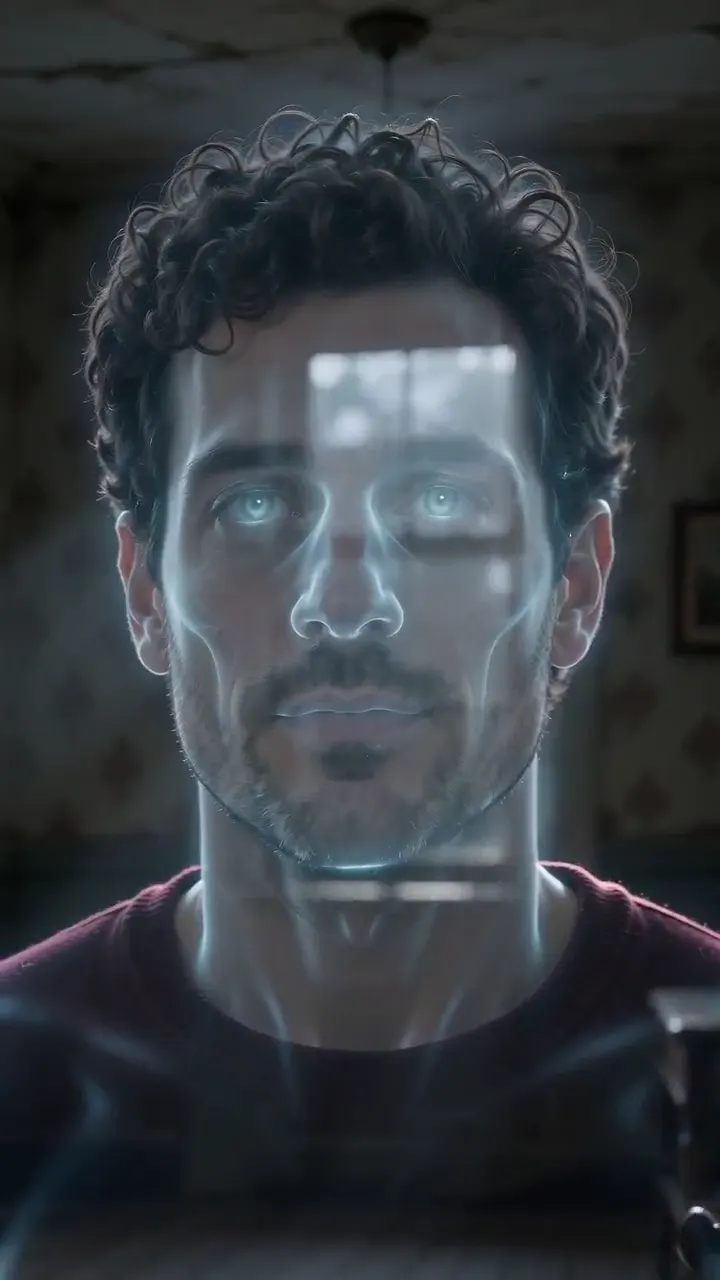
Turn one adult portrait into a translucent ghost face.
Make this videoSample made with the AI ghost face template. The person in it is AI-generated and fictional.
The zombie story suits two adults who want a small plot with an ending, since its 12 seconds have room for a turn, a hug and a cut to a memory. For a bright, playful greeting or a short reel built from a single portrait, the pumpkin face is the closer match. The ghost face is the quieter, more atmospheric one.
All three are made for adults. Pet photos, group photos and photos of children are not supported by these templates.
Start with what the templates ask for. Each photo should show one adult, facing the camera and sharp, with the head and shoulders in frame and light on the face. Covered faces, group photos and heavy blur are the usual causes of a poor result, and faces and clothing can still change from your photo when the photo is good.
Several sources agree on the basics. Google Cloud's guide for its video models says the same in one sentence.
"A sharp, clear, and well-composed photograph yields a more coherent and higher-quality video." Google Cloud, Best practices for generating videos [8]
Canva's AI Effects page asks for a high-resolution image with a clear subject or face. [9] The Halloween AI Generator pumpkin-head tool asks you to keep your face free of large objects and to choose lighting that reaches both eyes. [10]
Details differ by tool. Canva's image-to-video page carries the note "Doesn’t fully support face animation," while its AI Effects page asks for a clear face. [11] They are separate features with separate limits, so a tip that works in one tool can fail in another. The templates here are built around portraits.
TikTok, Meta and YouTube each describe a way to tell viewers that a video is AI-generated, and each ties it to realistic content. TikTok's policy requires people to label AI-generated content that contains realistic images, audio or video. [12] Meta says it wants people to know when they see posts made with AI. [13] YouTube states its rule for creators in one sentence.
"We require creators to disclose AI-generated or altered content that seems realistic." YouTube Help, Disclosing use of GenAI content [14]
YouTube also says non-realistic content and minor edits do not need disclosure, and its example of non-realistic content is someone riding a unicorn through a fantastical world. The zombie and ghost samples on this page look photorealistic, so a label is the safe choice for clips like them. Names and menus change as well. Meta renamed its "Made with AI" label to "AI info", and YouTube's upload setting is called "AI use", so check the option your app shows when you post.
Platforms also apply their general rules to Halloween content. Meta and Snap both restrict graphic violence in their community rules, and the three templates ask for no blood, gore or weapons. [15] [16]
Permission matters as much as labels. Canva's guidance for its AI tools says it plainly.
"When editing photos of a recognisable person, it’s important to obtain their permission to use their image." Canva Help Centre, How to use Magic Studio safely and legally [17]
Snapchat's help page also lists images of people who have not given permission among the things not to use in its generative AI features. [18] The templates here ask you to confirm that you own each photo or have permission to use it, and that each adult shown agrees to appear in a fictional Halloween clip. They are for adults, and photos of children or well-known people are not supported.
The clips carry generated ambient sound and no existing song. If you want a trending sound, add it in TikTok or CapCut when you post.
How this page was put together. It draws on public sources checked on October 22, 2026: help pages from social platforms and AI video tools, creator videos on YouTube and posts on X. The three sample clips are real outputs of the templates. We did not find independent news reporting on the zombie, pumpkin and ghost formats, so most descriptions of the trend come from tool makers and creators and are labeled that way. We did not test the other tools named here. More Halloween templates are added as the season goes on, and the update date at the top shows when this page last changed.
Zombie AI Video Generator. Two photos. One zombie. One last hug. Upload you and someone you love. They've turned, you can't pull the trigger — and the film cuts to…
Anyone else chronically online and observed the exponential increase in AI zombie content?

There are so many AI Zombie survival videos now lol
🧟 AI Zombie Hug is live! Upload 2 photos and create your own viral zombie hug video in seconds. 👉 https://t.co/zz6Li2DXhO #ZombieHug #AIVideo
🎃👻 Halloween is almost here! Got your costume ready? 🧙♀️ Don’t just hand out candy — create your own spooky AI video! 🍬✨ 😈Try Vidu Halloween Template on WaveSpeedAI →…
The Magic Forest Halloween template in @haimeta_ai is so fun! I uploaded my pic and got this video. 😉
One photo. Infinite dark magic. Transform into a witch, vampire bride, or creature of the night🖤 Let the Halloween begin! #HalloweenTransformation #Haimeta #Halloween…
Our pumpkin has something to say 🎃 One still + Seedance 2.5 = a talking jack-o'-lantern, voice included. https://t.co/Zkeln7WBmm #MadeWithZen #Halloween
The polite-ghost jump scare is this week's Halloween AI video format. "Night dashcam, empty road. Little sheet ghosts cross in the headlights. The last one stops, waves at the driver,…