MOSS-Image is now supported in ComfyUI[17]
ComfyUI ·
MOSS-Image is OpenMOSS's open 5B image model. See its specs, how to run it in ComfyUI or Python, and how to turn its pictures into video here.
By Effect Video editorial teamUpdated
MOSS-Image is an open-weights model from OpenMOSS, and it is not available on Effect Video. You cannot generate MOSS-Image pictures here. This page explains the model, shows how to run it yourself, and then shows how to bring one of its pictures into image-to-video on Effect Video. Facts were checked on October 22, 2026.
MOSS-Image is a text-to-image model that OpenMOSS released on October 16, 2026, with open weights under Apache-2.0 [1] [2]. Its headline features are readable English and Chinese text inside pictures and a JSON layout prompt that places text and objects where you say [3]. This guide covers what the model is, how to run it with ComfyUI or Python, and how to turn its pictures into short videos on Effect Video.
We have not run MOSS-Image ourselves. Every step below comes from the official repository, the model cards or the ComfyUI documentation, and each claim carries a numbered reference that points to the list at the end of the page.
OpenMOSS is an open research team from the Shanghai Innovation Institute, the Fudan University NLP Lab and MOSI Intelligence [4]. Its MOSS-Image family has two checkpoints. MOSS-Image-Base is the base text-to-image model [5]. It has had no post-training, and the team says this keeps the training information intact for people who want to train LoRAs [6]. MOSS-Image-SFT is fine-tuned from Base on curated data [1].
The generator is a 5B single-stream diffusion transformer, pretrained from scratch. The text encoder is Qwen3.5-9B and the image autoencoder is the FLUX.2 VAE. Both are frozen, and the report's 5B figure leaves them out [7].
The technical report opens with the gap the team wanted to close.
"open-weight text-to-image models still struggle with dense text and intricate layouts"
MOSS-Image Technical Report, abstract [7]
The README names layout control, text rendering, prompts of up to 4K tokens, anime and photorealistic styles, and easy fine-tuning as the highlights [1].
| Detail | What the sources say | Source |
|---|---|---|
| Developer | OpenMOSS, an open research team from the Shanghai Innovation Institute, the Fudan University NLP Lab and MOSI Intelligence | OpenMOSS home page |
| Release | October 16, 2026: MOSS-Image-Base and MOSS-Image-SFT, with code and weights public | GitHub README |
| Task | Text-to-image. The current backbone does not condition on reference images or edit images | Technical report |
| Size | 5B single-stream diffusion transformer. The Qwen3.5-9B text encoder and the FLUX.2 VAE are frozen and not counted in the 5B | Technical report |
| Checkpoints | Base, with no post-training and meant for fine-tuning and LoRA work, and SFT, fine-tuned from Base on curated data | User guide, GitHub README |
| Prompts | Up to 4K tokens, as natural language, tag sequences or JSON layouts. English is recommended because it has the most training data | Project page, user guide |
| Text in pictures | Bilingual English and Chinese long-form text rendering | Technical report |
| Resolution | 1, 1.5 or 2 megapixels recommended, with extrapolation from 0.25 MP (512 by 512) to 4 MP. Width and height in multiples of 16 | User guide |
| Default sampling | Flow-matching Euler, 50 steps, CFG 3, shift 5, negative-branch skipping at layer 22 | MOSS-Image-SFT model card |
| License | Apache-2.0 for the weights and bundled inference code. The project page says third-party components keep their own licenses | Model card, project page |
| Requirements | Python 3.10 or later, an NVIDIA GPU with CUDA and PyTorch 2.9 or later for the standard pipeline. ComfyUI 0.42.0 or later for the templates | Model card, ComfyUI documentation |
| Download size | The MOSS-Image-SFT repository on Hugging Face is about 27 GB in total | File listing |
Hardware needs depend on the route you pick. The model card asks for Python 3.10 or later, an NVIDIA GPU with CUDA and PyTorch 2.9 or later for the standard pipeline [2]. The full SFT repository on Hugging Face totals about 27 GB [8]. The ComfyUI templates load int8 files, and bf16 builds sit in the same repository for cards with more VRAM [9]. One writer expects the int8 files to just fit in 16 GB of VRAM when fully loaded [14]. Another tester ran the Base int8 files on a 12 GB RTX 4070 and measured about 52 seconds for an 832 by 1216 picture at 50 steps [15].
On text, the numbers come from the team's own evaluations. The abstract says MOSS-Image leads open-weight models on LongLongTextBench, a benchmark the team introduced, with an average text coverage of 96.3 percent. On RealLayoutArena it ranks second in the end-to-end comparison, and its backbone ranks first among generators that receive the same enhanced prompts [7]. The report adds that all results on 7Bench, LLTB and RLA come from its own evaluation, and that text recall is lower for the longest Chinese texts [7]. An independent reading of the report treats these numbers as self-reported until third parties reproduce them [16].
Layout control works through a JSON prompt that lists each text block or object with a caption and a bounding box. The user guide calls layout prompts experimental and explains the choice of coordinates [6].
"We use absolute pixel coordinates, which we believe are better suited to layout control across different resolutions and aspect ratios."
MOSS-Image user guide, layout prompts [6]
The guide also notes that native layout support makes the models harder to use [6]. The repository therefore includes a Prompt Enhancer skill that turns a rough idea into a detailed caption or a layout prompt [1]. The team says a language model fine-tuned for layout planning is on the way [6].
The current backbone does not condition on reference images and does not edit images, according to the limitations section of the report. The team lists both as future work [7]. The user guide adds that simple SFT can already enable reference-based generation in Base, with details still to come [6]. The report also says the prompt enhancer depends on external language models, which can lower the quality of the specifications it writes [7].
There are four ways in, from least to most setup. The demo needs no GPU. ComfyUI suits a local run on a modest card. Python gives you the official pipeline, and the hosted API skips local hardware altogether.
OpenMOSS runs a live demo as a Hugging Face Space, so you can test prompts without installing anything [10]. One independent write-up suggests sending about five requests close to your own work before you set up a GPU [16].
The ComfyUI route is the one both independent write-ups walk through [14] [15]. The steps below follow the ComfyUI documentation.
moss_image_sft_int8_convrot.safetensors in models/diffusion_models, qwen3.5_9b_w4a8_gptq.safetensors in models/text_encoders and flux2-vae_small.safetensors in models/vae. The text encoder loads through CLIPLoader with the type moss_image [9].The template defaults favor speed. They run 25 steps at CFG 2.5 with the er_sde sampler, and the documentation suggests the official 50 steps at CFG 3 if a result looks undercooked [9]. The templates also include a prompt upsampler that expands a short request into a full caption. Set enable_prompt_upsampler to false when you want your own wording sent unchanged [9]. One tester notes that the Qwen3.5 model behind the upsampler can refuse prompts that trip its moderation [14].
"Describe the finished image, not the request."
ComfyUI documentation, prompting tips [9]
The model was trained on captions, so a prompt that reads like a caption works best [9]. Keep the canvas between 1 and 2 megapixels, with width and height in multiples of 16 [9]. When a line break inside the picture matters, type real newlines or \n in the text to render, because automatic breaks may land in the wrong place [9].
For placement control, pick a layout-guided template, open Create Bounding Boxes, drag one box per element and caption each box. Boxes marked as text render the words you type [9]. One tester says editing the boxes requires Nodes 2.0 to be switched on in the settings [14].
The model card gives a minimal Diffusers script. It needs Python 3.10 or later, an NVIDIA GPU with CUDA and PyTorch 2.9 or later [2].
pip install "diffusers>=0.38" "transformers>=5.3" "accelerate>=1.10" "safetensors>=0.6" "Pillow>=10"
import torch
from diffusers import DiffusionPipeline

pipe = DiffusionPipeline.from_pretrained(
    "OpenMOSS-Team/MOSS-Image-SFT",
    custom_pipeline="pipeline_moss_image",
    trust_remote_code=True,
    torch_dtype={"default": torch.bfloat16, "vae": torch.float32},
)
pipe.scheduler = type(pipe.scheduler).from_config(pipe.scheduler.config)
pipe.to("cuda")

prompt = "A minimalist travel poster with a cream background, a blue mountain illustration, and the title EXPLORE at the top."

image = pipe(
    prompt,
    height=1024,
    width=1024,
    num_inference_steps=50,
    guidance_scale=3.0,
    uncond_skip_layers=[22],
    generator=torch.Generator("cpu").manual_seed(42),
).images[0]
image.save("poster.png")
The call sets trust_remote_code=True, which runs the pipeline code shipped in the model repository. Model files and that code are downloaded and cached on first use [2].
The defaults are the Euler sampler, 50 steps, CFG 3, shift 5 and negative-branch skipping at layer 22. The user guide recommends 50 steps or more and a CFG between 3.0 and 6.0, and it recommends English prompts, which have the most training data [6]. Image sizes must be positive multiples of 16, and 1, 1.5 or 2 million pixels is the recommended range [6]. For cards with less memory, the repository also ships a Gradio app with GPU-resident, Component and Sequential memory modes [1].
To place text and objects, pass a layout as the prompt. With the Python API, serialize it with json.dumps(layout, ensure_ascii=False). This is the official example for a 1024 by 1024 canvas [1].
{
  "summary": {
    "meta": ["poster"],
    "canvas": "single",
    "caption": "A minimalist travel poster with a cream background, a blue mountain illustration, and the title EXPLORE at the top."
  },
  "items": [
    {
      "label": "text",
      "caption": "Large dark-blue uppercase title centered at the top.",
      "text": "EXPLORE",
      "bbox": [-416, -384, -288, 384]
    },
    {
      "label": "object",
      "caption": "A flat blue mountain illustration in the lower center.",
      "bbox": [-192, -288, 384, 288]
    }
  ],
  "bbox_coord_space": "abs_centralized",
  "bbox_format": "yxyx"
}
Each box is [y_min, x_min, y_max, x_max] in pixels, measured from the center of the canvas. On a 1024 by 1024 canvas both axes run from -512 to +512, with x growing to the right and y growing downward [6]. Use the same width and height for the layout and for the image you request. One independent write-up calls the coordinate order the easiest place to slip [16].
MOSI's API platform serves the MOSS-Image models, and the README lists a playground and an API there [1] [13]. The official MOSS account (@MOSS_Global) posted on X on October 20, 2026 that the API is live for free, and the post appears in the community wall below. Terms and limits can change, so read the platform before you build on it.
MOSS-Image makes still pictures. The current backbone does not take a reference image or edit one [7], so animation is a second step. Save the picture, then use it as the reference photo for image-to-video. Each effect below takes one photo, so a single MOSS-Image output is all you need.
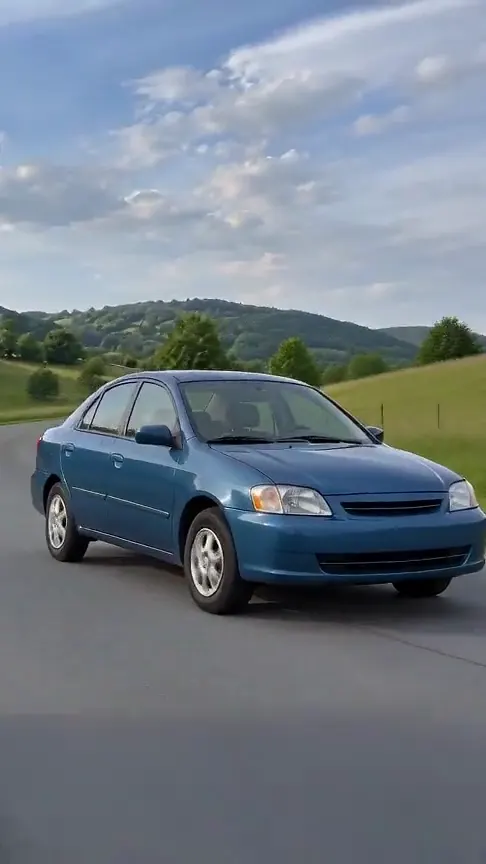
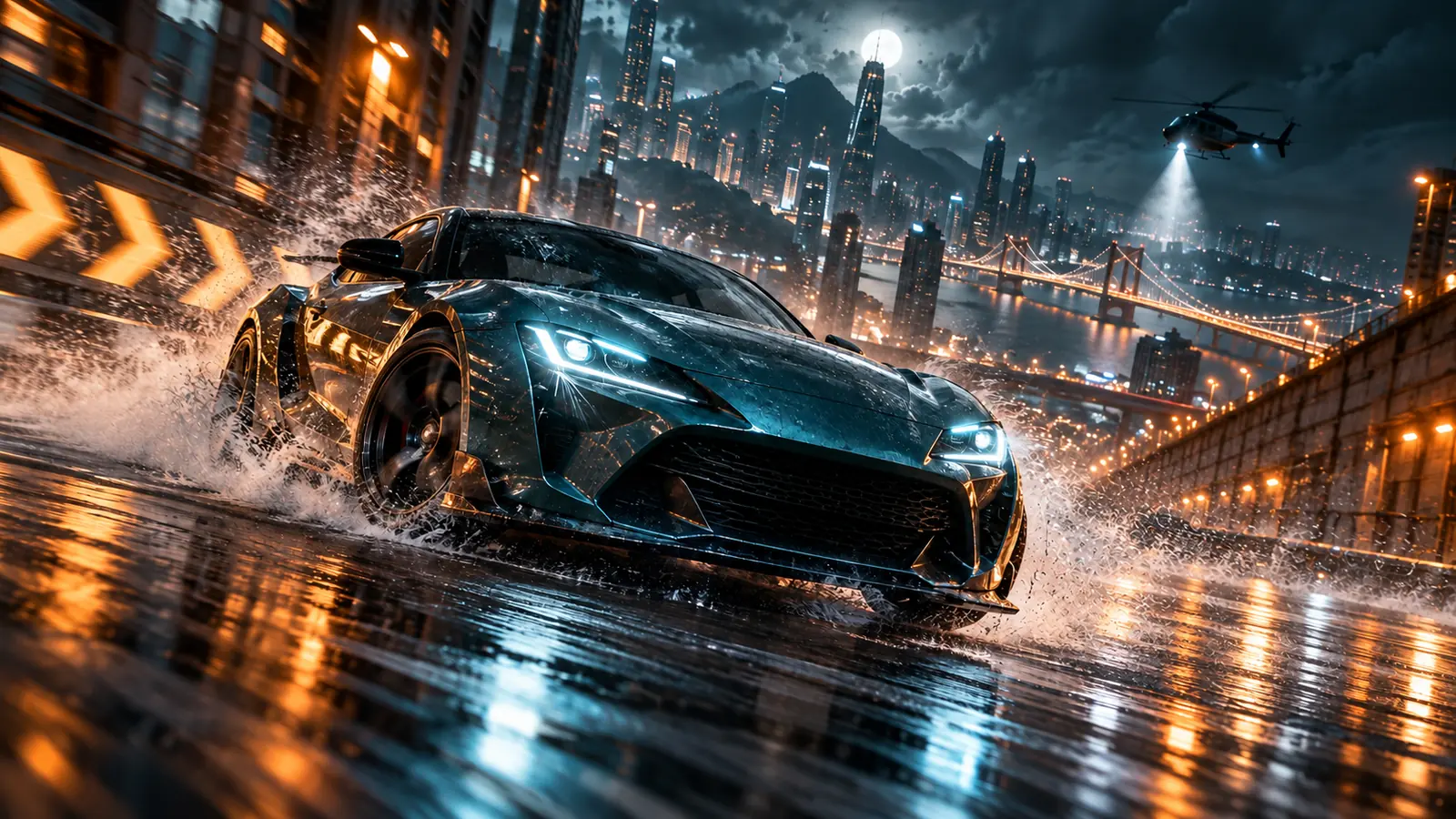
Start with a car picture. No person appears in it, and the effect needs only one front three-quarter view.
Make this video
One upright hamster picture becomes a short dancing clip.
Make this videoEach of these effects returns a short vertical clip, five seconds long when we checked. The pages for AI Dance, AI Anime Transformation and AI Outfit Change work the same way with a person in the picture.
If the picture shows a person, upload adults only. The effect pages ask you to confirm that you own the picture or have permission to use it, and that everyone shown agrees. A generated picture can still resemble a real person, so get consent from anyone it is meant to depict.
Want to steer the motion with your own words? The generator takes a text prompt plus one reference photo with Seedance 2.0 Mini, Seedance 2.0 Fast and Kling 3.0. Open the generator, upload the picture as the reference photo and describe the movement. The model pages list lengths and quality settings.
| Model | Provider | Length (s) | Resolution | Audio |
|---|---|---|---|---|
| Seedance 2.0 Mini | ByteDance | 4 – 15 | 480p, 720p | Sound can be switched on or off in the generator; it does not change the credit price |
| Seedance 2.0 Fast | ByteDance | 4 – 15 | 480p, 720p | Sound can be switched on or off in the generator; it does not change the credit price |
| Kling 3.0 | Kuaishou | 3 – 15 | 720p, 1080p, 4k | Available settings are shown in Generator |
The model weights and bundled inference code are released under Apache-2.0 [2]. The project page adds that the pipeline code and third-party components keep their own licenses [3]. The text encoder and VAE come from the Qwen and FLUX teams, whom the README thanks [1], so check their terms if you redistribute those files. The hosted API has its own terms on the MOSI platform [13]. This page is not legal advice.
Pictures of people need extra care. Upload adults only, and only pictures you own or have permission to use. The Effect Video effect pages ask you to confirm that when you upload.
The independent write-ups agree on setup. Both Japanese notes describe the ComfyUI route and say you need a recent build, since support landed in the main branch on October 16, 2026 and ships in 0.42.0 and later [14] [15].
On quality the notes are less uniform, partly because the testers used different checkpoints. Kamimoto tested Base on an RTX 4070 and found the anime output weak and the photoreal output decent but not clearly better than other recent models. He suggested waiting unless you train a LoRA, and he later added that a character LoRA changed his view [15]. hirorohi, writing from the 2D illustration side, calls MOSS-Image among the strongest local options for anime and illustration, with strengths and weaknesses. He found Base harder to use for clean illustrations than SFT [14].
Slow 50-step runs have drawn several community workarounds. The README's community list includes an 8-step DMD distillation of SFT and a Spectrum-style accelerator for ComfyUI [1]. The posts below show creators comparing few-step runs with the standard one, and Kamimoto reports that few-step runs tend to simplify the painting.
The three videos below cover the model in ComfyUI and as a local generator. The first, from the ComfyUI channel, announces ComfyUI support [17]. The third pairs a ComfyUI tutorial with a free Kaggle notebook, going by its title [19]. The second includes a sponsor message for a different product [18].
This page collects public material. We read the official repository, the model cards and the technical report, ComfyUI's documentation, three independent write-ups, three YouTube videos and a set of X posts, compared what they say and summarized it. Quotes are short and credited, and every figure comes from a numbered reference. We did not run MOSS-Image or measure it ourselves.
Videos play in YouTube's official player and posts appear through X's public data. This page shows no MOSS-Image sample pictures; the official showcase lives on the project page and in the repository. Last checked on October 22, 2026. If a source changes or disappears, we update or remove the line that relied on it.
MOSS-Image is now supported in ComfyUI[17]
ComfyUI ·
New top local AI image generator is here![18]
Includes a sponsor message for another product.
MOSS-Image AI Model Showcase - ComfyUI Tutorial | Free Kaggle Notebook[19]
🤗 MOSS-Image is now open source on @huggingface . Built on a 5B Diffusion Transformer (DiT), MOSS-Image brings Chinese & English text rendering and controllable layouts to image generation —…
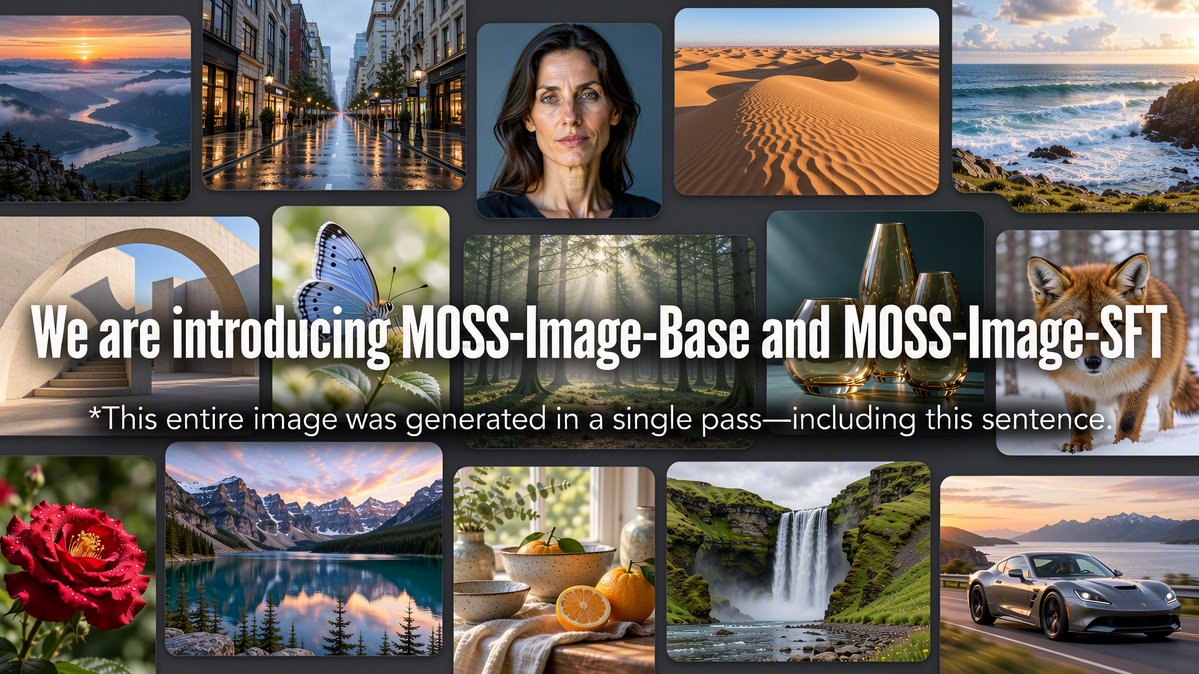
MOSS-Image is now supported in ComfyUI @OpenMOSS dropped an open-weight image model that has blown up across the community. It’s a 5B model that renders legible text, accepts structure layout…
Congrats to the @Open_MOSS team on the open-source release of MOSS-Image! 🎉 Proud to support MOSS-Image on Day 0 with vLLM-Omni! 🚀 Excited to help bring powerful image generation models…
How do you get an image model to put the title exactly where your poster needs it? OpenMOSS's new MOSS-Image lets you spell that out in JSON. Released October 16…
MOSS Image dropped less than a week ago and it’s already at 1.29M downloads on Hugging Face. If you have consumer hardware, this open source image model is for you…
moss base 8 steps DMD tune https://t.co/RL0iIw3Ofx moss SFT 8 steps DMD tune https://t.co/M5EkVIPeGX go wild!
MOSS Image高速化比較!今回はRTX3060 12GBで比較しました。 通常:83.4s DMD 8step:8.0s Kijai 4step:4.3s LazyCache:48.8s Spectrum:42.9s DMD, Kijaiは塗り・描画が簡素化される傾向。DMD 8stepはポーズが変わらないので、DMDでガチャして良い画像ができたら50stepで再生成するのが良いかも!

MOSS-Image Baseの高速化LoRAに新しいDMD2版が登場。 lodestonesが従来の8-step DMDをベースに、GANで追加学習したLoRAを公開。 通常のEulerで4〜8ステップ、CFG 1で生成可能。Redditには作例も出ているけど、ボケや人体崩れへの指摘もあり、画質面はまだ課題がありそう。 配布先は返信欄に。
MOSS-Image API is live FOR FREE ⚡ API: https://t.co/9ywAcuQH1u Join our Discord to share your creations, exchange ideas, and technical support: https://t.co/nnAQVTNuLr…

 ModelOct 11, 2026
Create fast video clips with Seedance 2.0 Mini on Effect Video. Check available 480p and 720p settings, community insights, and documented inputs.
 ModelOct 11, 2026
Create AI videos with Seedance 2.0 Fast on Effect Video. Review supported settings, creator tests, and documented limits before you generate.
 ModelOct 22, 2026
Generate AI videos with Kling 3.0 on Effect Video: text and a reference photo, 3, 5, 8, 10 or 15 second clips, 720p to 4k, credits shown first.