How to make the Tip Toeing in My Jordans AI video with your own photos
Make the Tip Toeing in My Jordans AI video with your own adult photo, optional onlooker and background images, with reference audio mixing that may fail.
By Effect Video editorial teamUpdated
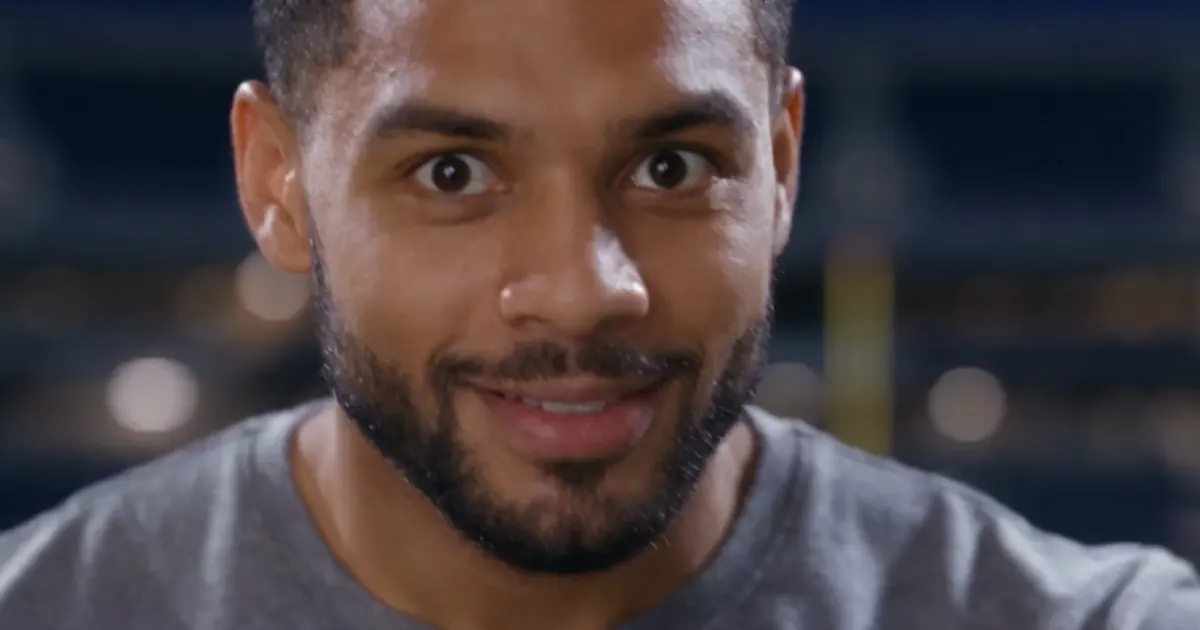
If you have seen the rumpelstiltskin tip toe dance across social feeds in 2026, you already recognize its playful rhythm. The viral AI-generated short clip shows a short, Rumpelstiltskin-like character in a black suit dancing inside a straw barn. Its visual style imitates an old movie. Paired with Riff Raff's 2014 track "Tip Toe Wing In My Jawwdinz" and the signature lyric "tip toeing in my jordans," the clip took off again in mid-October when NFL players used the dance for touchdown celebrations. US media outlets including NBC Chicago also reported that the viral video was AI-generated. With the Tip Toe Jordans tool on effect.video, you can apply that fixed reference dance to your own photo and get a 12-second, 16:9 horizontal MP4 in 720p.
What photos you need to prepare
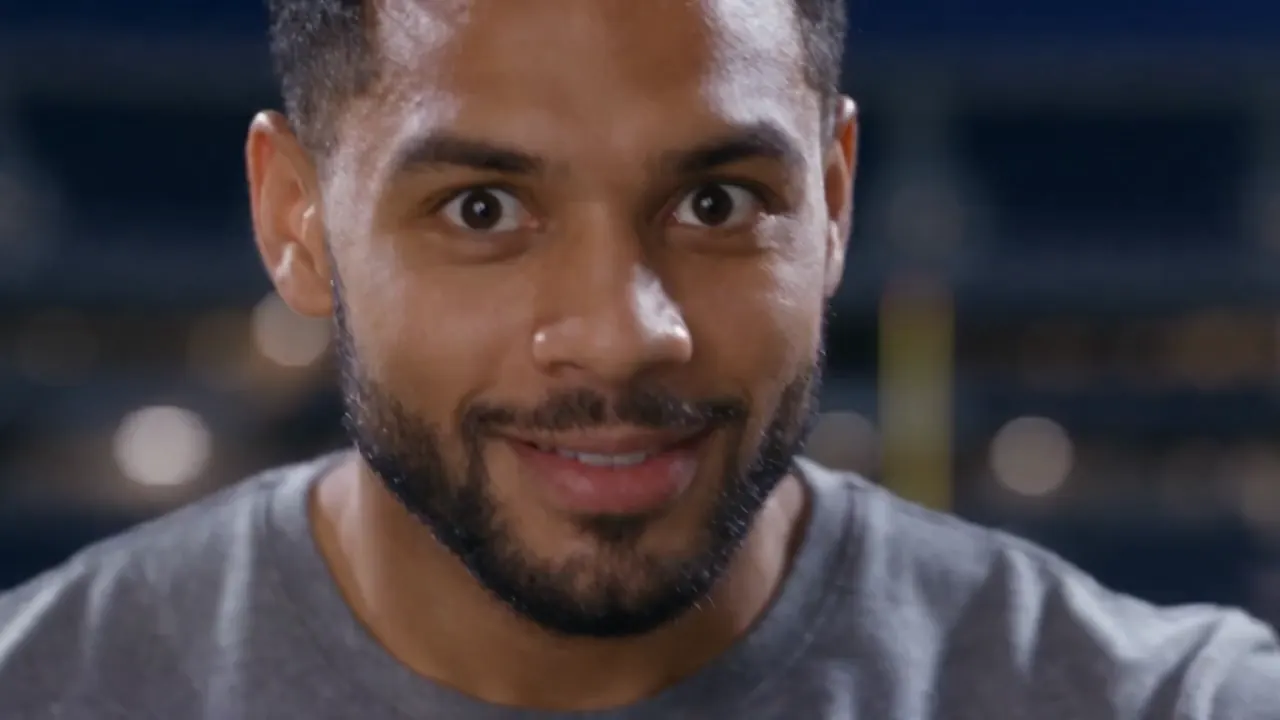
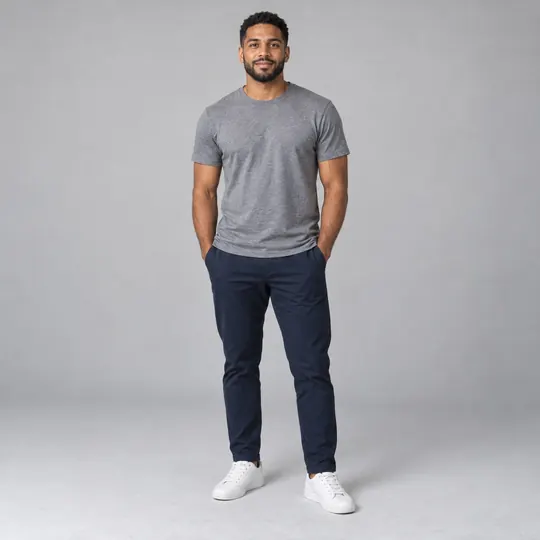
You need one required photo showing a single adult for the main dancer role. You can also prepare two optional images if you want to customize the supporting cast and setting. One optional photo replaces the onlooker sitting and watching in the barn, and the other optional photo replaces the straw barn background. Pet photos are not supported right now, so choose portraits of adults only. Make sure you have the right to use every photo you upload and that everyone pictured has given their consent.
Four steps to make your video
Step one is uploading your adult dancer photo into the first upload slot on the page. Step two is adding an optional onlooker photo, an optional background photo, and an optional text note describing your desired scene. Step three is checking the required credit amount displayed on the page and starting the generation. Your character will follow the reference routine by swaying side to side, tiptoeing forward, spreading both arms, spinning around, crouching down, and ending with a shh gesture. Step four is downloading your finished 12-second 720p MP4 within the 7-day storage window, with reserved credits refunded automatically if generation fails.
How to swap the onlooker and barn background
Uploading a second photo replaces the seated person watching the dance, while uploading a third photo swaps the barn for your own background scene. The reference guides the dance and camera work when you change the setting; generated motion and continuity can differ. If you want to upload only the dancer photo and a background photo without an onlooker, upload your background image in the second slot. Then type "background only" in the optional text note so the tool applies your image to the scene background.
Tips for better results and sharing on TikTok or Reels
A few simple preparation choices help the tiptoeing in my jordans ai effect produce cleaner frames. Pick a front-facing photo with clear lighting for your dancer, and keep each uploaded photo limited to one person. When you replace the setting, choose a horizontal background image with a composition similar to the straw barn scene. Before you generate, check the three real AI-generated sample videos lower on the page for a realistic preview. Facial shapes, backgrounds, and shot continuity can drift across shots, and the onlooker close-up may show a gray background. The original song is mixed in during final packaging, though the downloaded video may have no sound if audio mixing fails. When you share your finished clip on TikTok or Reels, label it as AI-generated, and note that this unofficial fan recreation is unaffiliated with Riff Raff, the NFL, Nike, or Jordan Brand.
Which tiptoe template should I choose?
Choose Rumpelstiltskin Tiptoe for a 15-second barn dance from one adult photo (9:16 by default, with 16:9 available), at 17 credits for the default Mini 720p run. Choose Tip Toe Jordans for a 12-second 16:9 scene at 12 credits, with a required dancer photo and optional observer and background photos. The dancer performs the routine; the observer fills the seated reaction role. Faces, motion and backgrounds can drift. Eligible verified accounts can claim 5 welcome credits once, enough for a standard 5-second preset but insufficient for either full tiptoe template. See pricing for credit options.
A ready-made template or a general video prompt?
These templates supply a reference video to guide the dance, camera and cuts. General text-to-video and image-to-video tools give you more freedom to describe a scene, but a prompt asking for a tiptoe dance can produce random dance steps rather than this meme's routine. Reference guidance still allows visible differences; the examples show the limits.
What if the downloaded MP4 has no sound?
First unmute your player and check the device volume. The reference soundtrack is mixed in during packaging, and a mixing failure can leave a completed silent MP4 without an automatic credit refund. Failed video generation returns reserved credits. If the file is still silent, import it into a video editor, add an audio track you have permission to use, and export a new MP4. Listen to the exported file before sharing.
For photo processing and deletion requests, read the Privacy Policy. Uploaded photos are used to process the video; the seven-day download window applies to finished results. Request deletion from the account page or contact hello@effect.video with your account email and relevant job reference. Save any video you want to keep first.

Your questions, answered
Official and provider documentation
Tests, reviews and coverage
- 5NBC Chicago: the AI-generated Rumpelstiltskin dance memeAccessed Oct 21, 2026